
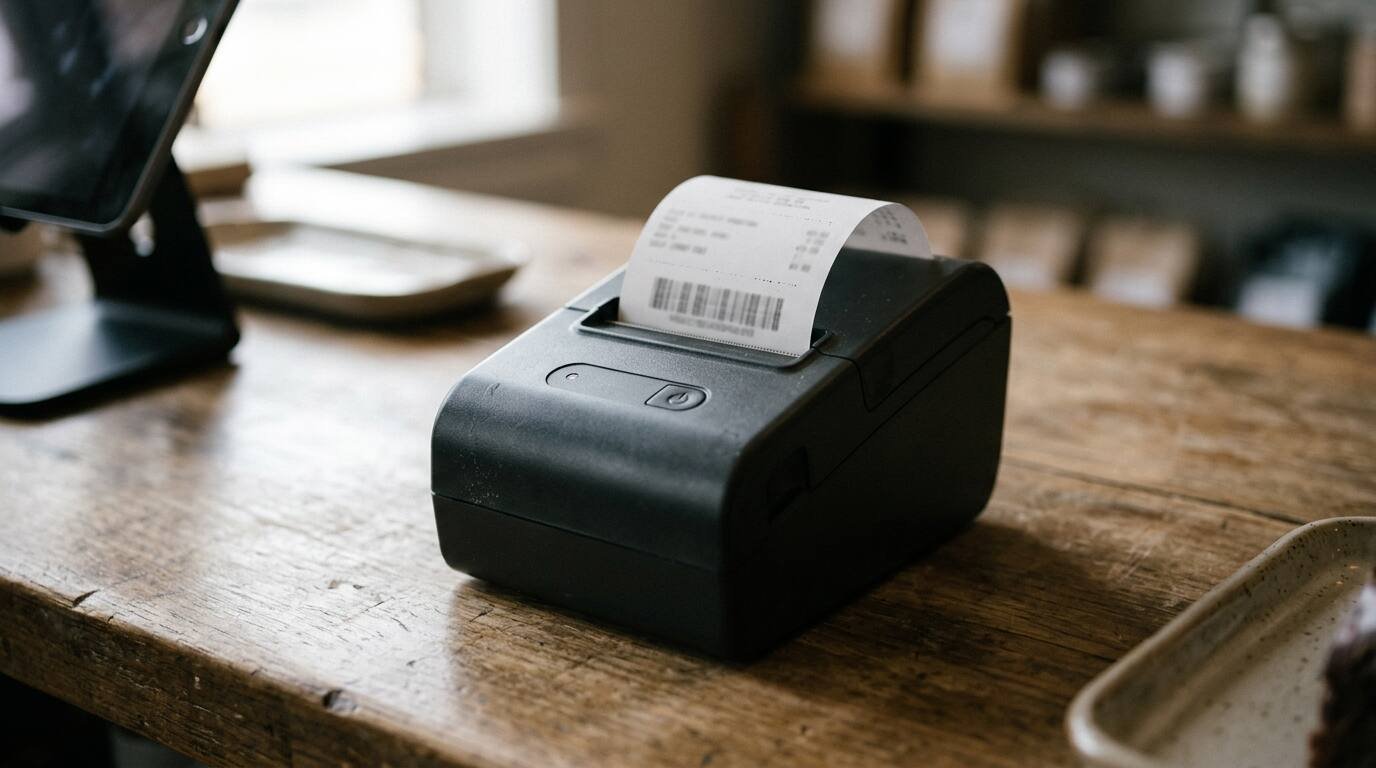
A POS system needs two kinds of printing, and they rarely suit the same machine. Customer receipts want a fast, quiet printer that needs no ink, which describes a thermal printer. Kitchen tickets are printed next to a grill or fryer, where heat and grease are the problem, and many kitchens use an impact printer with an ink ribbon instead. Specifications below come from Epson’s product pages, Toast and Square support and shop pages, a reseller buying guide and the U.S. Environmental Protection Agency, all read at the time of writing.
How thermal and impact printers differ
A thermal printer darkens specially coated paper with a heated print head. No ink, toner or ribbon is involved, and the only consumable is the paper roll. An impact printer strikes an inked ribbon against plain paper with a pin matrix, the way a dot-matrix office printer did. Spartan POS, a hardware reseller, describes thermal as fast and quiet and common at retail checkout and in hospitality, and impact as common in restaurant kitchens, with its louder printing noise able to alert kitchen staff that a ticket arrived. Its buying guide also warns that thermal paper must never be fed into an impact printer.
Epson’s OmniLink TM-T88VII is a current example of the thermal class. Epson lists print speeds up to 500 mm per second on 80 mm media with its PS-190 or PS-180 power supply, and 450 mm per second otherwise, along with a four-year limited warranty. The TM-U220 is the impact counterpart: a 9-pin serial impact dot matrix printer rated at 4.7 lines per second at 40 columns and 6.0 lines per second at 30 columns. A receipt printer measured in millimeters per second and a kitchen printer measured in lines per second are not competing at the same task.
The impact printer’s advantage is heat tolerance. The reseller’s listing for the Star SP742 says impact printing tolerates heat that fades thermal receipts. Thermal printing’s advantage is everything else: speed, silence and no ribbon changes.
Two colors are possible on the kitchen side. Epson’s page for the TM-U220 lists black and red printing from a black/red ribbon, aimed at highlighting order exceptions. Toast’s paper and ribbon guide says its kitchen printer prints menu items in black and modifiers in red, with no color customization.
Connection types
Printers reach the POS through one of five connections. Spartan’s guide summarizes them this way:
- USB: simple and direct, usually tied to one computer, and best for a single fixed terminal.
- Ethernet: stable wired network printing that can serve several devices, requiring IP-address setup.
- Wi-Fi: network printing without a cable run, dependent on coverage and network setup.
- Bluetooth: direct wireless pairing for tablet and mobile POS, where the app must support the exact printer model.
- Serial: legacy compatibility, less common on modern installations.
The Epson specification pages confirm the pattern at the high end. The TM-T88VII has built-in Ethernet and USB, with serial, parallel, powered USB and Wi-Fi as options. The TM-U220 lists serial RS-232C, parallel, RS-485, USB, Ethernet and Wi-Fi interfaces, depending on the model.
For a kitchen, the practical meaning is cabling. A thermal or impact printer on Ethernet can be reached by every terminal on the same network, which suits a shared kitchen or bar printer. A USB printer belongs to the one machine it is plugged into. Bluetooth fits a handheld-and-tablet setup but depends on the POS software recognizing that exact model.

What each POS vendor supports
Compatibility decides more than specifications do, because a POS app talks only to printers it was built for.
Square’s printer compatibility page lists countertop receipt printers by connection: Star Micronics models in USB, Ethernet, Wi-Fi and Bluetooth variants, and Epson TM-T88 and TM-T82 models. It also names two kitchen categories, kitchen impact printers and kitchen thermal printers. Square’s shop describes the mC-Print30 as a thermal printer that connects by Ethernet or USB, and its Star SP742ME as an Ethernet kitchen impact printer.
Toast’s compatible printers list includes its own TP300 printing hub and TP200 receipt printer, a Toast kitchen printer, the Epson TM-M30 wireless through a dongle, and older Epson models that are no longer sold but still supported, such as the TM-U220B, described as non-thermal and used “in the kitchen and warmer locations.” Toast’s paper guide adds that its TP300 and TP200 are thermal printers using 80 mm rolls, while its kitchen printer, built on the Epson U220 and M300, uses a 76 mm roll and an ink ribbon.
Clover’s restaurant pages list a receipt printer as included on full-service tiers and built into the Mini and the Flex, with a kitchen printer as an available accessory on every restaurant tier, per the quick-service and full-service pricing pages. Model and connection details sit behind “See details” links not captured for this article.
The upshot: a printer bought before the POS is chosen may not work with it. How POS vendors handle kitchen routing is a software question, and the staff side of it is covered in training restaurant staff on a new POS system.
Paper widths, rolls and ribbons
Paper is the recurring cost, and the width has to match the printer. Toast’s guide lists its thermal printers on 80 mm rolls, with recommended 3 1/8 inch by 230 foot paper, and says “Toast does not sell printer paper,” leaving purchase to the operator. Its kitchen printer takes 76 mm paper in 1-ply bond or 2-ply carbonless, and the guide states that 3-ply paper must never be used in those printers and can void the warranty.
Epson’s TM-U220 page lists accepted paper widths of 58, 70 or 76 mm, and an ERC-38 ribbon rated at 3,000,000 characters in black, or 1,500,000 black and 750,000 red on the black/red version. Spartan’s guide advises recording the existing paper width, about 58 mm or 80 mm, before replacing a printer, and confirming maximum roll diameter for the model. It lists some TM-U220 variants as running 58 or 70 mm paper.
Ribbons are a supply-chain detail worth a check. Toast notes its kitchen printer ships with a starter ribbon and that Epson ERC-30, 34 and 38 cartridges are sold by the box of 12. The reseller guide, for its part, lists the Star RC700B ribbon for the SP700 series as currently unavailable and requires bond paper in the SP742, a reminder that an impact printer is only as dependable as the ribbon stock behind it. A thermal printer has no such dependency, which is one reason receipt stations rarely use impact models.
The cheapest roll that fits is not always the right one. Label printers are a separate class with their own media rules, discussed in thermal label printers for a small online shop. Toast’s label printer guide, for instance, warns that paper outside specification can damage the auto-cutter and void the warranty.

Thermal paper and BPA
Most thermal paper is coated with a developer chemical that reacts with heat. The EPA, in its partnership page on bisphenol A alternatives, explains that bisphenol A (BPA) serves as that developer, is used mostly in lower-grade papers such as receipts, and that unreacted “free” BPA has been reported in thermal paper. The agency states that workers who handle thermal paper often, such as cashiers and restaurant servers, “may be at greater risk of exposure.”
The EPA’s review of 19 functional alternatives concluded that no alternative showed low concern across every human health and environmental hazard measure, and that every option involves trade-offs. A paper labeled BPA-free is therefore a statement about one chemical, not a guarantee. Operators with staff who handle receipts all shift can ask a paper supplier which developer chemical the roll uses and request the supplier’s documentation.

Cash drawers, cutters and other connections
The printer often runs the cash drawer. Spartan’s guide says cash drawers usually connect through the receipt printer’s drawer-kick port, and that drawer cables must match the printer brand. A printer swap can therefore break the drawer even when the printing works. An auto-cutter matters in a kitchen because torn tickets slow the line, and Epson’s TM-T88VII page lists a rated auto cutter life.
Network placement deserves one more note. Spartan’s guide says Ethernet printers require IP-address setup, which means a network printer is a small piece of network equipment as much as a peripheral, and whoever manages the router needs to know each printer’s address before the first rush.
Before ordering, the following should be on a short list:
- The POS vendor’s current compatible-printer page, checked against the exact model number.
- Connection type for each station: Ethernet for shared printers, USB for a single terminal, Bluetooth only where the app supports the model.
- Paper width and type for each printer, bought before the printer arrives, including a case of bond paper and spare ribbons for any impact printer.
- A spare receipt printer or a plan to take sales without one, since a dead printer should not stop a register.
Sources
- https://epson.com/For-Work/POS-System-Devices/POS-Printers/OmniLink-TM-T88VII-Single-station-Thermal-Receipt-Printer/p/C31CJ57052
- https://epson.com/For-Work/POS-System-Devices/POS-Printers/TM-U220-Receipt-Kitchen-Printer/p/C31C514653
- https://spartanpos.com/pages/receipt-printer-comparison
- https://support.toasttab.com/en/article/Toast-Compatible-Printers
- https://support.toasttab.com/en/article/Printer-Paper-Rolls-and-Ink-Ribbons-1492745816150
- https://squareup.com/us/en/compatibility/accessories/printers
- https://squareup.com/shop/hardware/us/en/products/mc-print30-receipt-printer
- https://squareup.com/shop/hardware/us/en/products/star-micronics-ethernet-kitchen-printer
- https://www.clover.com/pricing/quick-service-restaurant
- https://www.clover.com/pricing/restaurant
- https://www.epa.gov/saferchoice/partnership-evaluate-alternatives-bisphenol-thermal-paper
All pages fetched at the time of writing.


