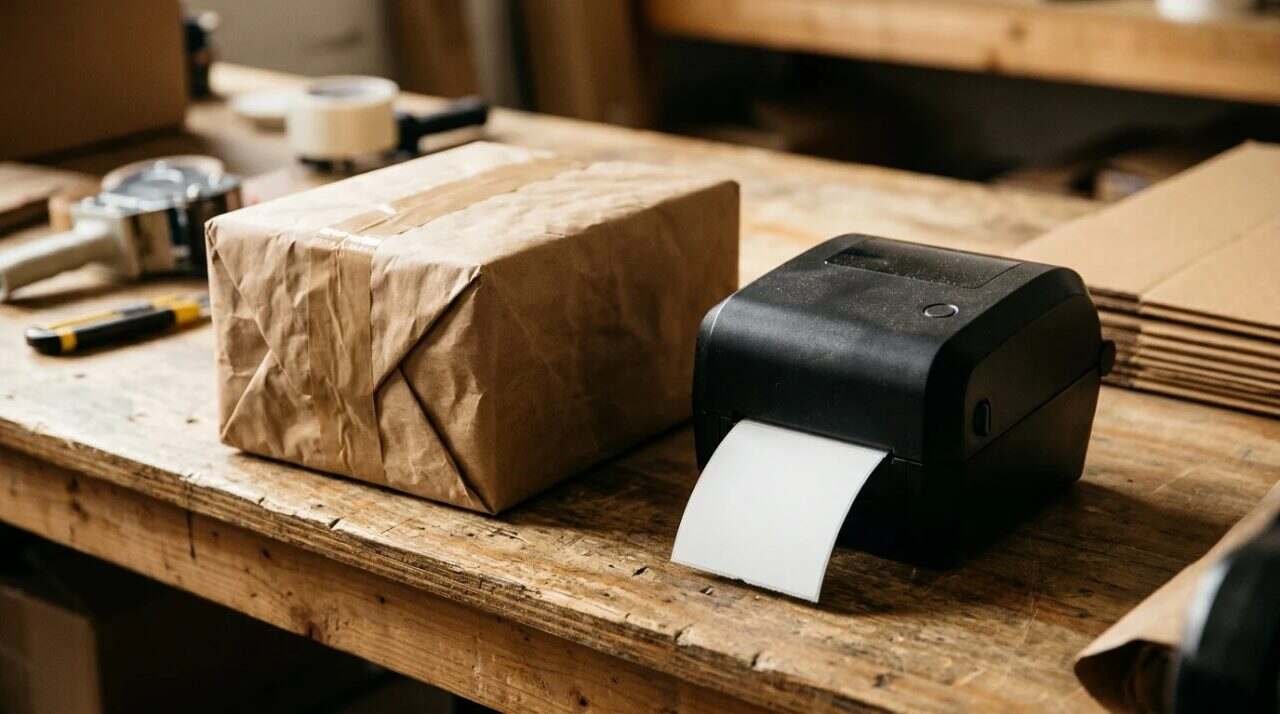
For shipping Marcellino NY briefcases, a Rollo or a Dymo 4XL is the standard. They are workhorses that don’t require proprietary ink, which is essential when you want to keep operational overhead low and focus on the craft. Marcellino NY is my own business, so treat this as a recommendation from a seller and not from a neutral reviewer.
A shipping label is a printing problem first

A parcel leaves the building with a label on it or it does not leave at all. The label has to be large enough to scan, dark enough to read, and ready the moment the box is taped. A shop that ships a few boxes a week can print on a sheet of paper and tape the sheet down, but the habit has a cost that shows up in the margins: a wasted sheet, a smudged barcode, a spare minute at the counter with a roll of tape.
A thermal label printer is the tool that removes that minute. It prints one label at a time, on a roll, in the size the carrier expects, and it does it without a cartridge to run dry in the middle of the Friday rush. The two names I give for it are Rollo and Dymo, in particular the Dymo 4XL, and the rest of this post covers what each is, what the makers say about them, and what to watch for.
How a thermal printer prints without ink
Direct thermal printing, the kind both of these machines are sold for, makes its image with heat. The print head touches a label coated with a dye that changes color when heated, and the label darkens where the head applied the heat. A knowledge page from the label maker Labtag puts it as printing with heat instead of ink, toner or ribbon.
That is the whole reason there is no ink to buy. It is also the source of the one real weakness. The same Labtag page says direct thermal print is unstable and prone to fading over time, that heat and humidity make the fading worse, and that friction can generate enough heat to leave marks. A shipping label has to last a few days in transit and not a few years on a shelf, so the weakness rarely matters, but it matters a great deal if you plan to use the same labels for something that has to stay readable for a long time.
Rollo and Dymo
The Rollo
Rollo describes its machines on its own site with the line “Zero ink, zero hassle,” and sells its own direct thermal labels in various colors and sizes. The company also makes a shipping app called Rollo Ship, which supports USPS, UPS, FedEx, Canada Post and Purolator for comparing rates and buying labels. The site says the app works with any printer and pairs with a Rollo thermal printer, and that it runs from the web, iOS and Android. A free Label Designer is available for desktop, iOS and Android.
The Amazon listing for the USB model gives the working numbers. It says the printer works with Windows (XP and newer) and Mac (10.9 and newer) over USB, prints at 150 mm per second, which the listing describes as one 4×6 label per second, at 203 DPI, and handles labels from 1.57 inches to 4.1 inches wide. Because the width range is wider than a shipping label, the listing also sells it as a custom label maker for jobs other than shipping.
I read those figures off the live Amazon pages. A spec is less likely to move than a price, but check the page itself before buying.
The Dymo 4XL
The Dymo LabelWriter 4XL is the other name I give. The Amazon listing says it prints labels up to 10 cm wide, including shipping labels, warehouse labels and barcode labels, and that the free DYMO software includes over 60 label templates. It claims up to 53 standard four-line address labels a minute, and it says shipping labels can be printed directly from eBay, Amazon and Etsy.
The listing also says that for best performance the printer should be used with authentic DYMO labels, and sells them in a range of sizes that includes an extra-large shipping label. That sentence is the one to read before buying, and I come back to it below.
Where the cost goes when the ink is gone
Overhead is what eats the time meant for the work, and a small shop has very little time to spare. Ink and toner are overhead of an annoying kind, since a cartridge tends to run dry in the middle of a job. Removing them takes a small, regular problem off the table, which is the point of the advice I started with.
The honest turn is that the cost does not disappear. It moves to the labels. A direct thermal printer needs thermal label stock, which is a consumable you buy by the roll, and Dymo’s own listing advises using its labels for best performance. Rollo sells its own labels too. So the saving is real, but it is the saving of one kind of consumable for another, and the question to ask is which of the two is cheaper and easier to keep in stock. Whether either maker’s labels are cheaper than generic ones is a number I did not look up and would not print here, since it changes with the season.
The practical habit is to keep a spare roll on the shelf, the same way a kitchen keeps a spare case of the thing it cannot run without.
Software and the first label
A printer is half of a labeling system and the other half is whatever tells it what to print. Rollo’s site names two pieces: Rollo Ship, for comparing rates and buying postage, and a free Label Designer for the labels that are not shipping labels. Dymo’s listing names its own free software, with the templates mentioned above, and adds that the printer can print shipping labels directly from the three marketplaces it lists.
That difference in approach is worth a minute of thought. One maker offers a shipping app of its own, and the other leans on the places where the order already lives. Neither is better in the abstract. A shop whose orders arrive through one marketplace may never need a second app, while a shop that sells from its own site and a marketplace at once may like having one place to buy postage from.
Four checks before the first label
- Confirm that the computer is on the list. The Rollo listing names Windows and Mac versions by number, and an old machine can fall outside them.
- Confirm the label size the carrier or marketplace wants, then buy a roll in that size before anything else, since a printer with the wrong roll in it is a paperweight.
- Print a test label on plain scrap or a single label and scan it with a phone, because a barcode that scans on the screen can still fail on paper.
- Decide where the spare roll lives. Direct thermal labels fade with heat and humidity, according to Labtag, so the drawer beside the radiator is the wrong drawer.
None of this is complicated, and all of it is the kind of thing that costs twenty minutes on a bad afternoon if it is skipped. The first label on a new machine is a good time to find out.
Choosing between the two, and where to find them
For a small shop the choice usually comes down to three questions.
- What label size does the carrier or marketplace want? That decides the roll, and the roll decides which of the two machines is the better fit.
- Where do the labels get made? If the shop buys postage through an online marketplace, the Dymo listing says it prints from eBay, Amazon and Etsy. If the shop prefers to compare carrier rates in one app, Rollo’s own shipping app does that for the five carriers named on its site.
- How much counter space is there? Both are desktop machines, and a desk with a laptop on it already has a shape that a printer either fits or does not.
The decision is closer than the sellers want it to be, which is why I name both. Either one is a workhorse, and either one will outlast the argument about which to buy.
Where to find them
Both products are sold on Amazon, and I checked each product page before linking it.
- Rollo USB Shipping Label Printer – Commercial Grade 4×6 Thermal Printer. A USB direct thermal printer for 4×6 shipping labels. See it on Amazon (affiliate link)
- Dymo LabelWriter 4XL Label Printer, Prints up to 10cm Wide Labels, USB Connected. A wide-format label printer for shipping and warehouse labels. See it on Amazon (affiliate link)
As an Amazon Associate I earn from qualifying purchases. A commission may be earned if you buy through this link, at no extra cost to you.
For informational purposes only. Specifications and availability change, and shipping and postage rules are set by each carrier, so check the carrier’s current requirements before printing labels in quantity.
Sources
- Rollo: https://www.rollo.com/
- Amazon, Rollo USB Shipping Label Printer: https://www.amazon.com/dp/B01MA3EYC5
- Amazon, Dymo LabelWriter 4XL Label Printer: https://www.amazon.com/dp/B002YNVSN4
- Labtag, What is Direct Thermal: https://knowledge.labtag.com/knowledge/what-is-direct-thermal
- Rollo, USB Label Printer initial setup (YouTube): https://www.youtube.com/watch?v=6CQPBkk8bJM
- DYMO Labels, LabelWriter 4XL Set up & How to (YouTube): https://www.youtube.com/watch?v=AZKJhUTOlco