


A new point-of-sale system fails in the first week for a reason that has little to do with software. The staff who have to use it between the lunch rush and closing never sat down with it when nothing was riding on the result. Training is the part of an installation that the owner can still change after the hardware is bolted to the counter, and it is the part most likely to be squeezed into whatever time is left over.
I should say what I know and what I am borrowing. Through Nanos Media, the technology consulting group I used to run for restaurants, I installed point-of-sale systems and developed training sessions for the managers and staff who would use them. I am not going to describe those sessions in detail here, and I have not written a training program for any of the Square setup at the Heritage Diner, the family restaurant where I work. What follows leans on published material from Square and from other POS vendors, linked where it is used, and I say where a source has an interest in the answer.
Practice before anything is real
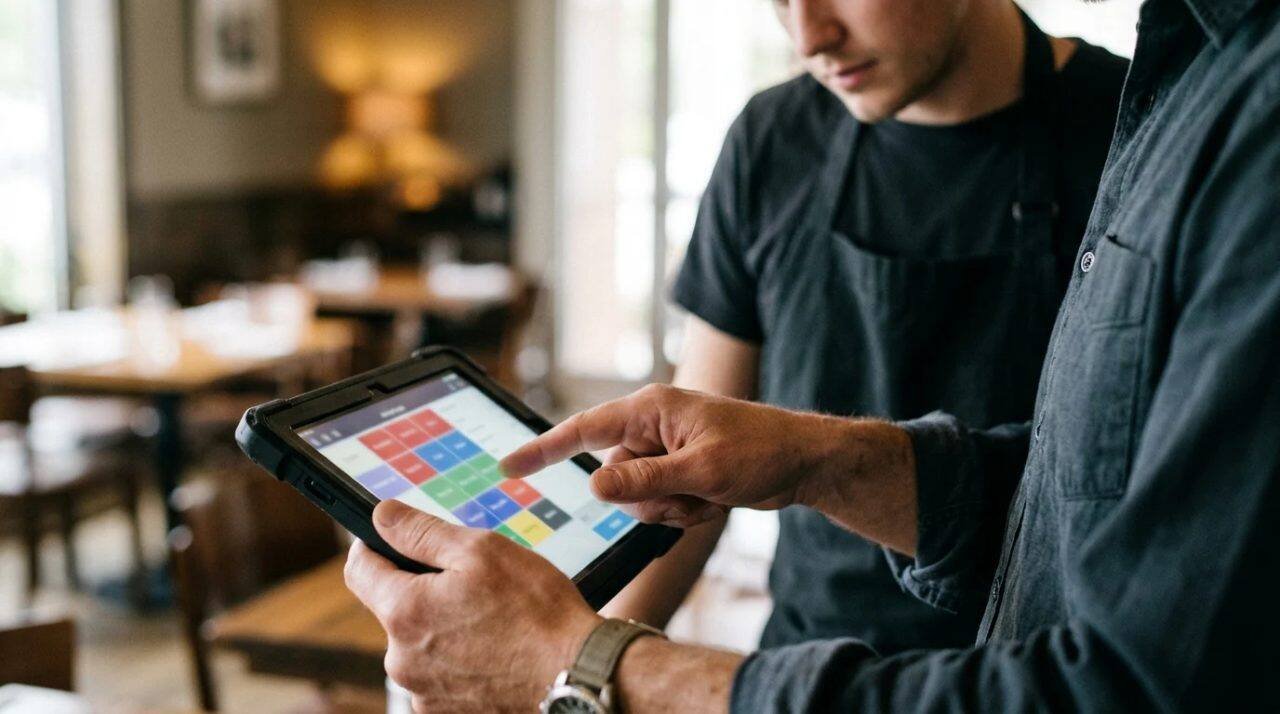
The first rule in the vendor guides is the same one a cook learns on the first day: do not practice on the customer’s plate. Lavu’s guide to training restaurant staff on POS systems tells operators to use a dedicated training mode so that practice orders never reach real sales or reports, and to build a practice menu with common items, modifiers and discounts. Per Diem’s manual for Square users makes a similar point, saying staff should learn the main areas of the interface, such as the item library, open and closed tickets and reports, in test mode before working live shifts.
Both of those are companies that sell software, one a competing POS and the other a scheduling tool for Square restaurants, so read the advice for what it is. It is sensible, and it also happens to suit their products.
One gap is worth stating. I could not confirm from Square’s own documentation that Square for Restaurants has a built-in training mode, and the two guides above do not settle it. If you run Square, ask Square support directly before you plan a session around a feature that may not exist, and have a fallback ready. A quiet hour with a separate practice menu, or a test run with the owner playing the customer and nothing sent to the kitchen, does the job when the software will not.
Split the training by who touches what
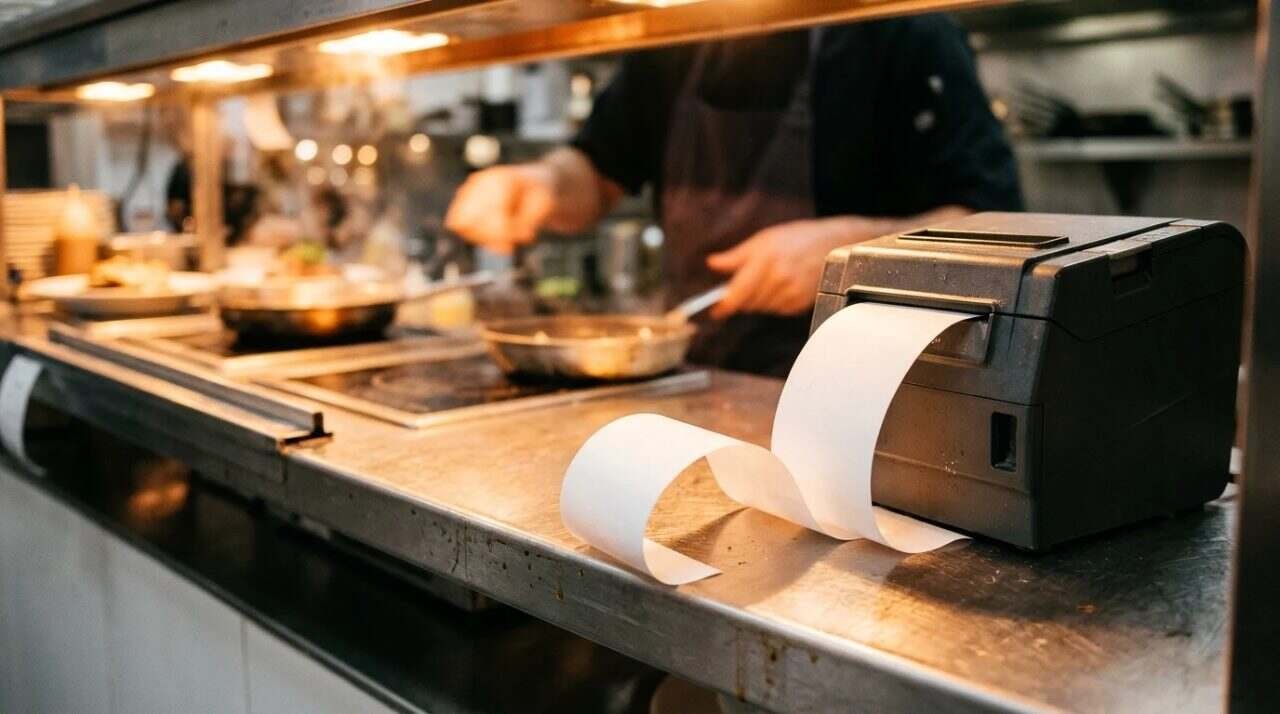
A dishwasher, a server, a line cook and a manager use a POS system in four different ways, and a single two-hour session that covers all of it teaches none of it well. Square describes its own approach this way. On its implementation support page for Square for Restaurants, front-of-house training covers hardware, printer routing, opening and closing tasks, taking orders and payments, cash handling and refunds, while back-of-house training covers sales reports, deposits, and managing employees and devices.
Notice that the front-of-house list is built around tasks, and the back-of-house list is built around decisions. The server needs to be fast at a sequence. The manager needs to know where the numbers go afterward. If you teach them together, the server sits through deposits and the manager sits through printer routing, and everyone leaves with a vague memory of a long afternoon.
The kitchen is the part people forget. A printer or a screen in the kitchen is where a mistake made at the table turns into a wrong plate. Whoever cooks should see an order arrive exactly as a server sends it, including the modifier line that a server will eventually mistype.
Order matters inside a session too. Lavu suggests teaching in modules, starting with clocking in, taking a simple order and sending it to the kitchen, and only then moving to modifiers, check splitting and discounts, with checklists and screenshots or short videos to back each module. That sequence mirrors how a new hire’s first week goes anyway. Nobody needs to split a check before they can find the table.
Permissions belong in the lesson
Most training plans treat permissions as an administrative chore that happens before the lesson. They belong inside it, since a permission is a rule the staff will run into on the floor. Square lets the account owner or someone with team management rights set up permission sets in the Dashboard, starting from Standard, Enhanced or Full access and customizing from there. The same page notes that a shared team passcode does not track sales, time or activity by individual team member.
That last sentence changes how a floor should be run. If everyone punches in with the same code, the report cannot tell you who voided a check. Individual logins cost a few minutes at the start of every shift and buy a record that points at a person, and Per Diem’s manual also tells operators to give each employee unique login credentials and to keep them confidential.
Square’s own Getting Started demos include short videos on setting up team members and permissions, signing staff in with device codes, and onboarding new hires through the Square Team app. They run a few minutes each, and they are a reasonable thing to hand a new hire to watch at home before the first shift.
Teach the bad moments
Anyone can learn to ring in a cheeseburger. The system earns its keep, or fails to, when the customer changes his mind after the order has gone to the kitchen, or a check has to be split five ways, or a card is declined with the food already on the table. Lavu’s guide singles out voids and refunds for this reason, noting that errors there cost money directly, and recommends practicing busy periods, order changes and different payment types with a trainer playing the customer.

That is the version of training I would build a session around if I were doing it today from these sources. Spend ten minutes on the easy order and an hour on the mistakes. A server who has already voided an item in practice, with the manager standing there explaining why the system asks for a reason, will not freeze at the register on a Saturday night.
There is an honest limit on this advice. A lesson built on mistakes is only as good as the list of mistakes, and the list comes from the restaurant’s own history. A trainer who has never worked a shift in your place will guess at it. If I were hired as an outsider to install a system tomorrow, the first thing I would ask the owner for is the three or four recurring problems at the counter, and I would build the practice around those.
Written material and short video
Per Diem’s manual recommends a numbered structure, plain language and screenshots, and says the manual should be tailored to the restaurant, because generic manuals are less useful. It also lists what a manual should cover: hardware, login and logout, comps and payment types, tip-outs, and the end-of-shift routine of reviewing reports, counting the drawer and closing out the register.
Square publishes a three-minute lesson, Learn about Order Workflow for Restaurants with Square, that states its goal as walking through a complete order from table to payment. The page itself contains little beyond that goal and the runtime, so I have not watched it in full and cannot vouch for what it covers beyond that. Square also lists a seven-minute walkthrough on setting up a restaurant and taking a first payment, covering menus, floor plans and running checks.
A short video is a good way to show the order of taps. A printed card at the station is a better way to remind someone at 7:30 on a Friday. The two do different jobs, and a manual that tries to be both ends up on a shelf.
After opening day
Training does not stop when the system goes live. Lavu’s advice is to hold refresher sessions after menu changes or software updates, to include POS training in onboarding for every new hire, and to look at numbers per employee, such as void rates and order accuracy, so that extra coaching goes where the data points. It adds that basic understanding may take hours but proficiency may take weeks of practice, which matches what anyone who has watched a new server learn a busy floor would expect.
The data point deserves some care. A high void count could mean a careless server, or it could mean the server who gets every difficult table. Look at the report with the person before drawing a conclusion, and treat the number as the start of a conversation. If you want help reading the reports themselves, I wrote about reading a restaurant sales report.
Menus change, too. A new item with three modifiers is a small training event of its own, and the cheapest time to teach it is before the item appears on the screen.
For informational purposes only. This post describes training practices from vendor documentation and does not substitute for advice from your POS vendor or a labor or employment professional about training time and pay.
Sources
- Square for Restaurants implementation support, Square: https://squareup.com/us/en/l/sfr-implementation
- Getting Started demos, Square University: https://squareup.com/us/en/square-university/getting-started
- Learn about Order Workflow for Restaurants with Square, Square University: https://squareup.com/us/en/square-university/restaurants/learn-about-order-workflow-for-restaurants-with-square
- Create and edit permission sets, Square Support: https://squareup.com/help/us/en/article/6430-setting-up-your-employees-with-square-for-restaurants
- How to Train Restaurant Staff on POS Systems, Lavu: https://lavu.com/how-to-train-restaurant-staff-on-pos-systems/
- How to create a restaurant training manual for Square POS usage, Per Diem: https://www.tryperdiem.com/post/how-to-create-a-restaurant-training-manual-for-square-pos-usage
- Learn about Order Workflow for Restaurants with Square, Square on YouTube: https://www.youtube.com/watch?v=2cYjuJ47HDw
- Reading a restaurant sales report, Till Post: https://tillpost.com/reading-restaurant-sales-report/


