How to Set Up Square Loyalty for a Restaurant: Step by Step
Five steps with screenshots: open Loyalty settings in Square, set the earning rule and reward, then add promotions and tiers for a restaurant.

Notes from the owner's side of the counter.
Numbered, screenshot-by-screenshot Square POS guides for restaurants.
Five steps with screenshots: open Loyalty settings in Square, set the earning rule and reward, then add promotions and tiers for a restaurant.
Three steps with screenshots: create a reusable option set in the Square Dashboard, add its options, and learn how option sets differ from modifiers.
Four steps with screenshots: open Service settings in Square, choose who adjusts tips, and set an automatic gratuity by order or by party size.
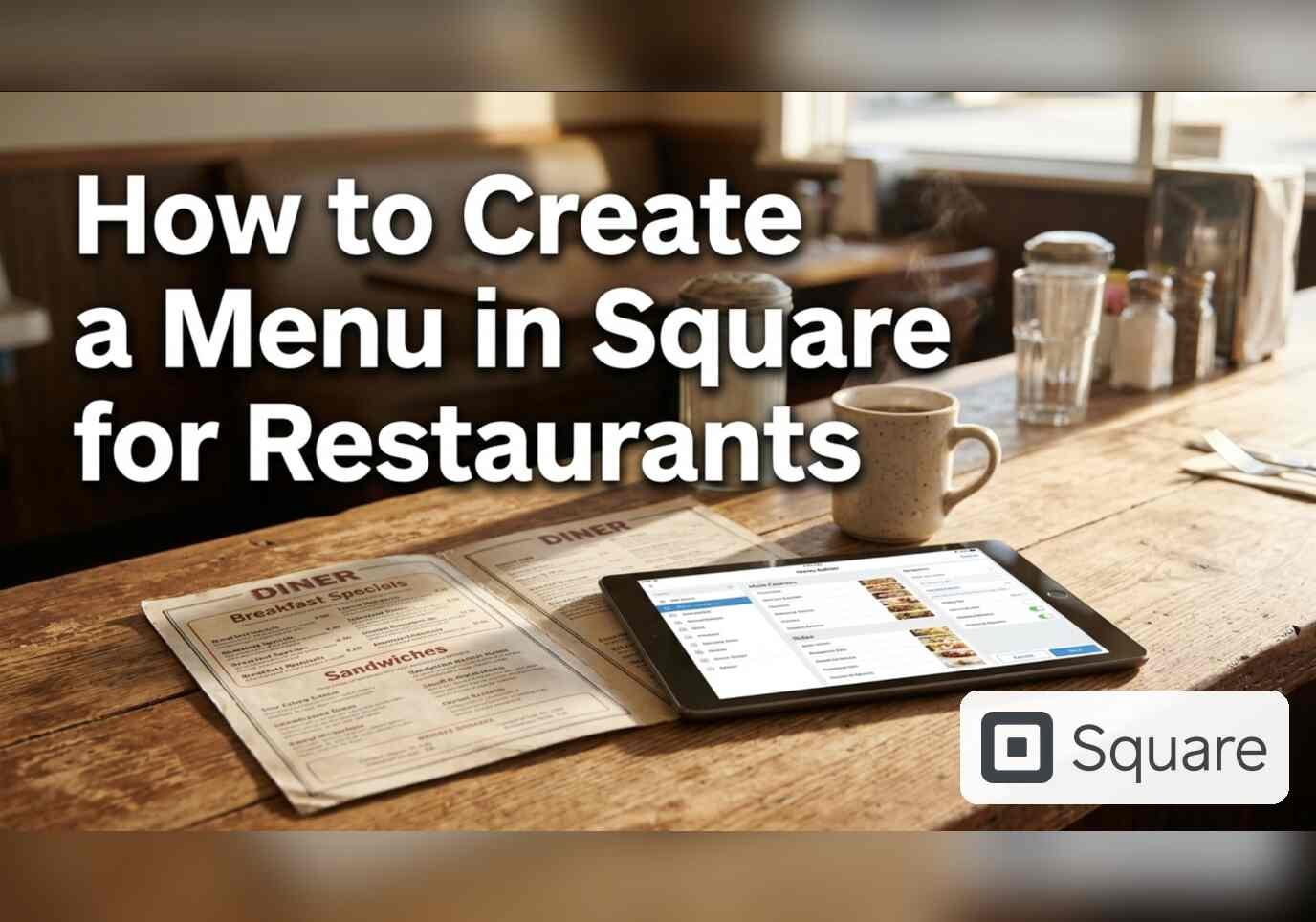
Three steps with screenshots: create a menu in the Square Dashboard, pick one of six ways to start it, and choose the channels where the menu shows.
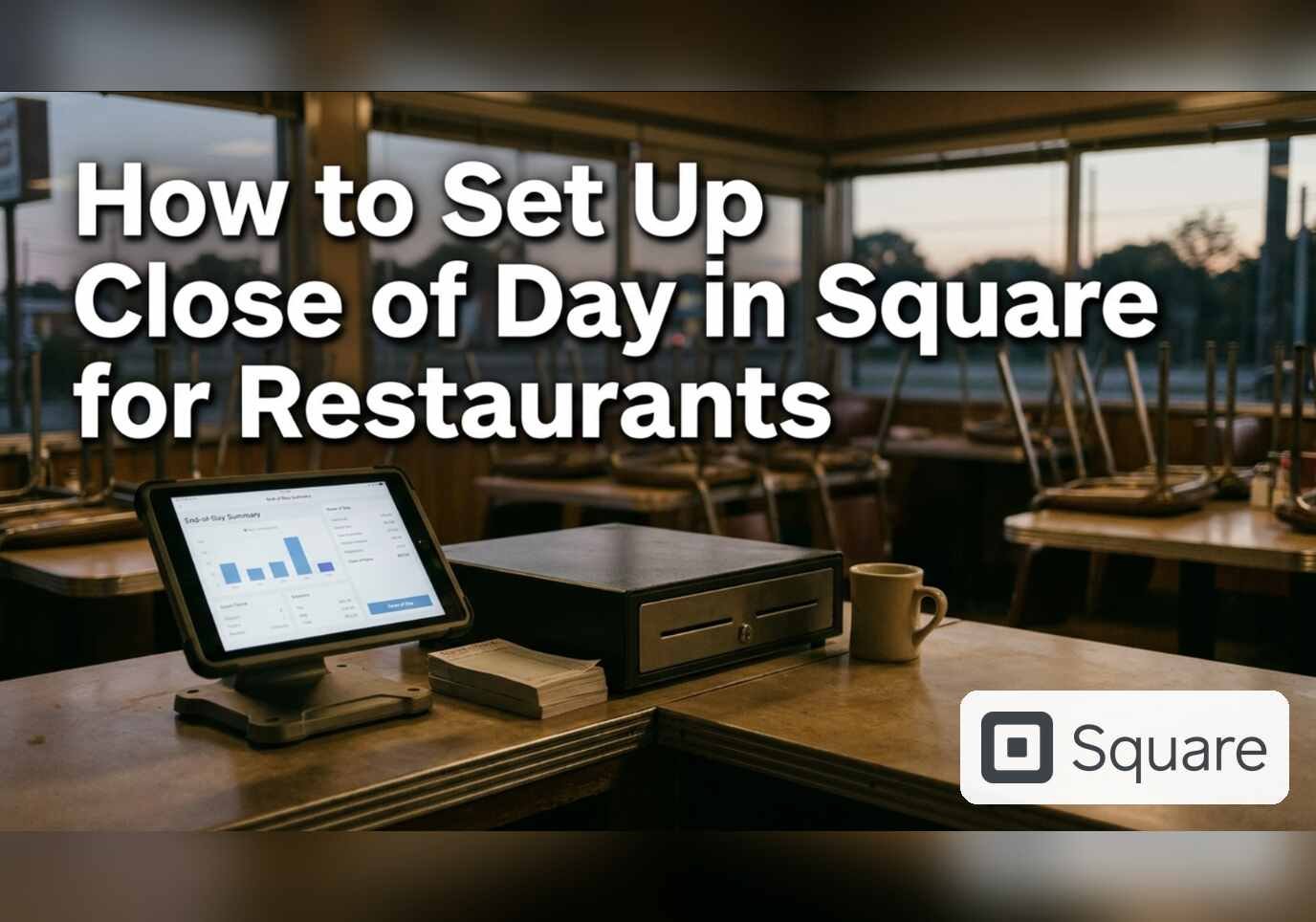
Five steps with screenshots: set the required closing tasks, shift report rules, reopen-check method and bar tab pre-authorization in Square for Restaurants.
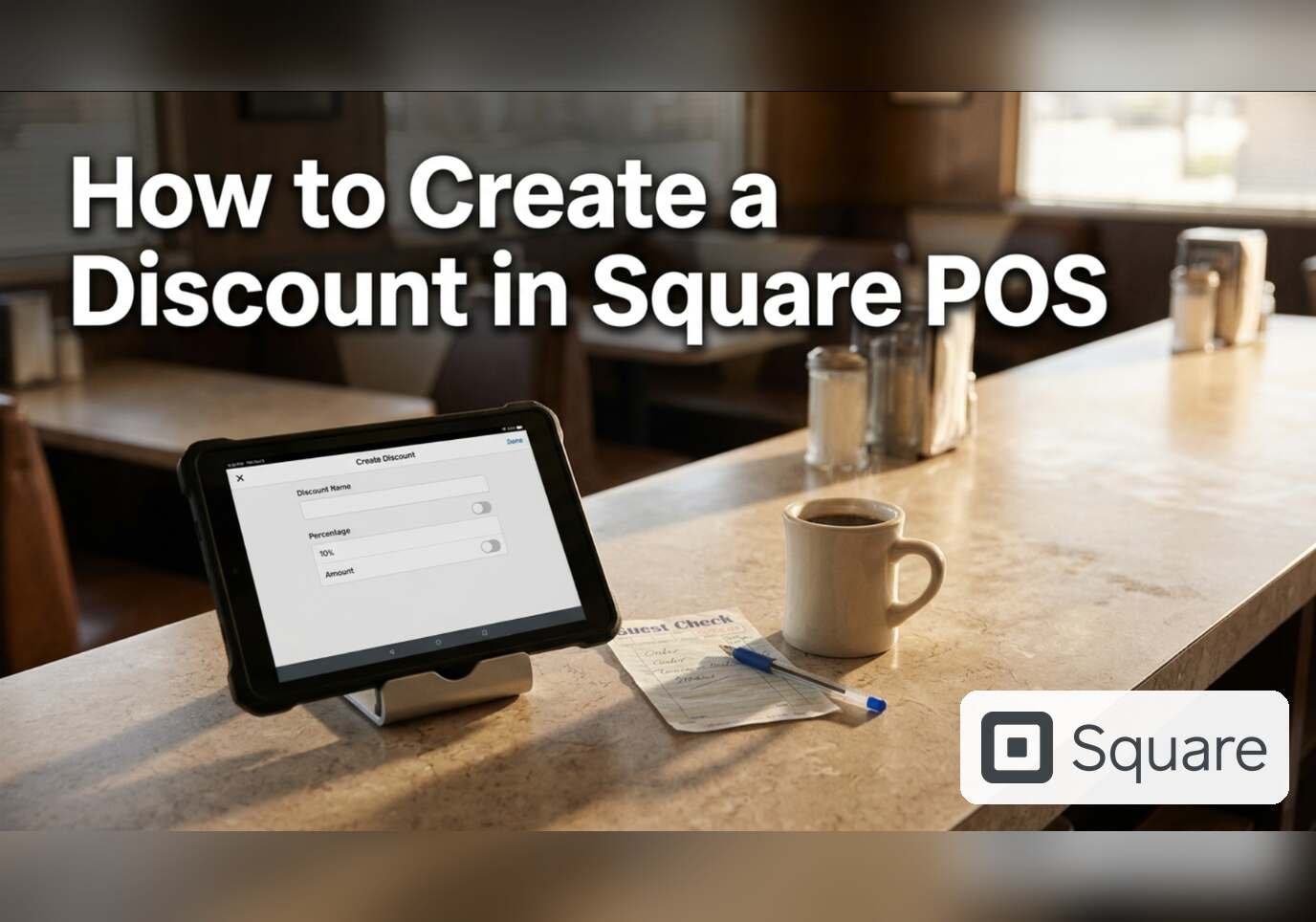
Three steps with screenshots: create a percentage or fixed discount in the Square Dashboard, add automatic discount rules and cap the maximum value.
Five steps with screenshots: find Sales taxes in the Square Dashboard, create a tax, set where it applies, and choose additive or inclusive calculation.
Six steps with a screenshot at each one: create a modifier set in Square for a restaurant, set the selection rules, then apply it to menu items.
Three steps with screenshots: create an item category in the Square Dashboard, add items to it and choose the sales channels where it appears.
Seven steps with a screenshot at each one: how to create a menu item in Square for a restaurant, from the Item Library to the menu it has to be added to.