A card reader does one narrow job, which is to pull payment data off a card or phone and hand it to the software that asks for approval, and the hardware choices come down to three card-entry methods, a connection type and whether a printer is built in. Square, Clover and Toast each sell devices in every category, and the vendors’ own documentation shows where the categories overlap and where they do not. Every specification below comes from a vendor page fetched at the time of writing.
Three ways a card reaches the reader
Chip, tap and magstripe
Toast’s EMV FAQ states the three methods plainly: its card readers can dip (chip), tap (contactless) or swipe (magnetic stripe). The same page says a chip is more secure than a magnetic stripe and recommends dipping or tapping chip cards instead of swiping them. EMV stands for Europay, Mastercard and Visa, the three companies behind the chip standard.
Tap covers phone wallets as well as plastic. Square’s contactless and chip reader page describes customers inserting the card for chip or tapping a card or device for contactless, including Apple Pay and Google Pay.
Where swipe still fits
Magstripe survives as a fallback. On Toast, a reader prompts for a swipe after two failed dips, per the EMV FAQ. Square sells a separate magstripe reader that accepts only swiped cards and does not take dip or tap, so that accessory cannot read a chip at all.
That detail explains a common purchasing error. A reader that handles only the stripe looks like a bargain until a customer inserts a chip card.
Pocket readers that pair with a phone
A pocket reader has no screen and no printer. It connects by Bluetooth to a phone or tablet running the point-of-sale app, and the phone supplies the display, the receipt options and the internet connection.
Square’s two generations
Square’s hardware comparison lists a first and second generation of the contactless and chip reader. Both accept chip cards, Apple Pay and Google Pay, and both connect over Bluetooth LE to iOS 15.0 or later and Android 7.0 or later. The second generation has better battery life. The magstripe reader needs no power at all.
One limit sits on the reader page: offline payments are not supported on the older first-generation versions of the contactless and chip reader. A shop that sells at outdoor markets, where signal drops, has a reason to check the generation before buying a used unit.
Clover Go
Clover’s device specifications describe the Go reader as taking chip, dip, contactless and swipe payments over Bluetooth to a phone or tablet. The page estimates about 160 dip or swipe transactions or 130 contactless transactions per charge. Unlike Square’s reader pair, the Go row lists swipe on the same device as chip and tap, so a separate stripe reader is not part of that purchase.
Pocket readers suit markets, pop-up tables and delivery work. Their weak point is dependence on the phone: a dead or locked phone stops sales even when the reader still has charge.

All-in-one terminals with a printer
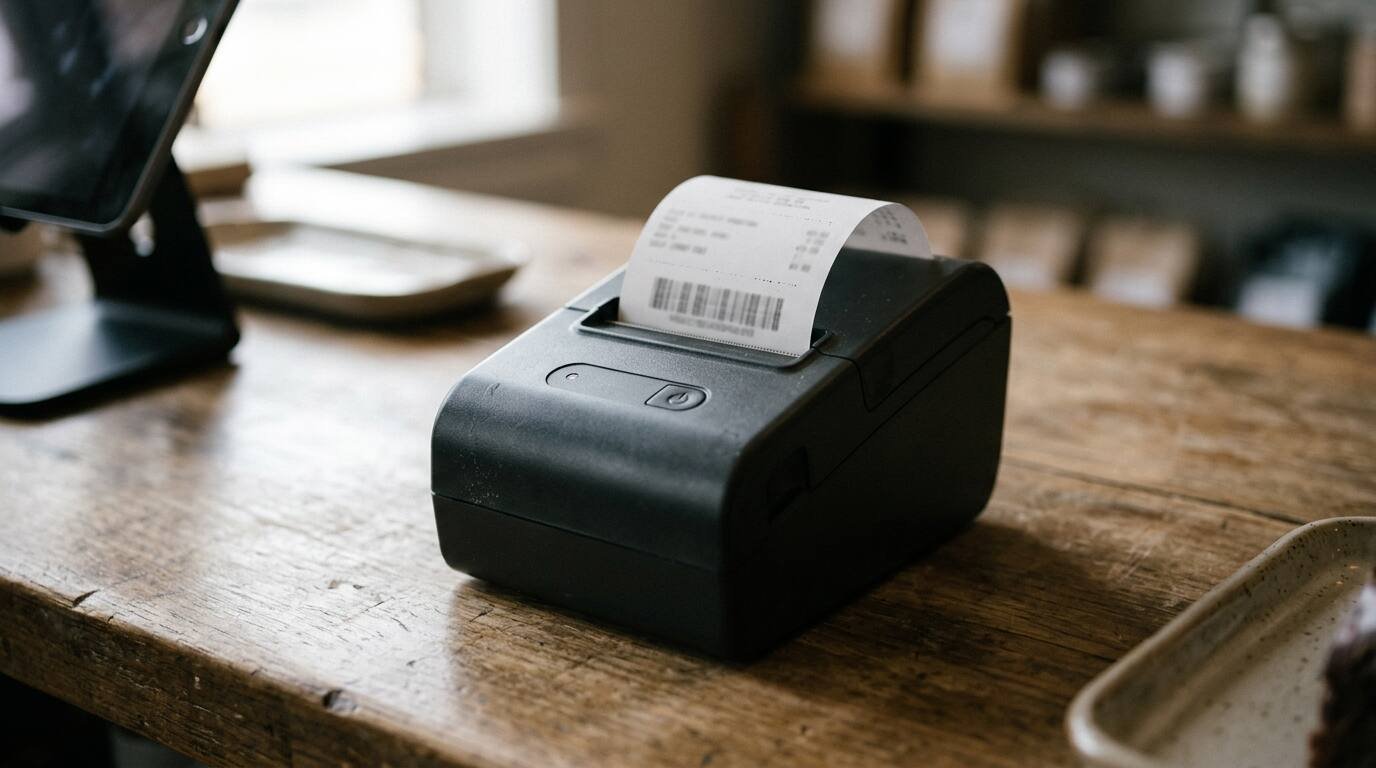
A terminal puts the screen, the reader and a thermal printer in one body. Customers see an amount, tap or insert, and a receipt comes out of the side.
Square Terminal
According to Square’s comparison page, the Terminal is an all-in-one credit card machine for payments and receipts. It runs on battery or wall power, connects over Wi-Fi or Ethernet (Ethernet requires a separate Hub), and prints on 2.25-inch by 1.4-inch thermal paper. It accepts contactless, chip and magstripe.
Clover Flex
Clover’s specification table lists the Flex 4 with EMV chip, EMV contactless and magstripe acceptance, 4G LTE, Wi-Fi and Bluetooth connectivity, and a built-in printer. The Flex Pocket carries the same card acceptance and connectivity but, in the page’s words, does not include a built-in printer. The two share a body style while serving different jobs.
The cellular option matters for table-side payment in a restaurant, for a food truck, and for a shop whose Wi-Fi is unreliable. A terminal that depends on a router fails when the router fails.
Toast hardware
Toast’s EMV FAQ adds a setup detail that applies to terminals generally: EMV is set per device under Device Setup, so each device has to be enabled separately. A newly added terminal therefore needs its own check. The same FAQ says a transaction on a device with EMV disabled is more exposed to EMV-related chargebacks.
Countertop and station hardware
A countertop register or station suits a business that needs an order screen, a cash drawer and a receipt printer in a fixed spot, with the card reader as one component of a larger system.
Square Register and Stand
The Square comparison page describes the Register as a fully integrated point-of-sale terminal that needs a wall outlet and connects over Wi-Fi or Ethernet, accepting contactless, chip and magstripe. The Stand is an iPad-based setup that runs on wall power or the iPad battery. It accepts contactless and chip, and magstripe requires a separate reader.
Clover Mini and Station
On Clover’s specification table, the Mini 3 lists EMV chip, NFC and magstripe acceptance, Ethernet, Wi-Fi and 4G LTE connectivity, and a built-in printer. The Station Duo lists a customer-facing terminal with EMV chip, NFC and magstripe, though the printer sits in a separate table. The Station Solo row lists EMV chip and magstripe with a built-in receipt printer, and no NFC entry appears for it.
That last gap deserves a question to a sales representative. A row that omits contactless does not prove the device cannot accept it, but it also does not confirm that it can, and tap is the method many customers now reach for first.
The broader cost of stacking printers, drawers and screens is covered in what a restaurant POS system costs with every add-on turned on, and the tradeoff between a local server and a cloud system is laid out in server-based versus cloud POS for a restaurant.
Older models in the table
The same table keeps rows for earlier hardware, which matters for anyone shopping the used market. The Flex 3 and Mini 2 appear with EMV chip, NFC and magstripe acceptance. The 2018 Station lists EMV chip and magstripe, Ethernet and Wi-Fi, up to four hours of integrated tablet battery, and two printer options rather than a built-in one. A listing for any of these should be matched to a row before purchase, since a model number printed on the back of the device settles the question faster than a seller’s description.

Phone-only acceptance with Tap to Pay
A phone with a contactless antenna can act as the reader. Square’s Tap to Pay on Android guide lists the requirements: Android 9 or later, NFC switched on and developer options switched off. An account administrator must turn the feature on under More, then Settings, then Hardware.
What it accepts and what it does not
The guide lists Apple Pay, Google Pay, Samsung Pay and payment cards with NFC chips. Contactless payments carry a $50,000 per-transaction limit, physical contactless cards carry a $10,000 limit, and physical card payments above $10,000 may need a PIN or signature or may be declined. Chip insertion and swipe are not on the list, because the phone has no slot.
Two other limits stand out. Tap to Pay does not process offline payments, and it does not run on certain Samsung models named in the guide. For a seller who meets customers at a fence line or a farm stand, the offline restriction can matter more than the price of a physical reader.
The standard processing rate for in-person payments on Square’s reader page is 2.6% plus 15 cents per payment, as listed on the page fetched. Fees are a processor matter, not a hardware matter, and a lower-cost reader does not change the percentage.
Why chip acceptance carries liability
Square’s explainer on the liability shift says the rule took effect on October 1, 2015 and covers a single type of fraud: card-present fraud with a counterfeit EMV card. A merchant that cannot read chips, or that swipes an EMV card that should have been dipped, can be held responsible. Online and phone transactions fall outside the rule.
The article does not address contactless payments, so the effect of tap on liability should be confirmed with the processor rather than assumed.
For hardware buying, the practical result is narrow. Any device bought today should read chip. A stripe-only accessory belongs in the drawer as a backup, if anywhere.

A short list to settle the choice
Four questions cut the field quickly. The first is where payments happen: a fixed counter points toward a register or station, a table or street corner toward a terminal or pocket reader. The second is whether a printed receipt is needed on the spot, since the Square Terminal and Clover Flex 4 include printers and the Flex Pocket and the pocket readers do not.
The third question is connectivity. Wi-Fi-only devices stop when the router stops, while the cellular options on the Clover Flex and Mini lines add a second path. The fourth is offline behavior, where the first-generation Square reader and Square’s Tap to Pay both carry documented limits.
Training staff on whichever device wins is its own task, covered in training restaurant staff on a new POS system. A hardware choice made with the checkout process in mind also avoids the friction described in where small shops lose customers at checkout.
For informational purposes only — consult a licensed attorney, tax professional or financial advisor.
Sources
- Square, Compare Square hardware: https://squareup.com/help/us/en/article/6257-compare-square-register-terminal-and-stand
- Square, Square Reader for magstripe: https://squareup.com/us/en/hardware/reader
- Square, Contactless and chip reader: https://squareup.com/us/en/hardware/contactless-chip-reader
- Square, Get started with Tap to Pay on Android: https://squareup.com/help/us/en/article/7960-get-started-with-tap-to-pay-on-android
- Square, A guide to the liability shift: https://squareup.com/us/en/the-bottom-line/operating-your-business/which-types-of-fraud-apply-to-the-liability-shift-an-explainer
- Clover, Clover devices technical specifications: https://docs.clover.com/dev/docs/clover-devices-tech-specs
- Toast, EMV Payments FAQ: https://support.toasttab.com/en/article/EMV-FAQ
- Square on YouTube, How to Take Contactless & Chip Payments: https://www.youtube.com/watch?v=dhLF27VkNQM
All pages fetched at the time of writing.