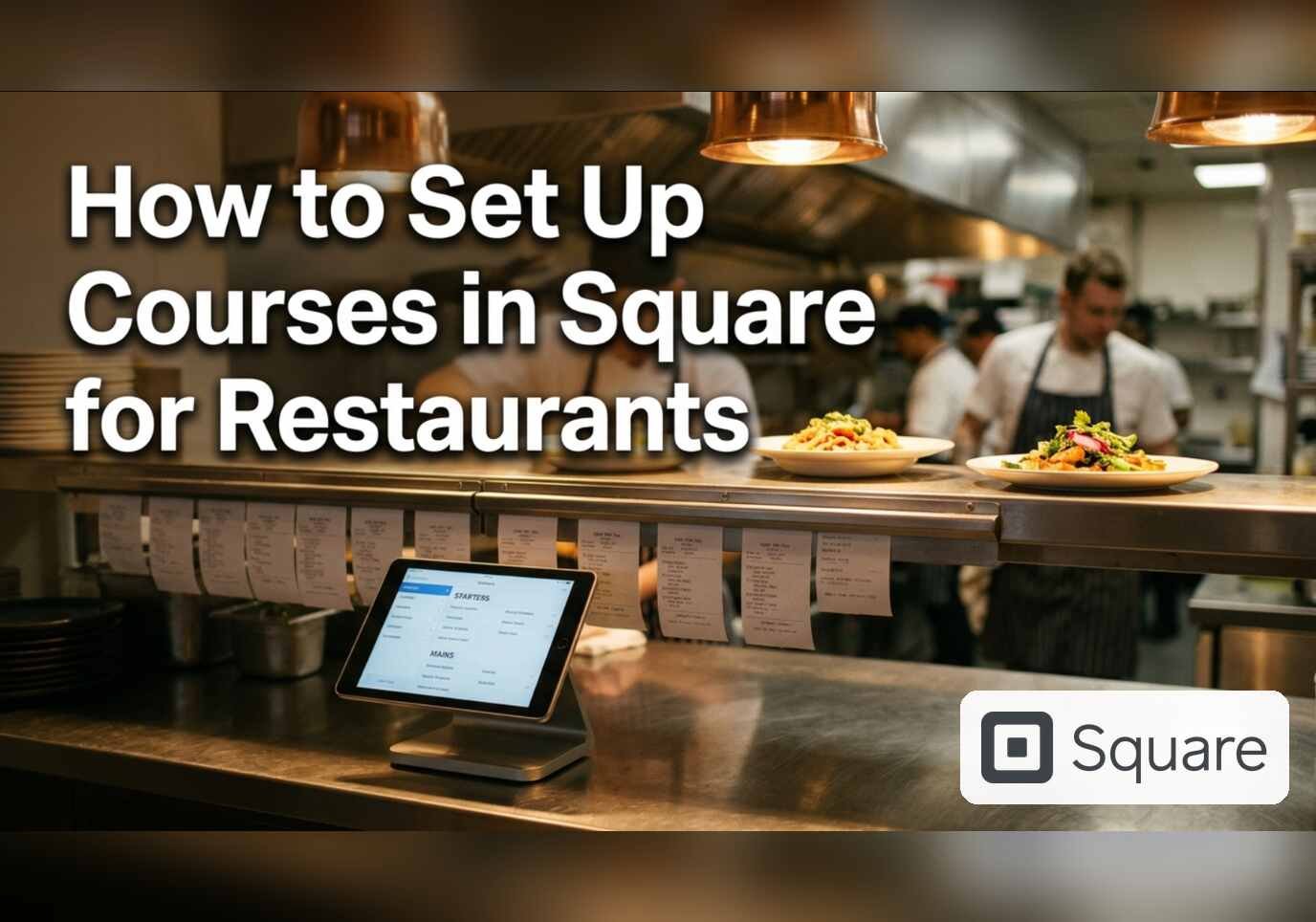
Courses let a server enter a whole table’s order at once and tell the kitchen when each wave should start: starters first, mains held until the plates are cleared. Square for Restaurants calls the control hold and fire. It is available on Plus or Premium, or with Square KDS, in standard, quick service, full service or bar mode, and kitchen printers must be connected to Square.
Step 1: Open Courses
In the Dashboard sidebar, open Settings, then Restaurant settings, then Service settings, then Courses. Square’s help pages also describe a coursing mode created under Settings, Device Management, Modes, with Enable Course Management turned on under Coursing.

Step 2: Review the course list
The Courses page lists each course by name. This account has three: Straight fire, Starters and Mains, and the Straight fire row shows how many categories are assigned to it. The list can be reordered by dragging, and an Add course button sits at the bottom. The page explains that this sorting decides how courses appear on restaurant POS and printed tickets.

Step 3: Choose how held courses print
Under Printed hold/fire courses there are two options. Print fired and held courses prints tickets for both on the same ticket. Only print fired courses prints just the fired ones, and held courses do not print until they are fired. A matching display setting exists for Square KDS, where held courses stay reachable under View all courses.

Firing a held course at the table
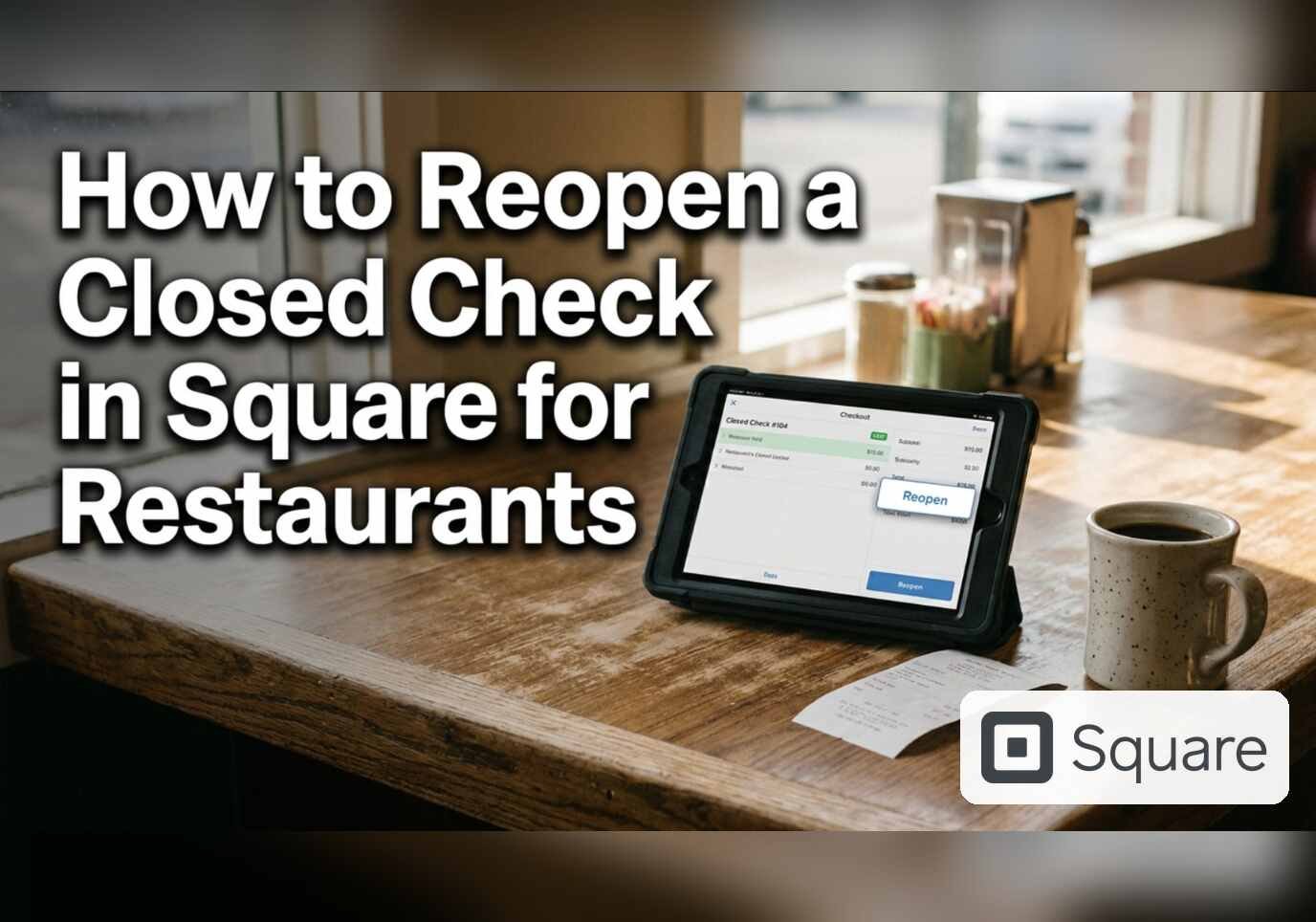
In the POS, a server opens the table, taps a course in the cart, adds items, uses Add Course for more, and taps the fire or hold icon before sending. A held course is not sent or printed until it is fired. Reopening the check, tapping the fire icon next to the course and sending produces a fire ticket in the kitchen.
Referral: The Heritage Diner runs its register, loyalty program and payroll on Square. A business that signs up through this Square referral link and takes its first payment earns a reward for both sides. Disclosure: Peter Kalafatis has a financial interest in Square referrals.