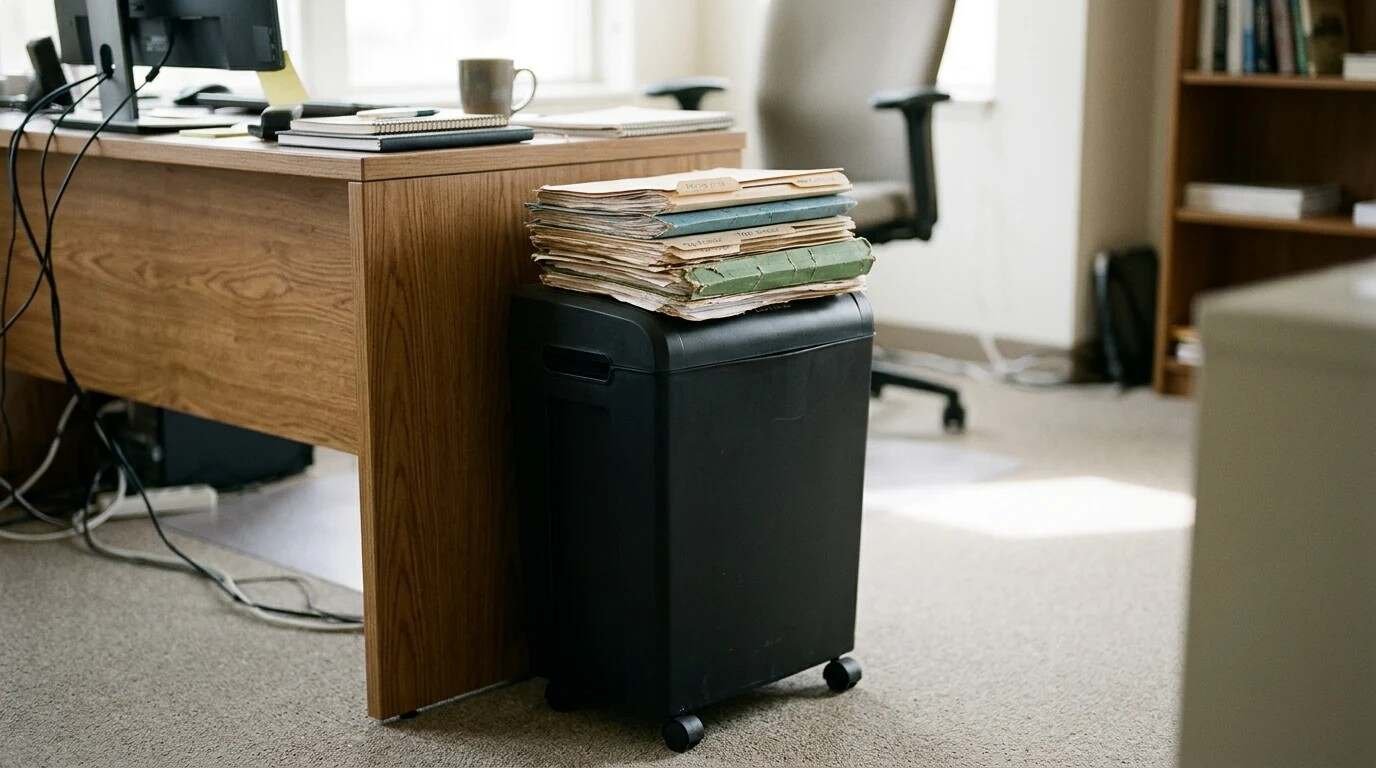
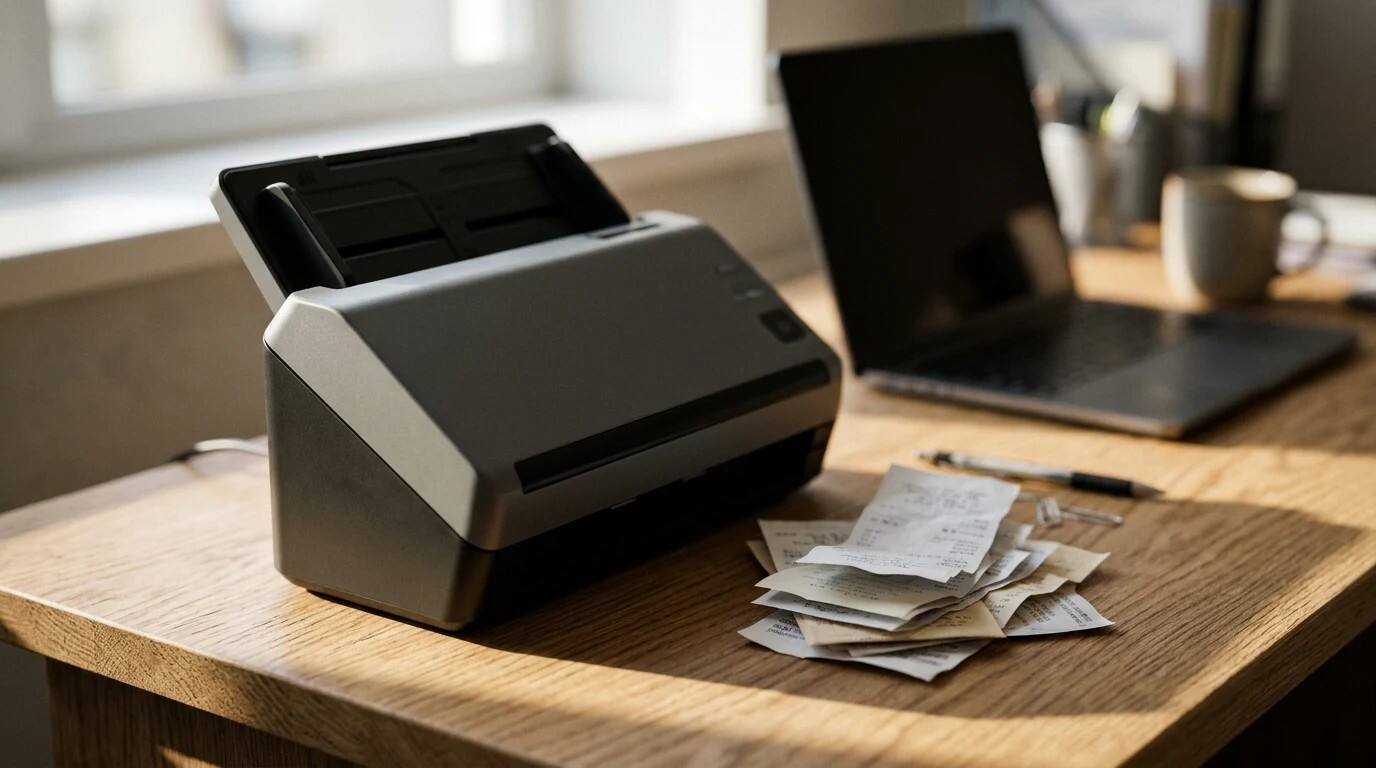
A shoebox of faded receipts can go in the recycling bin, but only after the scanner that replaced it has been tested. That condition comes from IRS Publication 583, which says paper originals “may be destroyed provided that the electronic storage system has been tested,” and refers to Revenue Procedure 97-22 for the details.
Scanning receipts is one of the few office habits that saves time and lowers audit risk at once. The rules for doing it are short, and the equipment has come down to a desk-sized box.
What the IRS requires of a scanned record
The principle is equal treatment. According to Publication 583, “All requirements that apply to hard copy books and records also apply to electronic storage systems.” A scan has to show what the paper showed, be readable for as long as the paper would have had to be kept, and be retrievable when asked for.
The IRS recordkeeping page spells out what a supporting document for an expense should establish: the payee, the amount paid, proof of payment, and the date, along with a description of what was bought. It adds that “A combination of supporting documents may be needed.” A card statement proves payment but not what was bought; a receipt shows the item but not always how it was paid. Scanning both is the safe habit.
How long the scans have to last
| Situation | Keep records for |
|---|---|
| Most income tax returns | 3 years |
| Income underreported by more than 25 percent | 6 years |
| Claim for a worthless security or bad debt | 7 years |
| Fraudulent return, or no return filed | No limit |
Source: IRS Publication 583, Table 3. Records that support the cost of property, such as equipment or a vehicle, need to be kept longer, until the period runs out for the year the property is sold. The full schedule is in business records and the IRS.
Seven years is a sensible default for a small business that does not want to sort receipts by rule. A folder per year, named the same way every time, makes that easy.
What makes a scanner worth buying
For receipts, the useful features are an automatic document feeder that takes small, curled paper, double-sided scanning in a single pass, and software that saves searchable PDFs into a folder or cloud drive without manual steps. Wireless scanning matters less than it sounds; the scanner usually sits next to the computer anyway.
The three below are current models from two makers that build scanners mainly for documents rather than photos. Titles are exactly as listed on Amazon.
- ScanSnap iX1300 Wireless or USB Double-Sided Color Document Scanner, Black: A compact double-sided scanner that connects by Wi-Fi or USB, sized for a single desk. See it on Amazon (affiliate link)
- ScanSnap iX2500 Wireless or USB High-Speed Document Scanner, Black: A larger ScanSnap model that the listing describes as high-speed, for heavier weekly batches. See it on Amazon (affiliate link)
- Brother ADS-1350W Wireless Compact Desktop Scanner | Scan Speeds of Up to 30ppm | Single Pass Double-Sided Scanning: A compact Brother scanner listed at up to 30 pages per minute with single-pass double-sided scanning. See it on Amazon (affiliate link)
As an Amazon Associate I earn from qualifying purchases. A commission may be earned if you buy through this link, at no extra cost to you.
The video above reviews the ScanSnap iX1600, a different model from the same line, and is useful for seeing how the software files a scan.
Testing the system before shredding the paper
Publication 583 makes testing the condition for destroying originals but does not spell out a ritual. A practical version takes one afternoon:
- Scan a month of receipts, including the faded thermal ones.
- Open every file and confirm the date, amount and payee can be read.
- Search for a vendor name and see whether the file turns up.
- Restore one file from the backup copy, not the working folder.
- Keep a short note of the test with the year’s records.
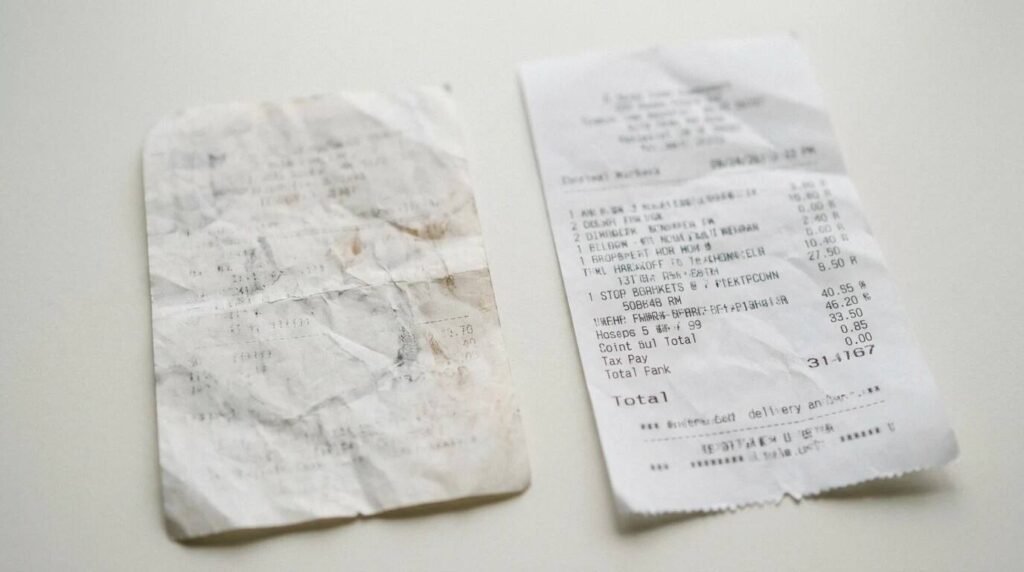
Thermal receipts deserve the extra care. They fade, sometimes within months, and a scan made in December of a receipt from March may already be missing the total. Scanning weekly beats scanning at tax time.
Where the files should live
A scan on one laptop is one spilled coffee from gone. The same file kept in a cloud folder and on an external drive meets the spirit of the rule that the records stay available. The free bookkeeping tools compared in three free bookkeeping tools can attach a receipt image directly to the transaction it supports, which is the fastest way to answer an auditor’s question later.
For informational purposes only — consult a licensed attorney or financial advisor.