A retail point-of-sale system is only as accurate as the item library behind it, and the library is built from three kinds of identifier: a name that people read, a SKU that the shop assigns, and a barcode number that the wider trade recognizes. Mixing them up produces duplicate items, scans that ring up the wrong product and stock counts that drift. Square for Retail serves as the working example throughout, since its help pages describe each step in detail, and every claim below traces to a page fetched at the time of writing.
SKU, GTIN and UPC are three different things
What a GTIN is
Square’s help article on SKUs and GTINs calls a GTIN, a Global Trade Item Number, the source of truth used to identify trade items and products throughout the supply chain. The article lists the supported formats: UPC-E, UPC-A and GTIN-12, which is a 12-digit number used primarily in North America, and GTIN-14, a 14-digit number used for trade items at various packaging levels. The page does not mention EAN-13 by name.
A UPC is the barcode form used on packages in North America, and its 12-digit number is a GTIN-12.
What a SKU is
A SKU is the shop’s own code. Square’s bulk import guide, in its Australian edition, says each variation needs a unique SKU. Nothing outside the shop recognizes it, which makes it the right place for an internal scheme such as a category prefix, a size and a color.
The practical split is simple. The GTIN identifies the product to the world, and the SKU identifies it to the shop. A scanner reads the first, while staff searching for a pair of boots in a back room may rely on the second.
When a shop needs its own barcodes
Goods that arrive with a UPC
Most branded goods bought for resale already carry a manufacturer’s UPC, and the shop records that number in the GTIN field. Square’s article says a GTIN can be added to an item or variation in the Dashboard under Manage Inventory, or in the POS app under Price and inventory. Once linked, it enables reporting and inventory tracking, and labels can be printed with a GTIN barcode.
Square recommends a unique GTIN for each variation, and calls reusing one across variations strongly discouraged. A shirt in four sizes is four variations and four GTINs, not one.
Handmade or private-label goods
A maker selling under its own brand has no manufacturer to supply a number. GS1 US, the United States member organization behind the UPC system, describes a company prefix as a number unique to each member that identifies the member as the party behind the brand, and notes that retailers and marketplaces often require UPC barcodes that come from GS1. The page’s price table, as listed on the page fetched:
- 1 GTIN: $30 initial fee, $0 annual renewal
- 10 GTINs: $250 initial, $50 annual
- 100 GTINs: $750 initial, $150 annual
- 1,000 GTINs: $2,500 initial, $500 annual
GS1 US states that prefix licenses must be renewed annually and cannot be refunded. The page is written for brands creating barcodes and does not address a store that only resells goods, so a shop selling only its own counter-level items may never need a prefix. A shop that plans to list private-label products with a large marketplace should check that marketplace’s barcode requirements before spending money.
Building the item library in bulk
The export-edit-import loop
Square’s bulk import guide starts from a template: in the Dashboard, under Items, Item library, Actions, Export Library, a blank template downloads. For an existing library the export includes only the items in view, so filters apply before downloading. The guide recommends Excel over CSV.
According to the US edition of the article, required columns are Item Name, Variation Name, Description and SKU, and a store with multiple locations also needs the Enabled column for each location. The same page says not to reorder or delete any columns, and not to change the Token column. Changing the columns causes an import error.
Leading zeros and other quiet failures
The guide warns that opening a CSV file with SKUs directly in some spreadsheet applications can remove leading zeros. A code written 00417 could come back as 417, which no longer matches the shelf label. The fix named in the article is to open the data in Excel or Google Sheets.
The Australian edition adds specifics that suit a clean-up pass before upload. Variation and item names can run up to 128 characters, descriptions up to 1,024, and a price must be $0.00 or more, with the word Variable (or a blank) for variable pricing. Stock counts go in the New quantity column, a zero sets stock to zero, and entering No disables tracking. Multiple categories are separated by commas, and a greater-than sign marks a subcategory. That edition also states that the GTIN column is available only in the Square for Retail template and takes up to 14 digits.
Naming deserves care at this stage, because the names typed into the spreadsheet become the names customers see online. The principles are laid out in naming a product so search engines can find it, and a simpler starting point for stock records is in a simple inventory spreadsheet for a small shop.
Variations in practice
A hypothetical leather wallet sold in three colors is one item with three variations, each with its own SKU, such as WAL-BLK, WAL-BRN and WAL-TAN, and each with its own GTIN if the maker licenses a prefix. The item name carries what is common to all three, and the variation name carries only what differs. When a file uploads with errors, the Australian edition of the guide offers a choice between accepting automatic fixes and correcting the file manually before uploading again, and it links to a separate troubleshooting article for the details.
Creating items by scanning
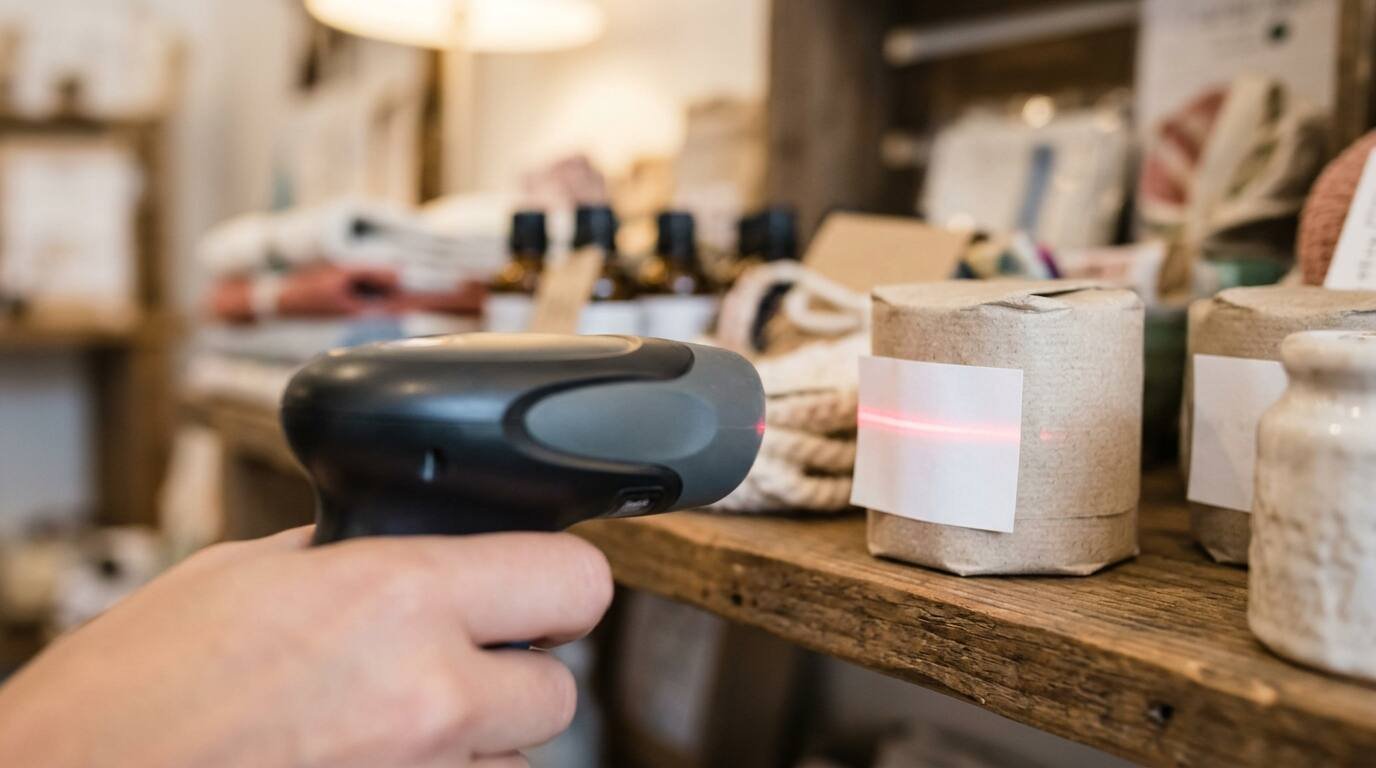
For goods that arrive already barcoded, scanning can replace typing. Square’s article on creating items by scanning barcodes describes the path in the Square Retail POS app: More, Items, All Items, Create Item, then Auto create. Scan the barcode with a compatible scanner or the camera of an iOS device, pick the item on the Auto create screen, add variations and save.
What the page leaves open
The article does not say where the item details come from, and it does not cover what happens when a scanned code is not found. It does say a notification appears if the GTIN already exists in the item library, which guards against duplicates, and that staff can tap Search to find an item by name or GTIN instead.
Requirements are specific: an account administrator or a team member with general items and inventory permissions, a Square for Retail subscription or a Square Free, Plus or Premium subscription with retail mode enabled, and either a compatible barcode scanner or an iOS device with a camera connected to the Square Retail POS app. An Android phone is not in that list.

Printing barcode labels
Choosing what the barcode encodes
Square’s label guide lets the user choose a barcode type, SKU or GTIN, for each print job. Labels can be created in the Dashboard from the Item library using Actions, then Print labels, or in the Retail POS app from a custom item list, stock received through a purchase order, or a completed or partially received purchase order.
A bar that encodes the SKU only works at the shop that made it. A bar that encodes the GTIN carries the number that identifies the product across the trade. A shop that moves goods between its own locations may prefer the SKU, while a shop that wants shelf labels to match the manufacturer’s scan may prefer the GTIN.
What the printer needs
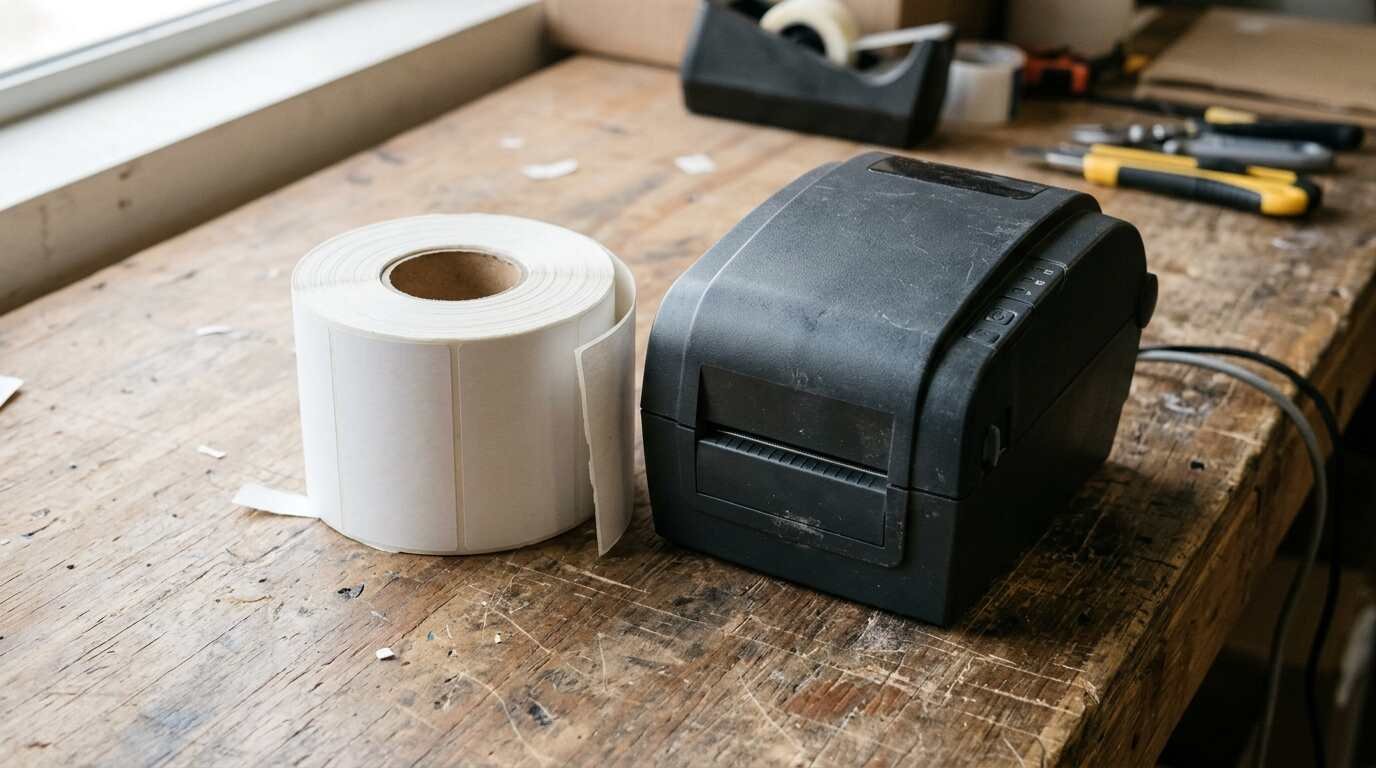
The guide says a compatible barcode label printer and matching label sizes are required. Labels cannot be created or printed from Square Terminal. Missing item details, such as a price or SKU number, do not appear on the label, though the POS app warns about missing details before printing. The Dashboard shows a preview, and a test print checks formatting before a full run.
Thermal label hardware in general, including roll sizes and connection types, appears in thermal label printers for a small online shop.
Label sizes and compatibility
Square does not list sizes in the label article itself. It points to a separate compatibility article for barcode printers and label sizes, so the printer and the roll should be confirmed against that page before buying either. The guide’s one concrete example is a deprecated DYMO 30346 label, half an inch by one and seven-eighths inches, printed through Google Chrome from the Dashboard, which is a reminder that a label size that worked once may not stay supported.

A checklist before the first sale
Retail setup errors tend to surface at the register, in front of a customer. A short audit before opening catches most of them:
- Every variation carries its own SKU, and no leading zeros have been lost.
- Every manufacturer GTIN is entered once and sits on the correct variation.
- Prices are filled in, or marked Variable on purpose.
- Stock counts are entered in the New quantity column, since changes to the Current quantity column are ignored on import according to the Australian edition of the guide.
- A test scan of five items from different categories rings up the right name and price.
- A test label prints with the SKU or GTIN readable by the shop’s own scanner.
The checklist reflects how the library is built, not how the shop sells, so it applies whether the register is a phone or a countertop unit. Card hardware sits in a separate decision, covered in taking card payments with Square.
For informational purposes only — consult a licensed attorney, tax professional or financial advisor.
Sources
- Square, Use GTINs: https://squareup.com/help/us/en/article/7175-square-for-retail-sku-vs-gtin
- Square, Bulk import items (US): https://squareup.com/help/us/en/article/5153-import-items-online
- Square, Bulk import items (Australia): https://squareup.com/help/au/en/article/5153-import-items-online
- Square, Create items by scanning barcodes: https://squareup.com/help/us/en/article/7992-automate-item-creation-with-square-for-retail
- Square, Create and print barcode labels: https://squareup.com/help/us/en/article/6093-create-and-print-bar-code-labels-with-square-for-retail
- GS1 US, What is a Company Prefix?: https://www.gs1us.org/upcs-barcodes-prefixes/what-is-a-prefix
- Square Australia on YouTube, Set up your Square for Retail item library: https://www.youtube.com/watch?v=pdxlFkgydXM
All pages fetched at the time of writing.