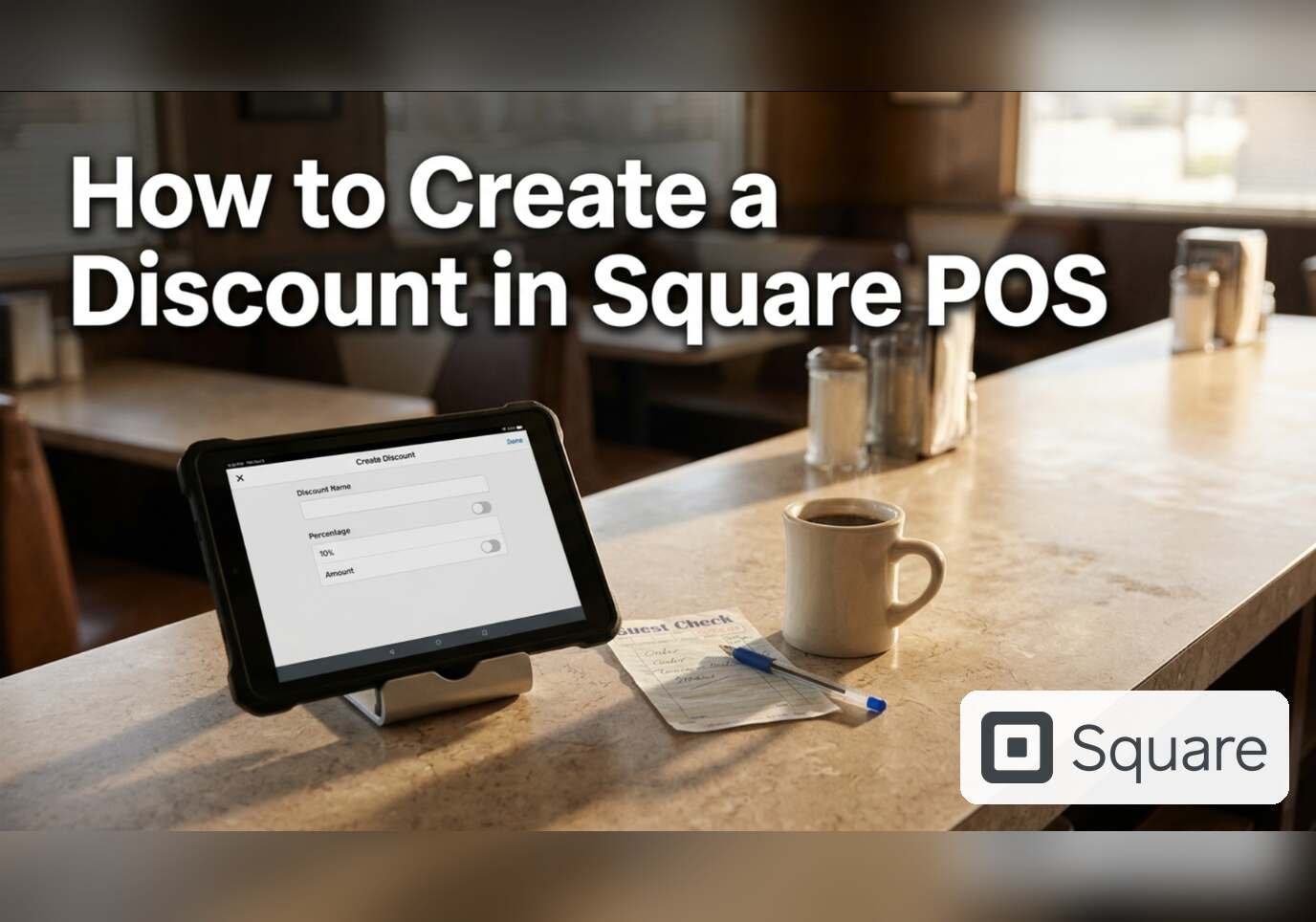
Discounts in Square cover the manager comp, the employee meal, the happy hour and the buy-one-get-one. They are created once in the Dashboard and then applied at checkout or automatically. Creating one needs general items permissions.
Step 1: Open Discounts
In the Dashboard sidebar, open Items & services, then Items, then Discounts. The list shows the name, location, options and amount of each discount: this account has a 100% discount, a 50% employee discount and a variable-amount item discount. Create a Discount is the black button at the top right.

Step 2: Fill in the Create discount form
The form asks for a name, an amount type and an amount, and shows the location with an Edit link. Square’s help page lists four amount types. Amount and Percentage are fixed, and Variable amount and Variable percentage let the cashier enter the value at checkout. Manual dollar discounts apply to the whole sale, not to single items.

Step 3: Add rules and a maximum value
Below the basics sit two optional blocks. Discount rules turns the discount into an automatic one that applies to specific items or categories, quantities, or customer groups, with an optional minimum spend, schedule and date range. Set maximum discount value caps a percentage discount at a dollar value. Category-based automatic discounts cannot apply to websites or online ordering; individual items have to be selected there.

Advanced settings
Further down the form, advanced settings can require a passcode and apply the discount after taxes. An item can be kept out of discounts from the Item Library under Manage checkout, Discount eligibility, Excluded from discounts.
Referral: The Heritage Diner runs its register, loyalty program and payroll on Square. A business that signs up through this Square referral link and takes its first payment earns a reward for both sides. Disclosure: Peter Kalafatis has a financial interest in Square referrals.