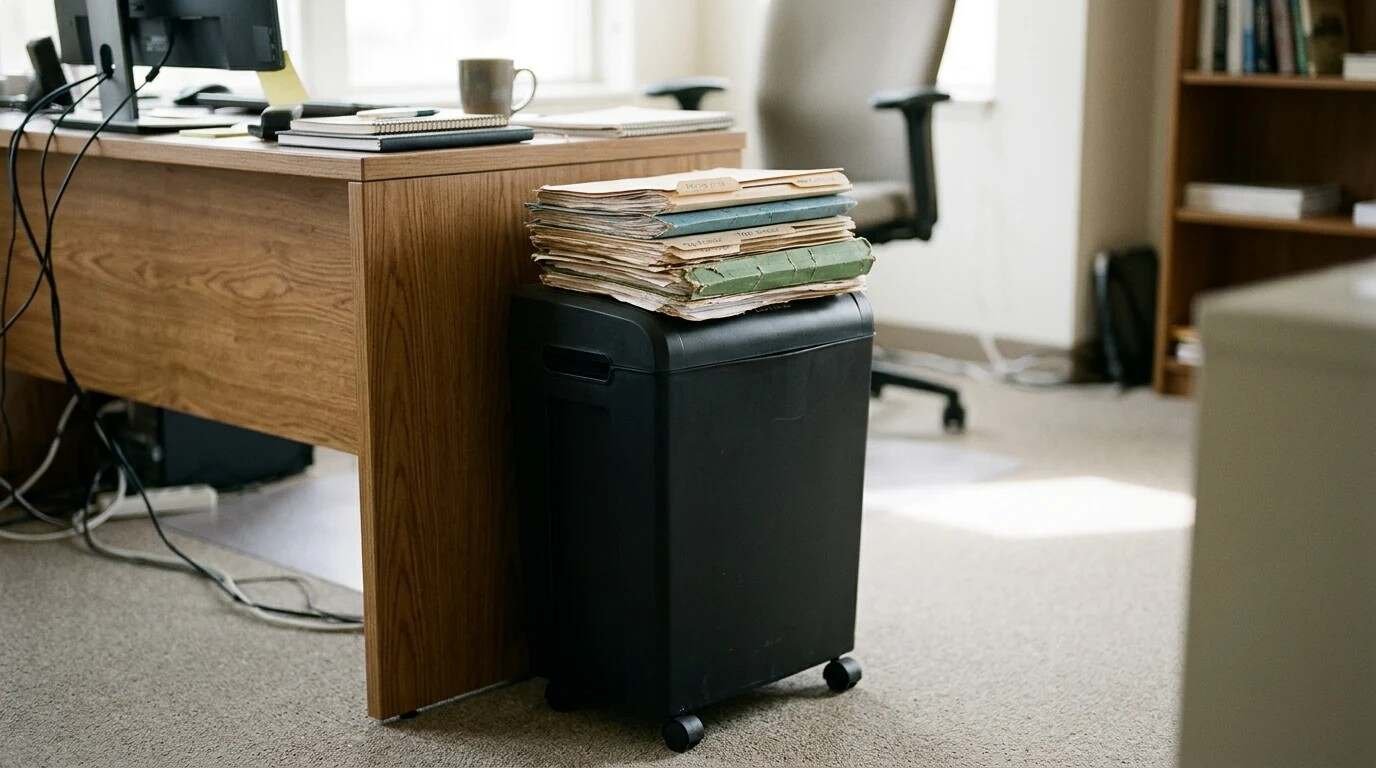
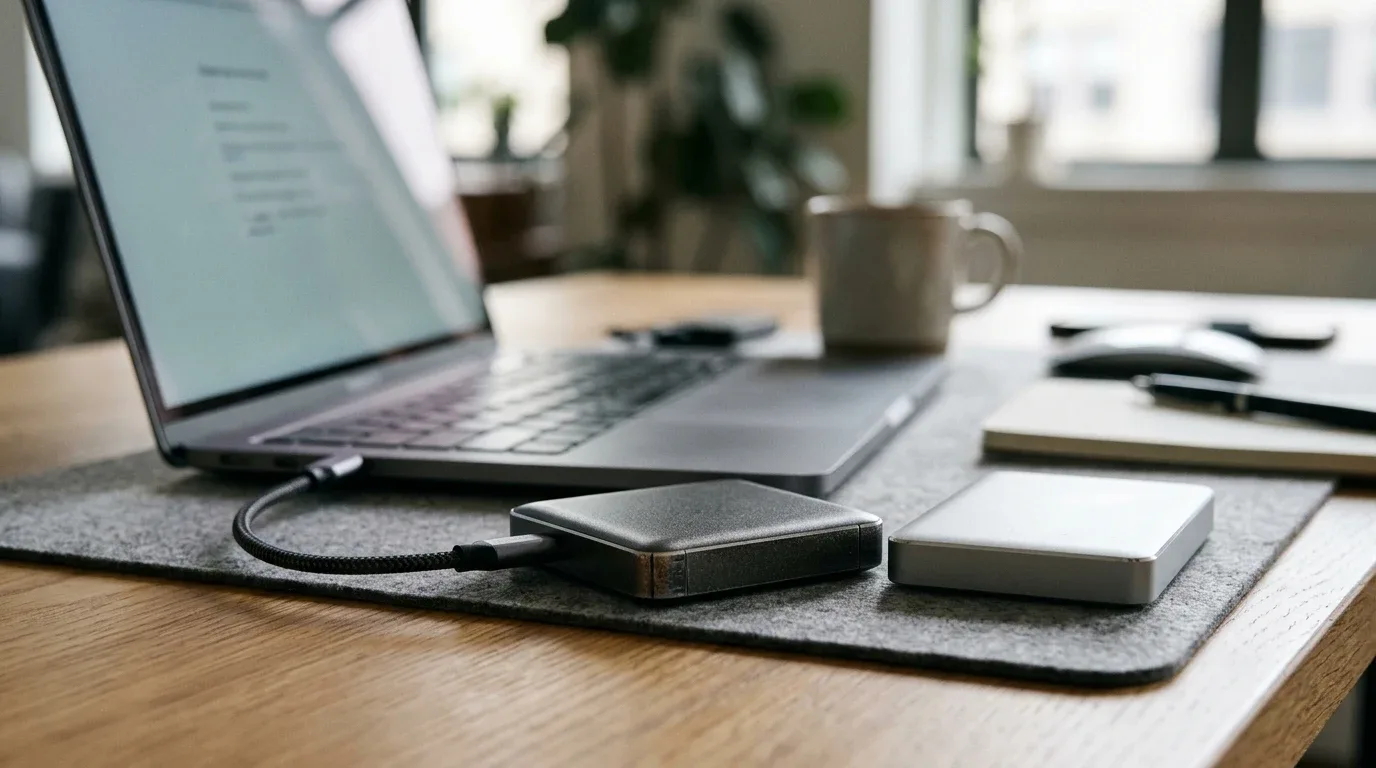
Three copies, two kinds of storage, one kept somewhere else. That is the whole of the 3-2-1 backup rule, and the federal Cybersecurity and Infrastructure Security Agency puts it at the center of its backup guidance for small businesses: 3 copies of important files, on 2 different types of storage media such as a hard drive and the cloud, with 1 copy off-site, away from the business location.
The rule is old because the failures it guards against are old: a dead drive, a stolen laptop, a fire. What has changed is ransomware, which goes after backups too, and which has made one more piece of the advice, an offline copy, close to mandatory.
Start with what the business cannot work without
CISA’s first step is not buying anything. It is taking inventory of the important information on the network, in a simple spreadsheet, noting who has access. The agency lists the usual priorities: customer records, employee and HR information, financial and payroll data, email, configuration files, and website or operational databases. Data the business “can’t operate without” comes first.
For a small shop that list is short and specific. The bookkeeping file, the customer list, the product photos and descriptions behind the online store, the contracts folder, and the website itself. Writing it down takes ten minutes and tells the owner what the backup has to cover.

What 3-2-1 looks like in a small office
| Copy | Where it lives | What it protects against |
|---|---|---|
| 1. Working copy | The computer or the cloud folder used every day | Nothing; it is the original |
| 2. Local backup | An external drive or a small network storage box | A dead laptop, an accidental delete |
| 3. Off-site backup | A cloud backup service, or a drive kept at another location | Fire, flood, theft, a building that cannot be entered |
CISA also recommends an automated backup that runs on a regular schedule and combines on-site and remote copies. A backup that depends on someone remembering to plug in a drive on Friday is a backup that stops in March. Files kept in a shared cloud drive, as described in keeping business files organized in Google Drive, are a working copy, not a backup: deleting a file there deletes it everywhere it syncs.
The offline copy and ransomware
Ransomware encrypts every file it can reach, and a backup drive left plugged in is a file it can reach. CISA’s #StopRansomware guide tells organizations to “Maintain offline, encrypted backups of critical data” and to test them regularly. The backup page adds physical security, encryption and offline copies as the protections a backup needs.
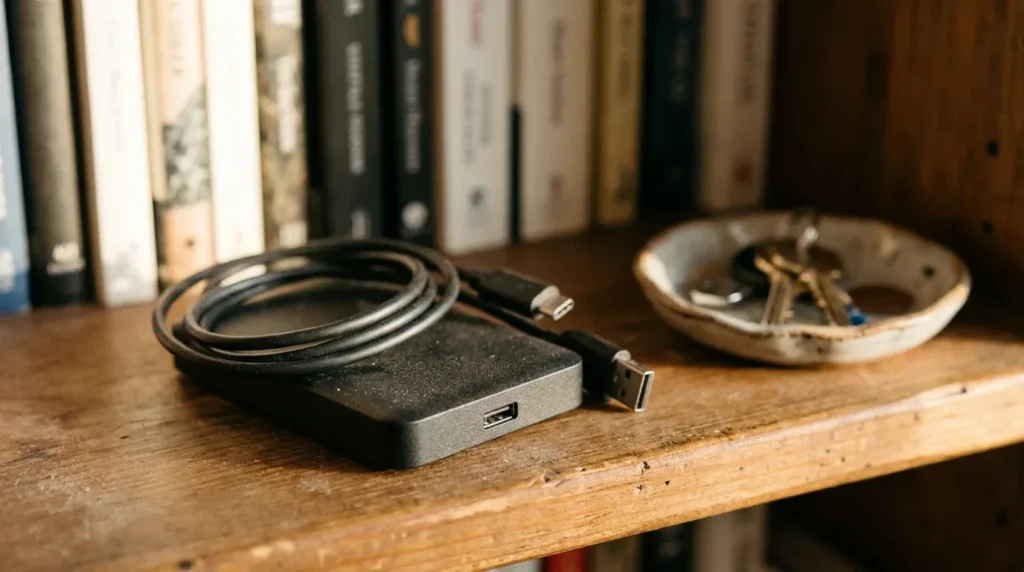
For a one-person business the simplest offline copy is a second external drive that is connected only while the backup runs, then unplugged and taken home. The habits in business email compromise and the strong passwords described in password managers for a small business belong to the same defense.
A backup nobody has restored is a guess
The part of CISA’s guidance most small businesses skip is testing. The agency says to confirm the team can restore data fully and partially, and can roll back at least “seven days if needed.” It also says to check that critical files can be opened without an internet connection, and to write down the recovery steps so more than one person can follow them.
A practical test, done twice a year: pick three files at random, delete the working copies on a spare computer, restore them from each backup, and open them. Then restore one whole folder as it stood a week ago. If any step fails, the backup is not doing its job.
Equipment for the local and offline copies
The devices below cover the local copy. A portable drive is enough for one computer; a network storage box suits an office with two or three. Titles are as listed on Amazon.
- Samsung T7 Portable SSD 1TB Titan Gray, USB 3.2 Gen 2, Up to 1,050MB/s: A one-terabyte portable solid-state drive listed at up to 1,050 megabytes per second over USB 3.2 Gen 2. See it on Amazon (affiliate link)
- WD 2TB My Passport, Portable External Hard Drive, Black, backup software with defense against ransomware, and password protection, USB 3.1/USB 3.0 compatible – WDBYVG0020BBK-WESN: A two-terabyte portable hard drive that comes with backup software and password protection, suited to the unplugged offline copy. See it on Amazon (affiliate link)
- Synology 2-Bay DiskStation DS223j (Diskless): A two-bay network storage box for an office with several computers; it is sold without drives, which are bought separately. See it on Amazon (affiliate link)
As an Amazon Associate I earn from qualifying purchases. A commission may be earned if you buy through this link, at no extra cost to you.
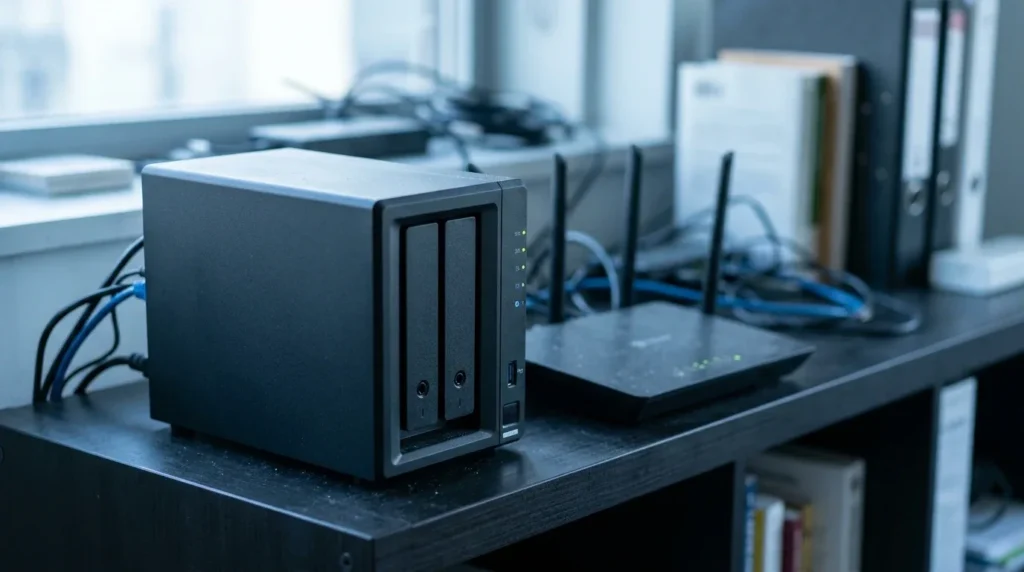
The off-site copy usually means a paid cloud backup service rather than another piece of hardware. Whatever holds it, the same test applies: if it has never been restored, nobody knows whether it works.