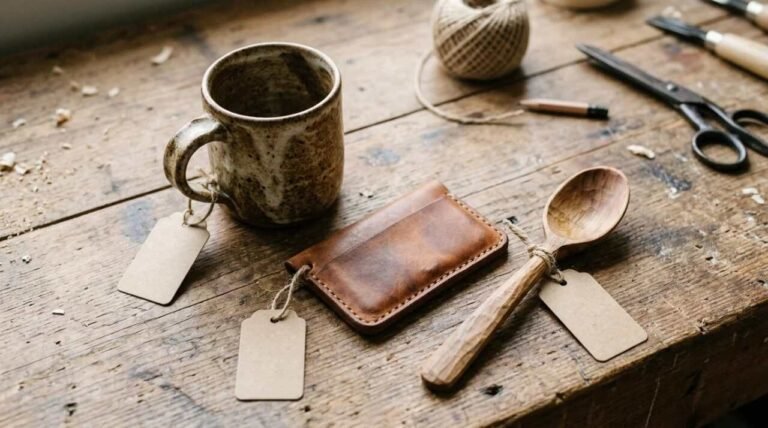
A photograph in an online shop does the work of the counter. The buyer cannot pick the thing up, turn it over or smell the leather, so the picture has to carry all of that, and a small shop usually has no studio, no lighting kit and nobody hired to run either one. I make handmade bridle leather briefcases and photograph them myself, and Marcellino NY, which has been my own business since 2010, sells them, so this post mentions a business I have a financial interest in. I have not written down a photography setup anywhere on that site, and I am not going to invent one here. What follows comes from published guidance by Shopify and Google, and from what anyone can see on marcellinony.com.
The picture stands in for the object
Google’s own advice on images is blunt about quality. Its page for image publishers says that sharp, clear photos attract more clicks, and that high-quality photos appeal to users more than blurry, unclear images. That matters most in the small thumbnails that appear in search results, where a soft or dark picture loses the buyer before the page ever loads.
The same page warns about the other side of it. Big image files slow a page down, so they should be compressed. A shop owner ends up holding two requirements that pull against each other: enough detail that a stitch or a buckle can be judged, and a file small enough that the page opens quickly on a phone.
A picture can also fail in a way no setting fixes. It can be sharp, well lit and still say nothing about the size of the thing. Leather is the case I know best, because a briefcase photographed alone could be small or large, and the buyer is left to guess. A second shot with a familiar object beside it, or someone holding it, answers a question the first shot raises. That is my own reasoning rather than anything from the sources below, but it is the first thing I would check on any listing.
A window, a white sheet and a piece of foam board
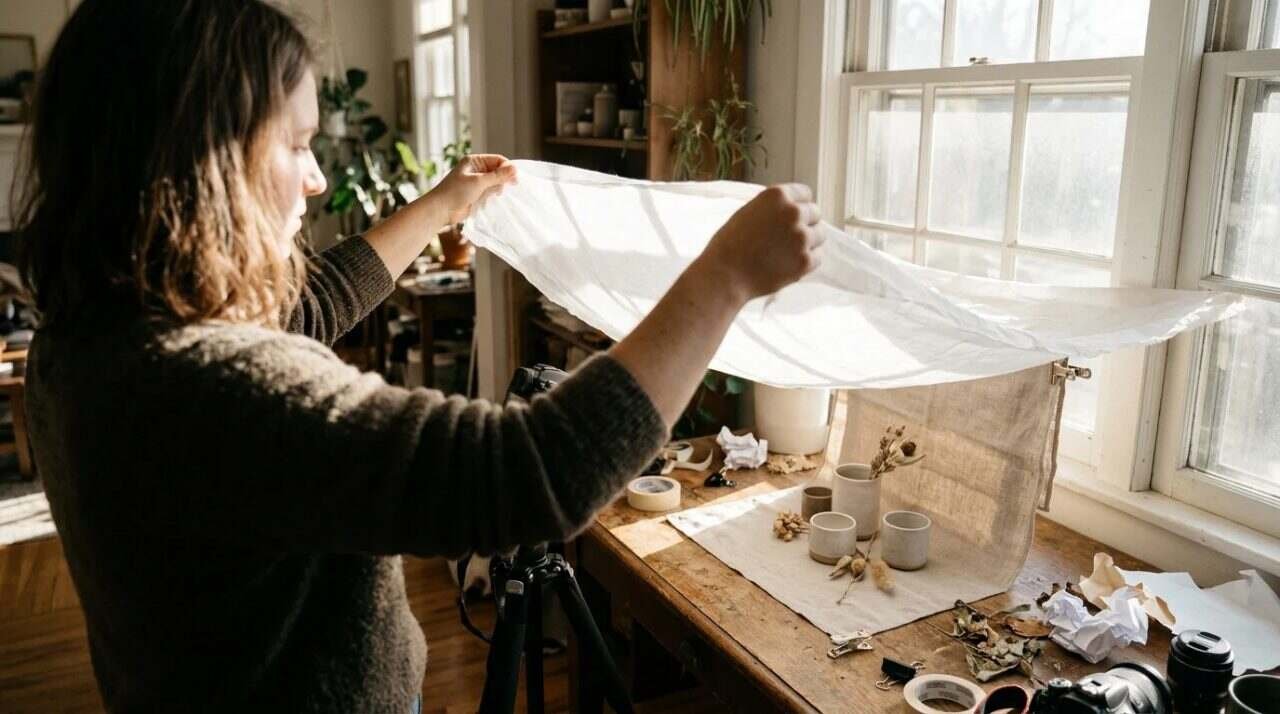
Shopify publishes a guide to natural lighting for product photography, and it assumes nothing more than a room with a window. The setup it describes is short.
- Put the product within a few feet of a large window.
- Choose the window with care. A north-facing one gives softer, even light, a south-facing one gives more direct light, and east and west windows change as the day moves.
- If the sun comes in hard, hang a thin white sheet over the window frame to cut and even out the light.
- On the side of the product away from the window, hold a reflector: white foam board, cardstock, or a silver or gold fill card, to throw light back into the shadows. Darker card reflects less.
- Start with a flat surface and a white background, such as a table against white paper or a plain white wall, and try colors and props later.
The guide also names the hours. It recommends shooting in the golden hour, either early morning just before sunrise or late afternoon as the sun sets, because the light is soft and the shadows are gentle, and it says to avoid midday sun, which casts harsh shadows.
Nothing in that guide mentions a tripod. I would not read that as advice against one. It just means the article does not address the question, and I cannot answer it from this source, so I will not pretend to.
The guide does not cost anything to follow, which is the point of it. A sheet, a board and a table against a wall are things most shops already own, and the time needed is a few early mornings. Whether the results look as good as the guide implies depends on the product, and leather, which takes light differently from a cardboard box, may well need more patience than a white mug. I have not tested the guide’s method on my own work, so I cannot report how it holds up.
What the search engine does with a photo

A good photograph still has to be found, and Google’s guidance on that is more mechanical than most people expect.
Alt text comes first. Google’s image page calls it the most important metadata for an image, because it describes the picture both to search engines and to people using screen readers. It also advises against stuffing the alt attribute with keywords, which can read as spam. A plain description of what the picture shows is the target.
Filenames count too. Short, meaningful names help Google understand the subject, and a file called something generic gives it nothing to work with. On the same page, Google says to place images near text that is relevant to them, on pages that match their subject. The SEO starter guide repeats the point: sharp, clear images placed near related text, with descriptive alt text that explains how each image relates to the page.
For social sharing, the image page recommends a relevant, representative image at high resolution, and it says to avoid generic logos, images with text, and extreme aspect ratios. A product shot with a banner of words across it is therefore a poor candidate for the picture that represents the page.
None of this takes talent. It takes about a minute per photo, done at the time of upload, which is the only moment anyone ever does it.
What the Marcellino NY homepage shows
The homepage of marcellinony.com is made mostly of photographs, so it is a fair specimen to look at, and I will describe only what is visible there.
At the top there is a large photo of a man in a fedora and a suit, seated beside a black leather briefcase. Below it sit three signature styles, each on its own card with one photo and one name. The Wallace is tan leather with two brass-buckled straps and a brass lock. The Habermas is black with a single strap closure. The Woodhull is red and burgundy leather with tan straps and metal buckles. A further section, Marcellino Originals, shows three past pieces, each with a photo: a tan-brown harness leather briefcase with a brass latch, a small tan and red case, and a small case with a black flap, a brown body, a round silver lock and a teal interior.
Two things can be said from looking, and no more. The shop uses one photo and one name per product at the first level, and it shows a briefcase with a person in the hero image. What the pictures cannot tell me, or you, is how they were lit, with what camera, on what day, and I am not going to rebuild that from the pixels. I have not documented it anywhere on the site, and a post that guessed would be worse than a post that said so.
There is a second honest point. The homepage shows what I decided to show on one date. It is not a standard to copy, and the Shopify guide does not need it as evidence. If the pictures are good, the credit belongs to the maker of the briefcase as much as the photographer, because a well-made object is easier to photograph than a poor one.
Keeping a set of photos consistent
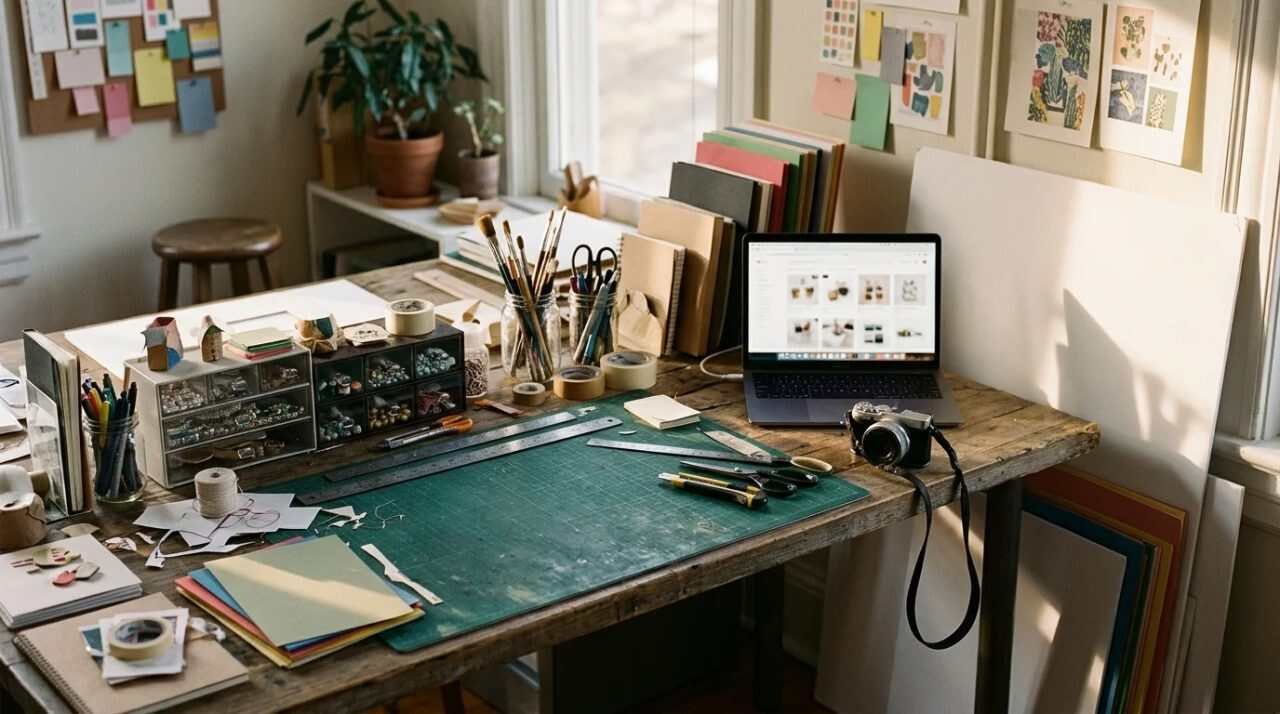
A shop with ten products and ten different light conditions looks like ten shops. Shopify’s guide does not treat consistency as a topic of its own. The nearest it comes is its advice to shoot near a window, or in shade during the golden hour, so that the light stays even through a shoot, and its warning that east and west windows shift with the time of day.
The practical inference is mine, not the guide’s. If the window changes with the hour, a set shot at the same hour, at the same window, against the same backdrop, will match better than a set shot whenever there was a free ten minutes. I have no evidence beyond the logic, and the logic is cheap to test: shoot three products on one morning, three on another, and put the six side by side.
There is a turn against this advice as well. A uniform set looks professional, and it also looks like every other shop that follows the same guide. Buyers of handmade goods are often looking for the trace of a person, and a slightly different frame on each product can serve that better than a perfect grid. A small shop gets to choose, which a catalog company does not.
A short list before the first listing
- Set the product within a few feet of a large window, and choose the window by how steady its light is.
- Soften hard sun with a thin white sheet, and bounce light into the shadow side with a white board or card.
- Start with a plain surface and a white wall or paper behind it.
- Shoot in the early morning or late afternoon, and skip midday.
- Take one picture that shows scale, either with a familiar object or a person.
- Give each file a short, descriptive name, and write alt text that says what the picture shows in plain words.
- Place the picture next to the text that describes it.
- Compress the file before it goes live.
If you sell on a marketplace rather than your own site, the same photographs travel, and the question of which channel suits a small maker is covered in selling on Amazon or your own store.
For informational purposes only. This post is general guidance on photography and image search, not professional photography advice, and the sources linked below may have changed since they were read.
Sources
- Shopify, natural lighting for product photography: https://www.shopify.com/blog/natural-lighting-product-photography
- Google Search Central, image best practices: https://developers.google.com/search/docs/appearance/google-images
- Google Search Central, SEO starter guide: https://developers.google.com/search/docs/fundamentals/seo-starter-guide
- Marcellino NY homepage: https://marcellinony.com
- Visual Education, Product Photography at Home Using Natural light… Is it even possible? (YouTube, not watched in full): https://www.youtube.com/watch?v=qy4I7y77gTE