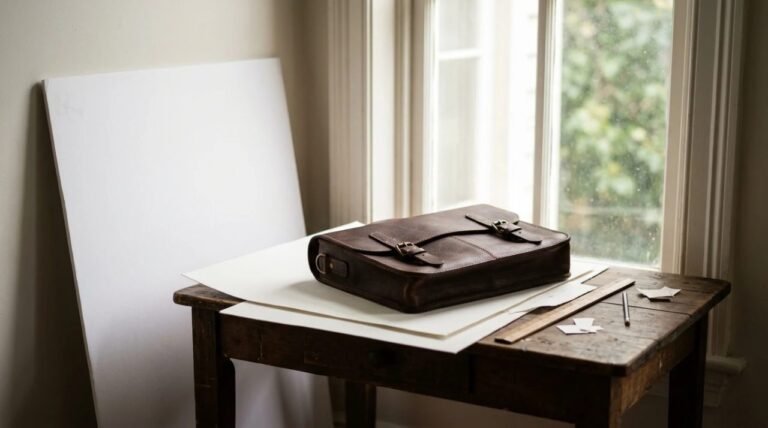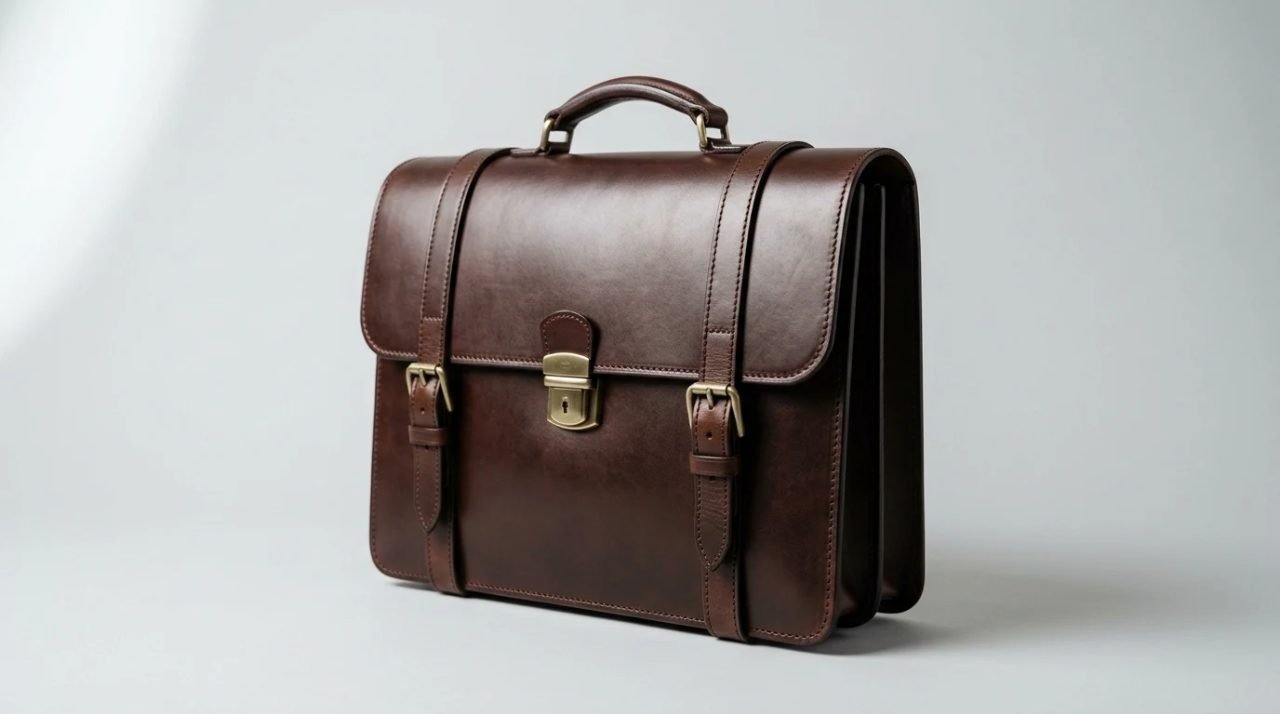
Leather is not glass, and it is not chrome, but a finished bridle leather briefcase does something that matters to a camera: it holds a sheen. Light that lands on it does not scatter evenly. It comes back as a bright patch where the surface curves, and a dull patch where it does not. I photograph the briefcases I make at Marcellino NY, my own business since 2010, so I have a financial interest in the subject, and I will not pretend to give you a lighting diagram from my bench. What I can do is put together the guidance that photographers who work with shiny products actually publish, and say where it fits leather and where it does not.
What a shiny surface does to a picture
The Retouching Labs guide describes the central problem of reflective products this way: glossy surfaces pick up their surroundings, including the photographer, the camera and the room lights. The product becomes a mirror of whatever is near it.
That is why the same briefcase can look fine in the afternoon light of one room and strange in another. The leather is the same. What it is reflecting has changed. A window becomes a white rectangle across the flap, and an overhead fixture becomes a hot spot on the top of the case.
Two things follow from this. The first is that you control the picture by controlling what the surface can see. The second is that a larger, softer light gives a surface a gentle gradient to reflect, where a small hard light gives it a hard edge. Almost every technique below is a version of one of those two ideas.
Soften and enlarge the light
The sources agree on this point, and it is the single most useful piece of advice for leather. The Retouching Labs guide says to use large, soft light sources that wrap around the product, naming softboxes, umbrellas and diffusion sheets, and to position lights at an angle and not straight on.
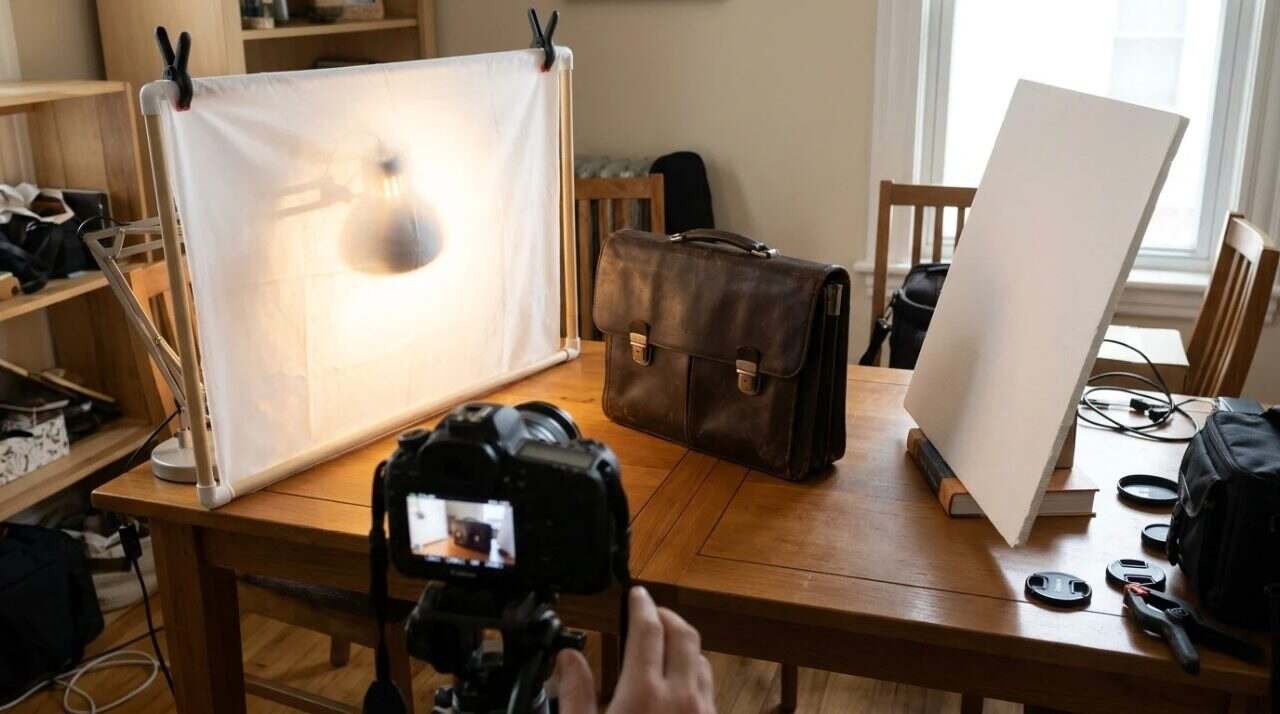
Shopify’s guide to shooting reflective products gives the same instruction in plainer terms: place a diffuser between the light and the product to soften the light and reduce glare. It names softboxes, sheer fabric over the light, photography umbrellas and white sheets. A white sheet hung in front of a lamp counts as a diffuser, and the guide includes it. That puts good light within reach of anyone with a table, a window or a lamp and an hour to spare, with no studio and no budget line.
The reason it works is geometry. The bigger the light source is relative to the product, the more of the surface it fills with gentle light, and the less any single point stands out as a glare.
Fill the shadow side with something white
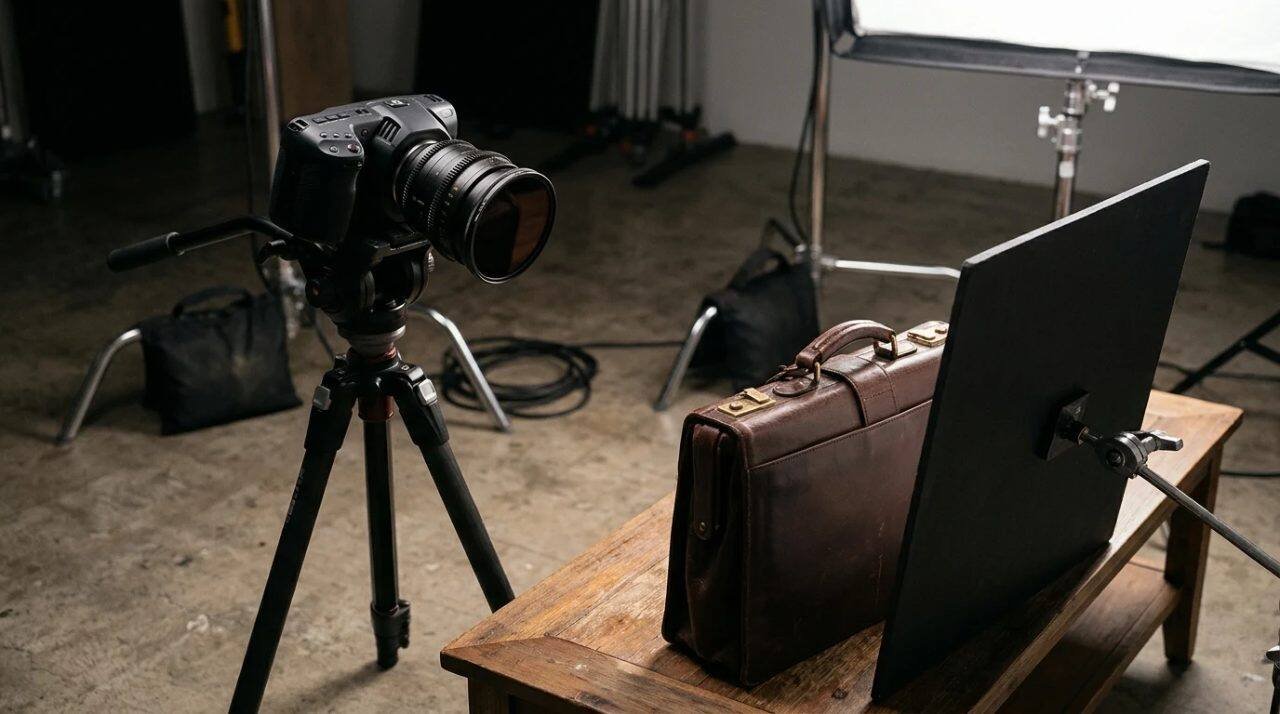
The Shopify article suggests a white foam board opposite the light source, to bounce light into the shadowed areas, adjusting the angle until the lighting works. A second article from Ecommerce Fastlane, on reflective surface photography, describes placing two white foam boards in a V opposite the light to bounce fill back onto the product.
It also notes that boards change the mood. White gives a softer look, while black adds saturation and bolder edges, and moving the boards closer strengthens the outline. For a dark leather piece, a black board next to the product can keep the edges crisp, which is useful when the case is brown on a pale background and the outline gets lost.
Move the camera, not just the light
The guidance on angle is surprisingly specific, and cheap to try.
Retouching Labs says to avoid straight-on shots, which tend to capture the camera in the reflection. Shoot from slightly above or to the side, raise the product to reduce floor reflections, and make small rotations to reduce distracting highlights. Shopify’s guide says camera angle matters as much as light: shoot from the side, below and above, and move the camera laterally and vertically to remove bright spots.
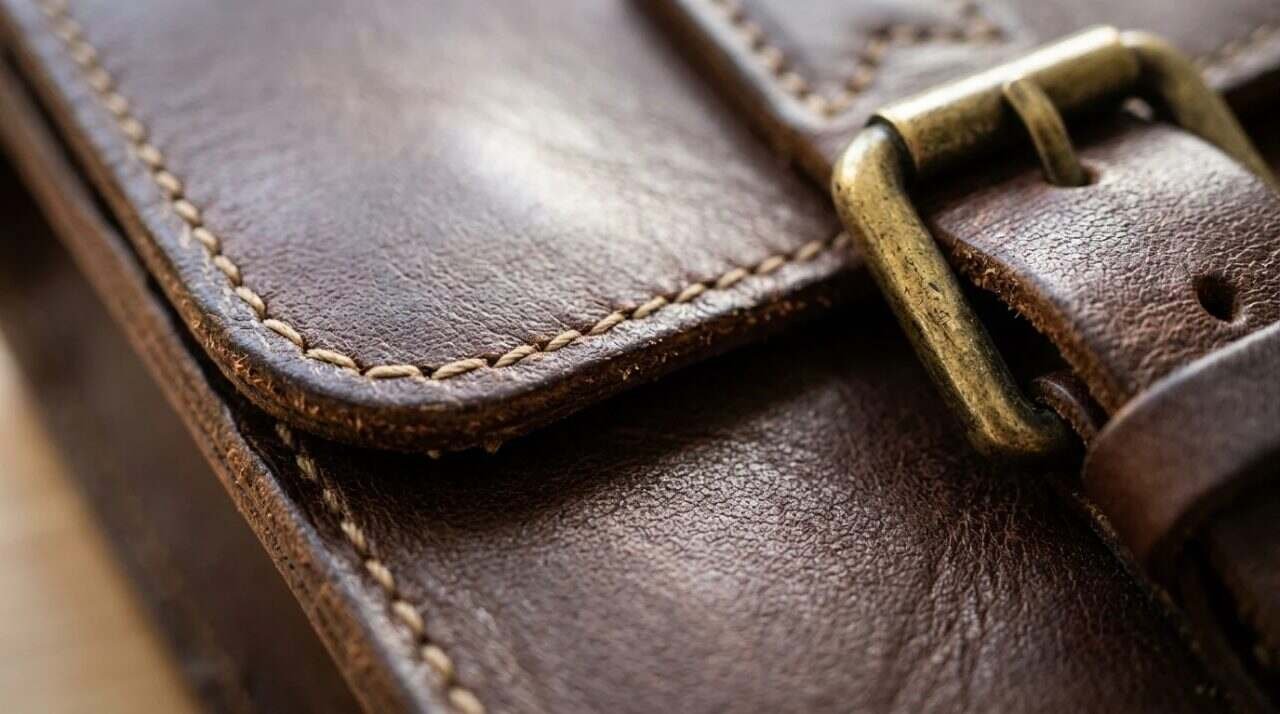
For a briefcase, this means an experiment, not a formula. Put the case on a surface, set the light, and then move the camera a few inches at a time while looking at the screen. A highlight that looks fixed on the flap will slide as you move. The right position is the one where it slides off the part of the case you want the buyer to see, such as the stitching, the grain or the edge finish.
The Ecommerce Fastlane article adds a small trick for floor reflections: attach a paper sweep to the bottom of the lens so that the product’s reflective surfaces have nothing bright to pick up from below. It describes mounting the camera on a tripod, angled slightly down.
Cutting glare at the lens
A polarizing filter on the lens reduces harsh reflected light. Shopify’s guide describes it as highly effective on shiny surfaces, and Retouching Labs recommends a circular polarizer as part of the toolkit. Retouching Labs also lists light tents or cubes, diffusion panels and black flags, which shape the reflections, along with a tripod for stable, controlled exposures.
Neither source gives a precise recipe for leather, and I will not invent one. If you use a polarizer, test it on the piece in front of you and judge the result by eye.
A spray is a different kind of decision
Shopify’s article mentions a dulling spray, which creates a temporary matte finish, and says it works best on nonporous materials. Leather is porous, and a finished briefcase is the product you are selling. Whatever the spray does to the surface, I would not apply it to a piece a customer might later hold. That is a judgment on my part, not something the source tests. The article does not address leather at all.
Settings
The sources give ranges, and they differ.
- Shopify recommends an aperture between f/5.6 and f/11 so the whole product stays in focus, and a lens between 50 and 200 millimeters.
- Retouching Labs, in its FAQ, suggests a low ISO, a narrow aperture of roughly f/8 to f/16, and manual focus.
- Ecommerce Fastlane suggests manual mode at f/11 or higher, with ISO 100.
The overlap sits around f/8 to f/11, with a low ISO, a tripod and manual focus. That overlap is where I would start. A briefcase is a deep object, with a front, a handle and a thick body, and a narrow aperture keeps more of it sharp. The cost is a slower shutter speed, which is why the tripod keeps appearing.
White balance gets a mention from Shopify: set it manually, or use auto white balance, to correct the color temperature of studio light. For leather this matters more than for most products, since brown shifts toward orange under warm bulbs and toward gray under cool ones. A picture that shows a color different from the real piece creates a return problem.
Editing, with restraint
Retouching Labs lists the editing steps: recover highlight detail, heal stray reflections and shadows, correct white balance so metals look accurate, and dodge and burn for depth. Shopify mentions the clone stamp tool or the highlight, contrast and shadow sliders for reducing glare, and a hue and saturation layer to remove a color cast.
For a handmade product, I would go lightly. A customer who buys a leather case from a photograph is buying the leather as it is. Editing out a flaw you can see in person is not a retouch, it is a misrepresentation. Editing out a patch of window glare that was never on the case is fair.
That distinction is also the best argument for good photography at the bench. The more of the work you do with light and position, the less you have to fix afterward.
Once the photographs exist, they still need words. Alt text should say what is in the image and how it relates to the page, and the file name should say it too. I covered both in a post on alt text and image file names. A good product photograph with no description is only half used.
Where the sources run out
All of this guidance was written for reflective products in general: glass, metal, jewelry, bottles. Leather behaves differently. It has grain, it absorbs some light, and its sheen changes with the finish. The sources do not test leather, and the one I read that mentions a spray says it suits nonporous materials. Treat the advice as a starting point, and let the case in front of you correct it.
For informational purposes only. Camera equipment and lighting guidance vary by product and setting; consult the manufacturer’s documentation for any light or filter you use, and a licensed attorney if you have questions about image rights or advertising claims.
Sources
- Retouching Labs, Guide to Shoot Reflective Products: https://retouchinglabs.com/guide-to-shoot-reflective-products/
- Shopify, Shoot Reflective Products Like a Pro With These DIY Lighting Setups: https://www.shopify.com/blog/76702789-shoot-reflective-products-like-a-pro-with-these-diy-lighting-setups
- Ecommerce Fastlane, DIY Tips for How to Take Great Reflective Surface Photography: https://ecommercefastlane.com/diy-tips-for-how-to-take-great-reflective-surface-photography/
- Video: https://www.youtube.com/watch?v=WfmXHxsLMKA