
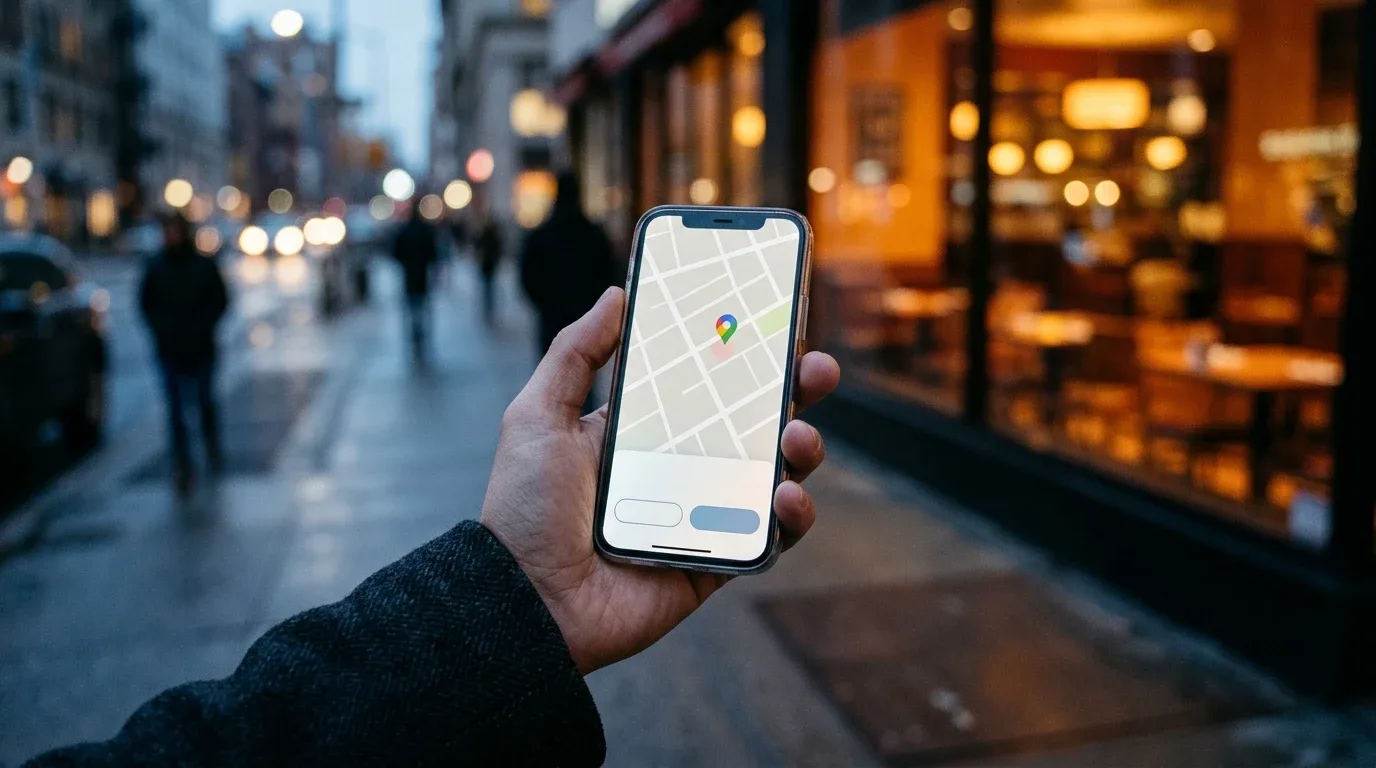
On July 31, 2024, Google pulled the chat feature out of Business Profiles. Two weeks earlier it had stopped customers from starting new conversations, and businesses were told, in effect, to list a phone number. Twenty-seven months later the button is back, and it is not buried this time: on Google Maps for Android and iPhone, a Message button now sits right next to Call on a business listing. The same autumn brought a second change Google says restaurant operators ask for often, a switch to turn off a specific delivery provider without begging that provider to do it.
Both arrive before the holiday weeks, and each one hands the owner a decision that used to belong to somebody else.
The chat button that came back
The 2024 shutdown happened in two steps. 9to5Google reported Google’s notice at the time: “Beginning July 15, 2024, customers won’t be able to start new chat conversations with your business from Google.” Then: “On July 31, 2024, the chat feature will be removed in Google Business Profile.” Businesses were pointed back to the phone.
The return was announced by Lisa Landsman of Google in the November Small Business Bulletin on the Google Business Profile community forum, and covered by Search Engine Roundtable on November 6, 2026. Google’s wording, as quoted there: “customers on both Android and iOS can now find a prominent Message button right next to “Call”.” The bulletin also admitted the old design’s problem: “Previously, finding chat on Maps required scrolling deep down into your profile.“
The new button does not open a Google inbox the way the old chat did. Tapping Message routes the customer to channels “including WhatsApp and SMS/Text,” which means the conversation lands on whatever phone or WhatsApp account the business connected. The bulletin page itself would not load for this post, so the details here come from Search Engine Roundtable’s report and from Google’s help pages.
Connecting a text line or WhatsApp to the profile
Google’s help article on adding text and WhatsApp messaging options keeps it to a few taps:
- Open the Business Profile, choose Edit profile, then Contact.
- Next to Chat, select Edit and open the dropdown.
- Pick WhatsApp or Text message.
- Enter a WhatsApp click-to-chat URL or a phone number that can receive texts, then save.
Google says “Messaging options are currently available for select countries and regions” and may not appear on every profile. It also says that when a business adds both WhatsApp and text messaging, customers see only the text option, so there is no point setting up both.
The practical snag is the number. The help page asks for “a phone number that can receive text messages,” and if the line bolted to the wall by the register can’t take a text, the profile needs a different number. For a small shop that usually means a cell phone, and a cell phone means a person. The Till Post piece on setting up a business voicemail and hours message covers the old version of this problem; the text version is the same problem with a faster clock.
Turning off a delivery app on the profile
The ordering change arrived a week earlier. On October 28, Search Engine Roundtable reported that restaurants can now switch off individual third-party ordering providers, such as Uber Eats, DoorDash, Instacart and Grubhub, from the Business Profile dashboard, choosing pickup, delivery or both. Landsman’s announcement opened with the reason: “One of the most frequent requests we hear from restaurant operators is simple: more control over their ordering links.” Search Engine Journal quoted her saying that if a provider no longer fits a restaurant’s operations or margins, “you can turn it off yourself.”
Until now, the provider decided. Google’s help page on managing online ordering options says third-party providers that state they have authorized relationships with a business are automatically listed on its profile, and SEJ quoted Google’s current policy page: “All partner integrations are enabled by default.” A restaurant that signed up with a delivery app once, years ago, may still have that app’s button on its own listing.
The help page describes the controls under “Show provider to customers,” with separate switches for Show for pickup and Show for delivery. To hide a provider completely, Google says to turn off both. Changes typically publish within a few hours. The same page lets an owner mark a provider, or the restaurant’s own ordering link, as preferred for pickup or delivery, which is what the video above walks through. A link the owner added by hand is removed a different way, with a Remove link button, rather than switched off.
What a delivery button costs on a $40 order
The reason owners wanted the switch is printed on the delivery apps’ own pricing pages. DoorDash lists three delivery plans for restaurants: Basic at 15 percent, Plus at 25 percent and Premier at 30 percent, with pickup at 6 percent on all plans. Run a $40 order through those rates and the commission comes out like this:
| DoorDash plan or order type | Commission rate | Commission on a $40 order |
|---|---|---|
| Basic delivery | 15% | $6.00 |
| Plus delivery | 25% | $10.00 |
| Premier delivery | 30% | $12.00 |
| Pickup, any plan | 6% | $2.40 |
The sting is in where the customer started. Someone who searched the restaurant by name, opened its own Google listing and tapped Order was already looking for that restaurant. If the button they tapped belonged to a delivery app, the restaurant paid commission on a customer it brought in itself. Pickup tells a smaller story. At 6 percent, a $40 pickup order through the app costs $2.40, and the customer still walks through the door, sees the counter and maybe the dessert case. The switch in Google’s panel is split the same way, so an owner can hide a provider for delivery and leave it showing for pickup, or the reverse. The Till Post comparison of ordering through an own site versus delivery apps lays out the wider trade.
Reasons to leave both switches alone
Google’s own announcement carries the argument against flipping the delivery switch. SEJ reports Landsman arguing that diners often order through apps where they already pay a subscription or have a card saved, so keeping those apps listed can keep orders from drifting to a competitor. A customer with a delivery membership who finds no familiar button may not type a card number into a restaurant’s own site. They may just scroll to the next listing. A 15 percent commission on an order beats zero percent of an order that went down the street.
The Message button has a sharper version of the same problem. An unanswered phone at least rings out. An unanswered text sits there, read or unread, and the customer has no idea which. At 7 p.m. on a Friday the person nearest the phone is holding a spatula, and a text asking whether the kitchen can do the eggplant without cheese waits until the rush breaks. By then the customer has eaten somewhere else.
Both switches turn out to be staffing decisions more than marketing ones. A shop that can answer texts within minutes during open hours gains a channel. A shop that can’t is putting a sign in the window promising something the kitchen can’t deliver.
Halal, kosher, hours and one appeal
The November bulletin, as summarized by Relevant Audience, added a few smaller items. Menu dietary tags now include Gluten-Free, Dairy-Free, Halal and Kosher alongside Vegetarian and Vegan, with Google’s condition that “halal and kosher should only be applied where certified.” A kitchen that is careful about pork but holds no certification should leave those two tags off. Owners can now describe hours in plain language, something like “Tuesdays and Thursdays by appointment,” and let Google fill in the fields, though Relevant Audience notes Google’s help page limits that to select regions and languages. And the simplified appeals tool comes with a warning in the bulletin that “appeals can only be submitted once,” which argues for gathering every document before pressing submit.
The rest of the holiday list is the usual: set holiday hours, update the menu, post seasonal updates and check the ordering and pickup links. The Till Post Google Business Profile checklist for restaurants covers the standing items, and the guide to answering Google reviews applies to messages in most of the same ways: answer fast, answer plainly, and never argue in writing.
One check is worth doing tonight. Open the profile on a phone, as a customer would, and tap Order. Whatever logo shows up first is the deal the restaurant is offering its own regulars, whether anybody at the restaurant chose it or not. For owners who have already run the test, which provider was sitting on the listing, and how long had it been there?
For informational purposes only — consult a licensed attorney or financial advisor.
Sources
- 9to5Google, Google Business Messages in Maps and Search shutting down (May 28, 2024)
- Search Engine Roundtable, Google Expands Business Messaging To Google Maps On iOS & Android (Nov. 6, 2026)
- Google Business Profile Help, Add text & WhatsApp messaging options
- Search Engine Roundtable, Google Business Profiles Finally Adds Third-Party Ordering Controls (Oct. 28, 2026)
- Search Engine Journal, Google Gives Restaurants Direct Control Over Ordering Providers (Oct. 28, 2026)
- Google Business Profile Help, Manage online ordering options
- DoorDash for Merchants, Pricing
- Relevant Audience, Google Maps puts Message next to Call: November Small Business Bulletin (Nov. 7, 2026)
- Google Business Profile, “How to set your preferred food ordering provider” (YouTube)