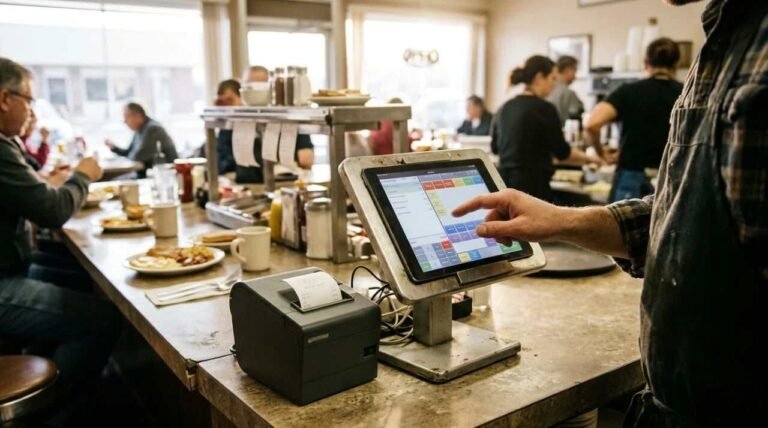
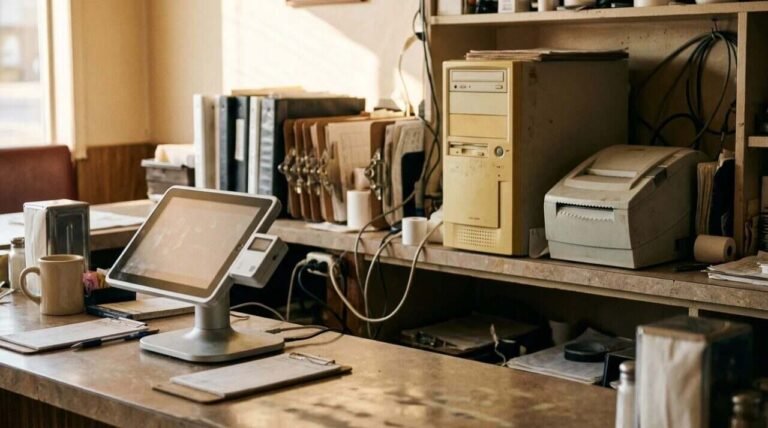
A restaurant that wants online orders has two doors to choose from, and they open onto different rooms. One is a delivery app, where the customer arrives through someone else’s storefront and the courier is someone else’s too. The other is the restaurant’s own site, where the customer arrives through the restaurant’s name and the restaurant handles what follows. I work at the Heritage Diner, the family restaurant in Mount Sinai that opened in 2000, and I spent years installing point-of-sale systems for restaurants through Nanos Media, so I have seen the tablet era and what replaced it. I have not priced out or run online ordering through the diner’s own website, and this post does not say whether the diner takes orders there. It covers what I have seen on the app side, and what the published documentation says about the rest.
The tablet era
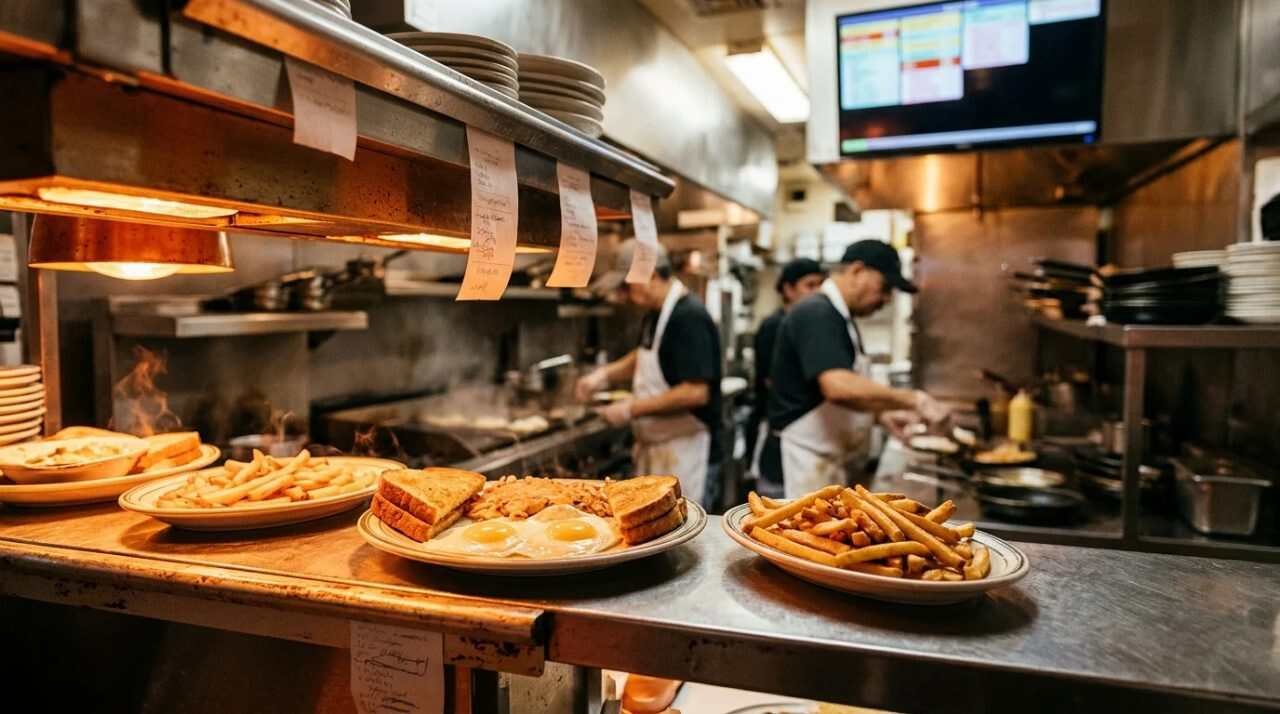
Years ago, delivery orders at the diner needed tablets. That is as much as I will say about the routine, because the details of who watched which screen are not something I have written down, and I would sooner leave a gap than fill it with a guess. What I can say is that tablets were the price of admission, and that any restaurant taking delivery orders had to settle where they would sit.
That arrangement was not a quirk of one restaurant. Uber Eats, describing its relaunched Square integration in May of 2025, says that orders route directly to the Square point of sale and to kitchen display systems, so that a separate tablet is not needed. Square’s spring 2025 release page quotes a restaurant owner who says the DoorDash setup removed the need for multiple tablets. A fix that gets advertised that way points at a problem that was widespread.
The diner ran Aldelo for more than twenty years, on a lifetime license with an in-house server, and moved to Square after COVID because delivery integration with DoorDash and Uber was poor on Aldelo. The short version is that the delivery apps were the reason the system changed, not the register.
What happens when an app order reaches the register
Today, delivery orders from DoorDash and Uber come into the Square point of sale directly. The documentation shows what that means in practice. For DoorDash, Square’s help article says all DoorDash orders placed on DoorDash flow through to the Square account, and that they appear in Square reports. A cashier can cancel one from the Square Dashboard or the POS. Doing so voids the ticket, updates DoorDash and notifies the customer, and if no courier has been dispatched the order is refunded.
Uber Eats works much the same way. Orders appear in Order Manager and trigger the printers or kitchen display. The relaunch article says a restaurant can pause incoming orders during busy periods and alert couriers when the food is ready, all from the point of sale. Both are controls that matter when the kitchen is behind and the app keeps accepting.
Some things still live outside the register. The DoorDash article says item substitutions go through the DoorDash merchant portal, and that courier status is not shared through the integration, though it can be seen in Square’s Business Manager app or Order Manager on an Android tablet. A tablet does not vanish entirely, then; it moves to a corner of the operation where it is optional.
One menu in several places
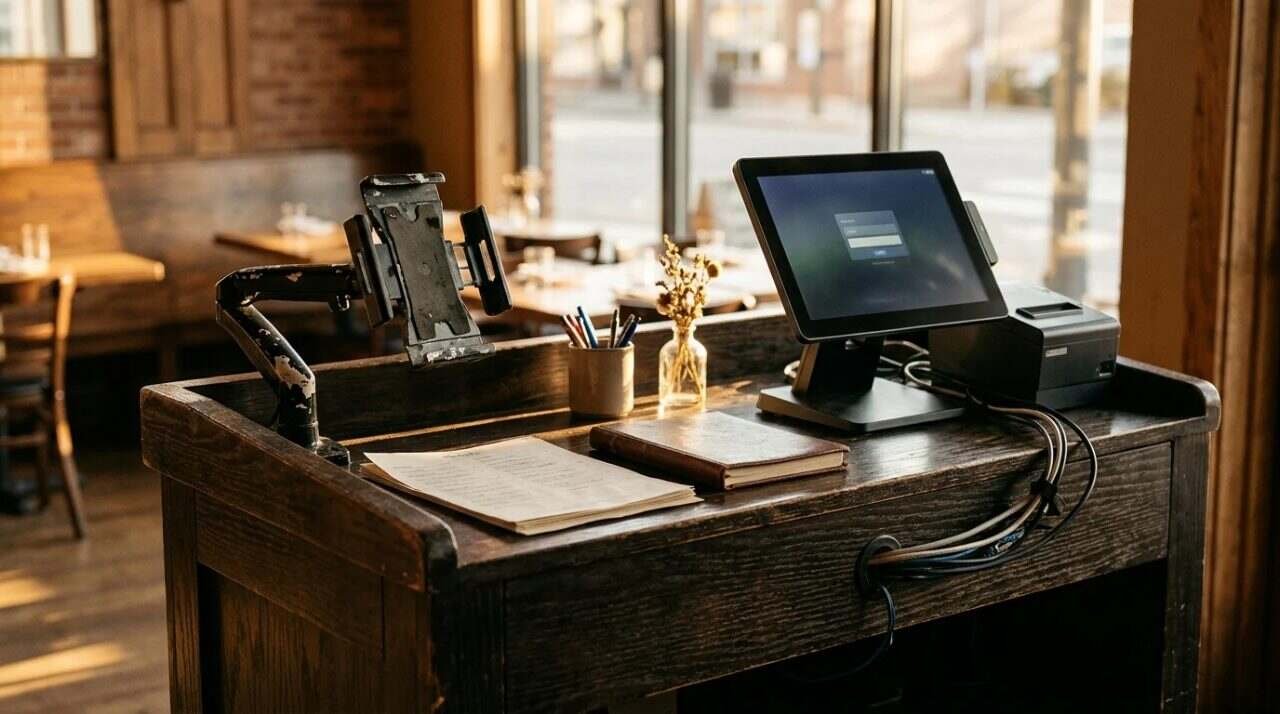
The daily payoff from a connected system is the menu. Square’s DoorDash article says item changes sync to DoorDash automatically, and that marking an item as sold out, what a kitchen calls 86ing it, makes the item unavailable there. The Uber Eats article says changes to the full menu, or items marked out of stock, update on the Uber Eats shopfront, which it describes as syncing instantly.
At the diner, the menu is kept in Square and synced from that one menu to Google, to the website, to DoorDash and to Uber. I take that as the real argument for the arrangement. A price is changed in one place, and four storefronts agree with each other by the time the next customer looks.
The DoorDash article adds details that a manager would care about. Price overrides can be set separately for pickup and delivery, so the menu on the app does not have to match the menu on the counter. Menu hours can be edited, and a menu can be hidden or shown on DoorDash. Photos from Square can be pulled across, and DoorDash reviews them within five days. The default prep time for DoorDash orders can only be set in DoorDash, and Square’s item prep times apply only to Square Online.
A sync is only as good as the menu behind it. If a modifier is badly named in Square, it will be badly named on every app. The article also notes that DoorDash lists required modifiers first, whatever their order in Square, and it sorts items within sub-categories by popularity. So the menu a customer sees on the app may not look like the one on the counter, and somebody should open each app once and check.
What the apps keep for themselves
There is a cost in the arrangement, and the documentation names one of them plainly. The DoorDash article says customer contact must go through DoorDash. The restaurant gets the order and the money, but the person who ordered stays on the app’s list, not on the restaurant’s. If the diner wanted to send a customer a note, it could not do it from the delivery record.
Fees are the other cost, and I am leaving the percentages out. They differ by plan and by arrangement, and I could not confirm any figures that were published on or before the date of this post. A restaurant should ask each app for its current fee schedule in writing and put it next to the sales report. Card processing, the other half of the cost of taking an order, is covered separately in taking card payments with Square. Fees on a delivery order and the margin on a plate of eggs are different numbers, and only the second one is known at the register.
One practical caution comes from the DoorDash setup article. Activation disconnects any existing DoorDash integration, whether it came through an aggregator or an earlier Square connection, and the article says to activate while the business is closed. After activation, changing the location or the DoorDash account requires disconnecting completely and starting onboarding again. That is a Saturday-night mistake to avoid.
The listing on Google
Google is a third place the menu shows up, and it is worth a short look. Google’s help page for Business Profiles says a verified business can edit its hours, address, category and attributes, respond to reviews, and add photos and videos. The page says nothing about editing a menu, so I cannot tell you from it how a menu reaches the listing, and I will not guess at the route the diner’s menu takes. What the page does show is that hours are among the things a business edits by hand, which is a reason to check them against the apps. A customer who sees one set of hours on Google and another on DoorDash trusts neither.
Your own site
The other door is the restaurant’s website, and here I have to stay on the documentation’s side of the line. Square’s spring 2025 page says that its online ordering page syncs with the menus in Square, which means a restaurant already on Square keeps one menu for the site and the apps. It does not say how the orders are fulfilled, what they cost or how many a restaurant can expect, and I have no figures of my own.
What an own-site order offers, in principle, is that the customer arrives through the restaurant’s name and stays in the restaurant’s records. What it lacks is the app’s audience: people who open a delivery app and have never typed the restaurant’s name. Which of these matters more depends on the town, the menu and the kind of customer, and I have no data from the diner to put on either side of that scale. If a reader has some, it is worth more than anything in this post.
One more turn against the convenience. The convenience of having every channel land in one register is real, and it can also make it easy to take orders from a channel that costs more than it brings in, which the register alone will not tell you.
Questions to ask before choosing
- Which POS holds the one menu, and which channels sync to it automatically?
- Do orders from each channel arrive in the register, or on a separate screen that someone must retype?
- Who can contact the customer afterward?
- What is each channel’s current fee, in writing?
- What is the cost of a wrong order on each channel, and who pays it?
- Who checks the menu on each app after a price change?
For informational purposes only. This post summarizes published vendor documentation, which changes, and it does not give fee figures; consult a licensed attorney or financial advisor on contracts and costs before signing with any delivery platform.
Sources
- Square Support, Integrate DoorDash with Square: https://squareup.com/help/us/en/article/8518
- Uber Eats for Merchants, Square integration relaunch, May 2025: https://merchants.ubereats.com/gb/en/resources/articles/product-highlights/square-integration-relaunch-may-2025/
- Square, Spring 2025 Food and Beverage release: https://squareup.com/us/en/releases/food-and-beverage/spring-2025
- Google Business Profile Help, what you can do with your profile: https://support.google.com/business/answer/7091
- Square on YouTube, DoorDash and Uber Eats Integrations with Square (not watched in full): https://www.youtube.com/watch?v=uoGGcSmAwEs