A restaurant menu has more copies than the owner counts: the printed one on the table, the one on the website, the one on the Google listing, the photos customers uploaded of an older version, and whatever got pasted somewhere years ago. Every price change makes all of them wrong until each is fixed. I have printed menus and kept an online menu in step with them myself, and the rule that came out of it is short. Change the price in one place, and print from that place.
What stale prices cost
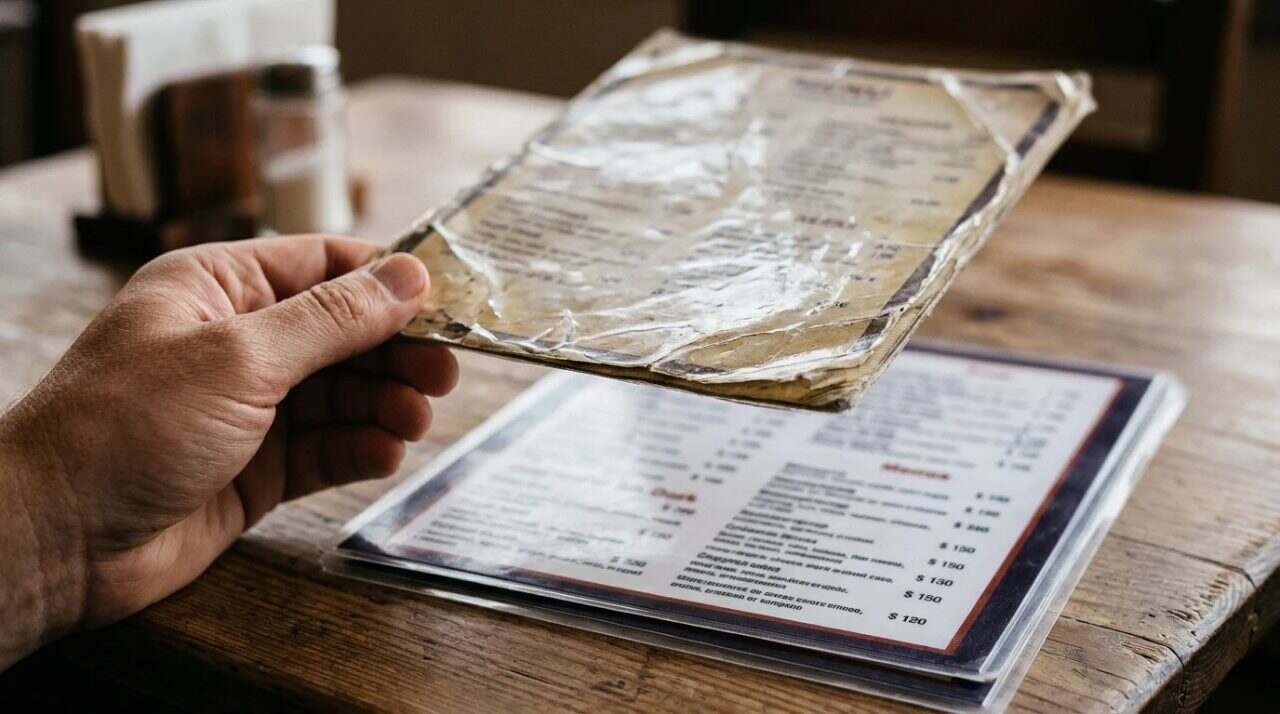
The Heritage Diner, the family restaurant where I work, once had a Google Business Profile that showed old menu prices. The menus had been updated by hand, and I forgot to update the Google listing. People saw the old prices online and called to order from the old menus.
That is the whole mistake, and it is a plain one. The damage is not dramatic. A caller quotes a price the kitchen no longer charges, and someone has to explain. The customer is not wrong. They read what was published.
Today the family restaurant runs one menu, synced to Google, to the diner’s website and to other places. The reason is not tidiness. It is that a human being with a list of places to update will eventually miss one, and a system with one place to update has nothing to miss.
How many copies there really are
An inventory of menus is a short exercise and an uncomfortable one. Walk through a list like this and write down what each copy says today:
- The printed dine-in menu, and any takeout or catering sheet.
- The menu page on the restaurant’s own website.
- The menu in the Google Business Profile.
- Menu photos on the Google listing, including any that customers added.
- Any menu on a third-party page, such as a directory or a social profile.
- The menu link in a bio, a QR code, or an email signature.
Google’s own help page, About the menu editor, shows why the list is longer than it looks. It says that you can upload your own menu photos or PDFs, that customers can add menu photos too, and that you can flag obsolete or inaccurate ones for removal. It also says Google may transcribe menu data from your website, and that you can edit or delete incorrect items or opt out of transcription. A single listing can therefore hold a menu you typed, a menu you uploaded, a menu a customer photographed and a menu Google read off your site.
How Google decides which menu to show

The same help page describes what happens when Google finds more than one source. The Menu tab shows the options and when each was last updated, and the owner can choose a preferred source under the Full menu tab and save, which makes that menu the public one. It also notes that if an item from a third-party source is missing or wrong, you may need to correct it at that source, since it is not described as directly controllable from the profile.
Two practical things follow. The first is that choosing the source is a decision the owner has to make once, on purpose, rather than leaving it to whatever Google found first. The second is that a wrong price on a third-party page is not fixed by editing your own profile. Whoever runs that page has to change it, or you have to ask them to.
The help page has a few smaller details that matter when a change is made in a hurry. In the Business Profile, a menu is edited by choosing Edit menu, then adding, changing or deleting sections and items, and each change ends with a save. Deleting a section also deletes every item in it, so a price edit and a section cleanup should not be done in the same sitting. If an update fails, the page advises trying again and waiting 24 hours before contacting support. There is also a place to add a link to your menu under the business information contact settings, which gives a customer a direct way to the same menu the website shows.
Timing is the third thing. The page says it can take 24 to 48 hours for changes to display on Google Maps and Search. If the printed menu goes into service Monday morning and the online change is made Monday morning, the two will disagree for a day or two, and calls will come in during that window. The sensible order is to make the online change first, and print and distribute after.
One menu, then everything else
The method that fits this problem is old and plain: one source of truth. The menu lives in a single document or system, and every other copy is produced from it, not typed again.
A workable version, without naming any particular software:
- Keep one master menu with items, descriptions and prices.
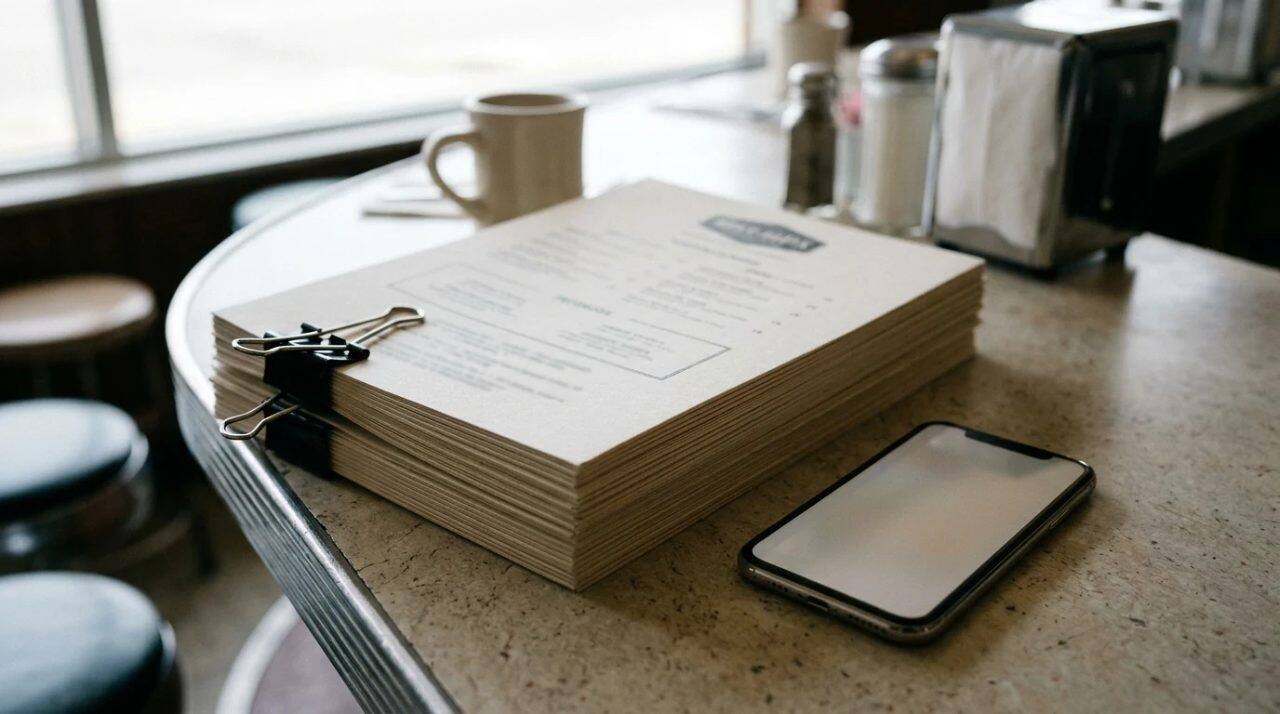
- Give it a version date, and put that date, in small type, on the printed copy.
- When a price changes, change the master first, then update the website, the Google listing and the print file in that order.
- Keep a list of where the menu appears, and tick each place when it is updated.
- Choose the preferred source on Google deliberately and check the Menu tab after a change.
The version date on the printed copy is the cheapest control on the list. It lets anyone holding a menu, and anyone at the counter, tell in one glance whether it is the current one. It also gives a customer who photographs the menu a date that travels with the photo, so a stale photo on a listing can be flagged and removed with a reason.
I am not going to claim that a single synced menu is free. Someone has to own it, and when an item changes on the kitchen side but not in the master, the problem moves from five places to one, which is better but not gone. The gain is that there is now one place to look.
Printing the paper copy

Print is where a late change gets expensive, so the order matters. Proof the file against the online menu, item by item, before sending it. Print a small run first when prices have just changed, because a price that turns out to be wrong is a smaller problem on forty sheets than on four hundred. Collect and discard the old menus at the same moment the new ones go out. An old menu left in a drawer returns to a table in a month.
One way to shrink the gap is to put the web address of the online menu on the printed copy, in small type near the version date. A customer who doubts a price on the paper has somewhere to check, and the restaurant has one more reason to keep the online copy right, since the paper now points to it. The cost is a line of type.
Takeout and phone orders deserve a separate check. A caller reading from an old menu is the exact problem described at the top, and the cure is on the phone side too: whoever answers should know the menu date and be able to say what the current price is without hunting.
What the menu must carry by law
Printing the menu also raises questions of content, not only prices. The U.S. Food and Drug Administration’s page on menu labeling requirements says the federal rule covers restaurants and similar retail food establishments that are part of a chain with 20 or more locations operating under the same name and offering substantially the same menu items. Those establishments must show calories for standard menu items, offer more nutrition information in writing on request, and carry two required statements. A single-location restaurant is outside that federal rule by the page’s own description, though state and local rules may differ.
Allergens are a separate matter. A Virginia Department of Health handout, Keep Your Guests Safe From Food Allergens, lists nine major allergens and advises notifying customers in writing when one is in a dish. That is Virginia’s guidance, not New York’s. Whether a printed menu has to carry an allergen notice here is a question for the local health department, and the answer should be written into the master menu so that every copy carries it.
A closing check
Before a new printing, put the printed proof and the live online menu side by side and read both aloud, price by price. It takes ten minutes. It is the cheapest hour of proofreading in the building, and the only one that matches what a customer will see on a phone in the parking lot.
For informational purposes only. Menu content, allergen notices and nutrition labeling rules depend on the restaurant and the jurisdiction and change over time, so confirm current requirements with your local health department and consult a licensed attorney before relying on any of this.
Sources
- Google Business Profile Help, About the menu editor: https://support.google.com/business/answer/9455840?hl=en
- Google Business Profile (YouTube), How to edit menu pricing: https://www.youtube.com/watch?v=I-v0dFg1D5Y
- U.S. FDA, Menu Labeling Requirements: https://www.fda.gov/food/nutrition-food-labeling-and-critical-foods/menu-labeling-requirements
- Virginia Department of Health, Keep Your Guests Safe From Food Allergens (2023): https://www.vdh.virginia.gov/content/uploads/sites/127/2023/07/9-Food-Allergens-2023-rap.pdf.pdf