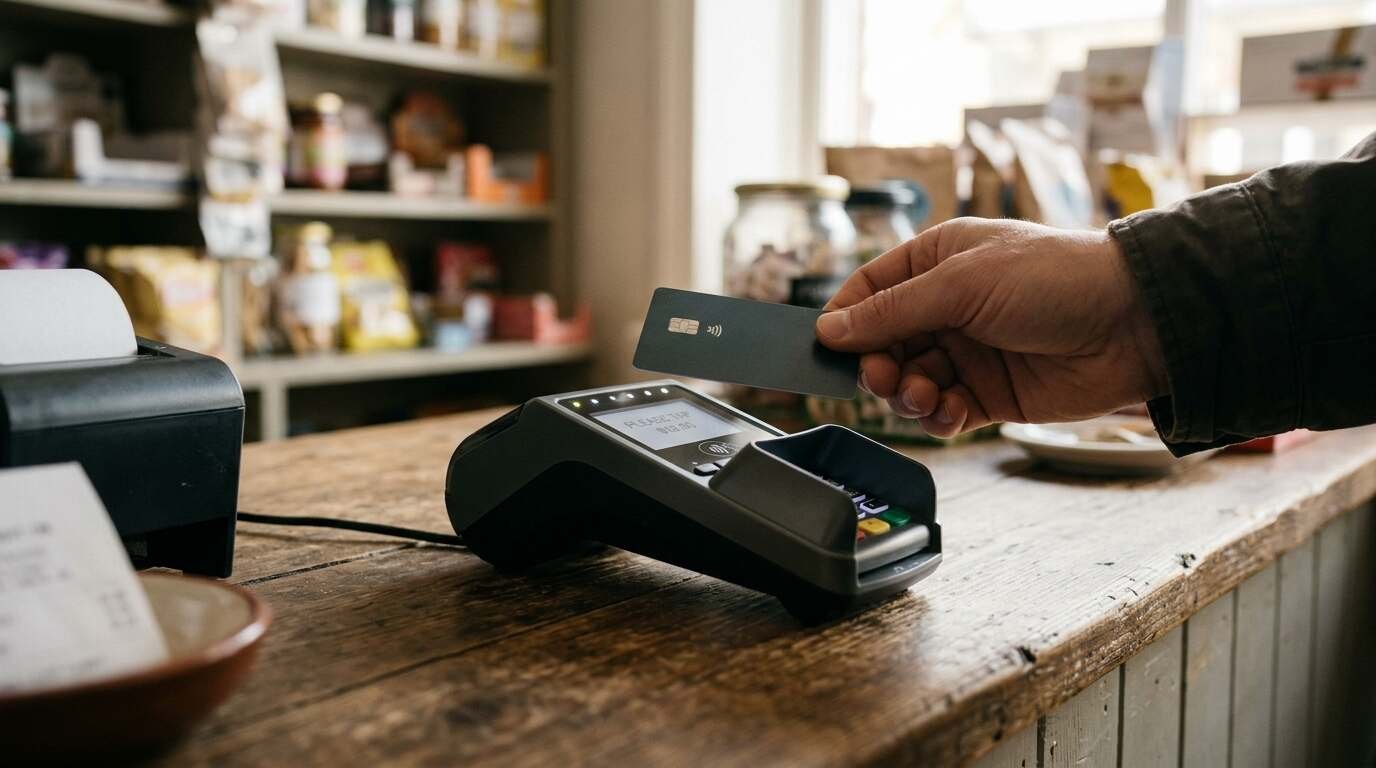
A point-of-sale outage rarely arrives as a dramatic failure. More often a router is power-cycled, an internet provider drops out for forty minutes, or the vendor’s own cloud service has a bad hour during the dinner rush. Cloud POS systems are built to keep taking payments through that, and the vendors publish how. The documentation also shows, in plain language, who carries the loss when an offline card payment turns out to be bad.
The sections below compare what Square, Toast and Clover say about their offline behavior, then turn to the paper side of the plan, which covers whatever the software cannot.
What offline mode covers, and what stops working
Toast’s platform guide says its devices enter offline mode when experiencing a connection issue, and defines three cases: a local network disruption, an internet service provider outage and a Toast cloud outage. A second Toast page puts a number on the trigger: 40 seconds after the loss of connectivity or during a Toast outage, the device enters offline mode.
What keeps working, per Toast: printing kitchen tickets to backup printers if they are configured, weighing items on scales, taking offline card payments, adding card or cash tips, and opening cash drawers and printing receipts where a printer is available. What does not: showing orders on kitchen display screens (which fall back on a separate local-sync arrangement), kiosk orders, shared orders between devices, logging in or out, guest data, online reports, and payment by gift card, loyalty points, house account or customer credit.
Square’s article on offline payments describes a similar split. Cash and most card payments continue, and are stored in the point-of-sale app and processed automatically once the device reconnects. Not supported offline: EBT/SNAP, Afterpay, Cash App Pay, Square Gift Cards, Tap to Pay, manually entered card numbers, and some older reader hardware. Loyalty points must be linked manually after upload, and close-of-day reporting is unavailable. The article adds that offline payments are allowed on all devices by default from March 2026 unless the seller opts out.
Orders from elsewhere stop too. Square’s offline payments guide notes that online orders will not arrive while a device is offline, so staff should review and save any orders received beforehand. Delivery and online-ordering channels deserve a line on the outage checklist for that reason.
Why an offline card payment is a different kind of sale
A card tapped, dipped or swiped online is checked: the issuer approves the amount, and the terminal knows the answer before the receipt prints. Offline, nothing checks. Clover’s developer documentation says its device records offline payments when a transaction is attempted without a network or Wi-Fi connection, and that while offline it cannot verify the gateway, the validity of the card or the available funds.
The vendors are consistent about what follows from this.
Square’s article says sellers do not receive notifications about declined payments while offline, that declines can be viewed after reconnecting, and states: “You’re responsible for any expired, declined, or disputed payments accepted while taking offline payments.” Square also notes it cannot contact customers about these on the seller’s behalf.
Toast’s preparation article lists the same exposure: the merchant is responsible for declined, expired or disputed offline payments, authorizations can expire in some cases as early as 24 hours after the transaction, and a declined payment cannot be re-run after reconnecting. A fresh payment has to be collected from the guest, which is awkward when the guest has left.
Clover’s page adds a layer for software developers: the REST Pay API offers three overrides with escalating risk, from requiring the merchant to accept or decline each offline payment through a prompt, to forcing payments offline regardless of connection status while ignoring merchant limits. The page says anyone using these settings assumes responsibility for warning the merchant and enforcing limits.
The consequence for a small restaurant or shop is mechanical. An offline sale of $18 and an offline sale of $1,800 carry the same missing check on the card, and the second one is a far larger bet. Square and Clover both let sellers set a ceiling, and Toast ties approval of offline card payments above its transaction limit to a manager-level permission.

Limits and time windows set by each vendor
The ceilings and clocks are where the three systems differ most.
Square. Sellers set a maximum amount per transaction, from $1 to $50,000, in the offline payments settings. Uploads must happen within 72 hours of the session start on Register, Terminal and Handheld devices. Readers (second generation and some first-generation models) and Stand allow 24 hours of offline acceptance before the device must reconnect to start a new session, though uploads still carry the 72-hour limit. Square’s time limits article states that expired payments cannot be recovered or reprocessed, and the offline payments article puts it bluntly: “Pending offline payments will be permanently lost and the funds won’t be captured.” Uploading within 24 hours is recommended to reduce chargeback and decline risk.
Toast. The Toast preparation article describes a setting called card authorization during payment disruptions, on by default and recommended, with an offline/background credit card processing permission (1.15) that lets assigned staff, usually managers, approve offline card payments above the transaction limit. The Toast pages fetched do not state a dollar figure for that limit. Toast’s guide also says that EMV mode is unavailable offline, so cards must be swiped, and that merchant copies of guest-signed receipts should be kept in case an offline payment is lost. If connectivity is not restored by the end of the business day, support can temporarily disable auto-capture so payments can be adjusted first, with the warning that once payments are captured, they cannot be updated.
Clover. Per its documentation, Clover Mini and Flex accept offline payments for up to 7 days by default, and merchants can switch the feature off or cap the amount per transaction or the total processed offline. The page does not describe what happens on reconnection, referring instead to a separate reconciliation page.
A seller reading these side by side may notice that a longer window is not necessarily a safer one. Seven days of unverified card payments is seven days of exposure.
Keeping the connection from failing in the first place
Offline mode is the second line of defense. The first is a network that rarely drops.
Toast recommends Ethernet or Wi-Fi on each terminal, not both, with Wi-Fi turned off on terminals where Ethernet is used, a connection meeting 15 Mbps download and 5 Mbps upload, and a cellular backup for the internet connection. Square’s guide suggests the same family of remedies: checking cables and routers, using Ethernet if Wi-Fi proves unstable, and adding a router with cellular backup or a hotspot. It also recommends bookmarking Square’s status page and turning on email or text alerts so a vendor-side disruption is recognized as one. The alert type matters, because Square says both an internet disruption and a Square service disruption still allow offline payments.
The 40-second trigger in Toast’s documentation gives a sense of how quickly a device moves to offline mode when the connection does drop.

The paper backup kit
Software covers payments. Paper covers everything around them, and the vendors’ own guidance points to what belongs in the kit.
- Pre-printed or pre-numbered paper tickets, so orders taken while terminals cannot share them still reach the kitchen. Toast’s offline page states that orders on one device do not appear on others and recommends that each employee choose a single device to place and update orders. A paper ticket removes the dependency on any screen. Toast also lists printing kitchen tickets to backup printers as an offline function, so a backup printer, if configured, belongs on the checklist before the outage.
- A pen-and-paper payment log with a line for each offline card sale: time, amount, last four digits, cardholder name from the card and a signature. Square’s guide says to check the cardholder’s name and expiration date and to keep printed receipts or signatures, which reduces declines and disputes. Toast says to keep signed merchant copies in case a payment is lost.
- A contact capture sheet. Toast suggests creating an offline dining option, such as one with takeout behavior, to collect guest name and phone number so declined payments can be followed up. A paper version of the same idea works when screens do not.
- Cash handling supplies, since Toast’s close-out documentation states that drawers cannot be closed and deposits cannot be created while offline. It recommends collecting all cash-in-hand payments from employees until connectivity returns. A bank bag and a tally sheet cover that gap.
- A one-page procedure taped near the register: who decides to switch to offline mode, who watches the status page, who approves card payments above the limit, and where the log is kept. The post on writing a station procedure for a restaurant line covers the format, and cross-training restaurant staff describes why the procedure should not live in one person’s head.
Square’s guide adds a precaution that belongs on the same page: while payments are pending, nobody signs out of the app, switches locations, factory-resets the device or deletes the app, since any pending transactions will be lost. Toast makes a parallel point about uninstalling the app or clearing device memory.
After reconnecting
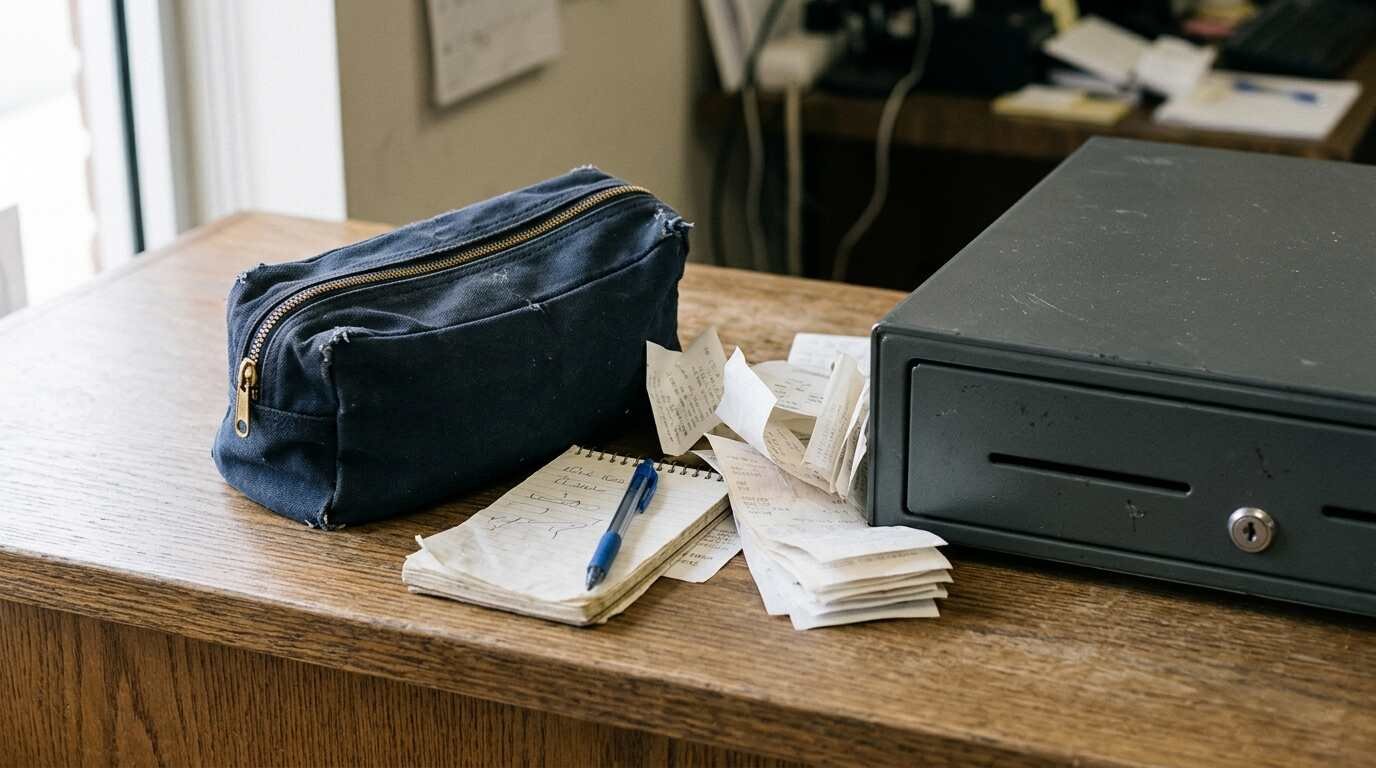
Reconnection is when the losses become visible. Toast tells merchants to check Reports, then Payments, then Payments for entries with a Denied status. Square says declined or failed payments can be viewed after reconnecting, and that refunds can only be issued after a payment has been uploaded. Toast disables its Resync Orders and Resync ALL Data functions while offline to avoid losing stored sales and payments, and its check numbering resumes from where it stopped.
A short review the next morning closes the loop: compare the paper log against the denied and expired payments, contact the guests whose payments failed while the details are fresh, and file the log with the day’s close-out papers. How a restaurant handles a disputed offline sale also touches the checkout experience covered in where small shops lose customers at checkout, since a rushed re-collection at the table is exactly the sort of moment that costs goodwill.
Vendor behavior and limits described here are taken from the support pages fetched and can change; the current settings page for the system in use is the final word.
For informational purposes only — consult a licensed attorney, tax professional or financial advisor.
Sources
- https://doc.toasttab.com/doc/platformguide/platformOfflineMode.html
- https://doc.toasttab.com/doc/platformguide/platformOfflinePaymentsOverview.html
- https://support.toasttab.com/en/article/Prepare-to-Operate-in-Offline-Mode-During-Service-Disruptions-or-Outages
- https://doc.toasttab.com/doc/platformguide/platformOfflineModeLocalSync.html
- https://doc.toasttab.com/doc/platformguide/platformCloseOutDayOverview.html
- https://squareup.com/help/us/en/article/5095-process-offline-payments-with-square
- https://squareup.com/help/us/en/article/8106
- https://squareup.com/us/en/payments/offline-payments-guide
- https://docs.clover.com/docs/handling-offline-payments
- https://www.youtube.com/watch?v=watcrk5O2eU
All pages fetched at the time of writing.