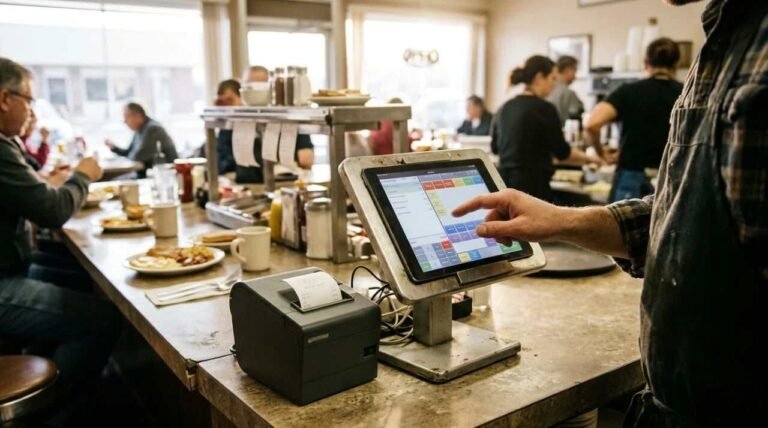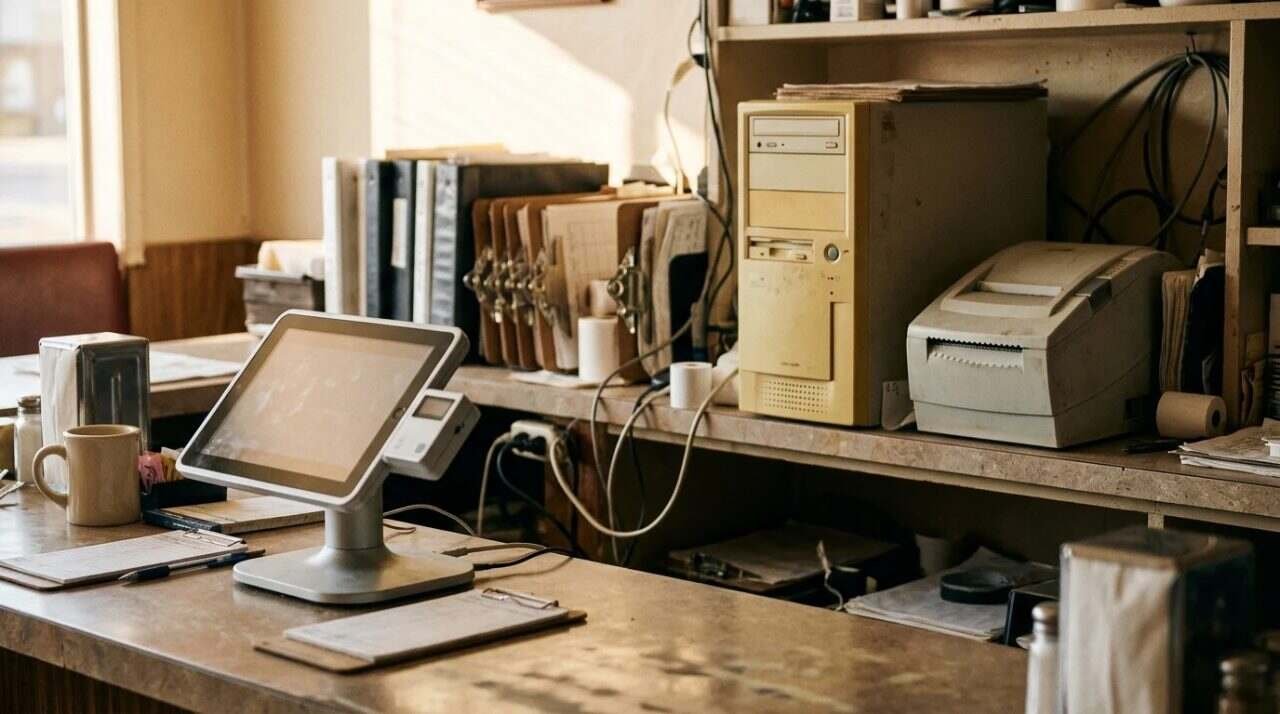
A point-of-sale system is the one machine in a restaurant that every other part of the business touches. Orders go in, tickets go out, money comes back, and the numbers land in a report someone reads at night. Where that machine keeps its brain decides a surprising amount of how the place runs.
The Heritage Diner, the family restaurant in Mount Sinai where I work, ran a server-based system for more than 20 years. We now run a cloud one. I have been on both sides of that switch, as the person who installed server-based systems for other restaurants through Nanos Media and as the person standing at our own counter when the old one stopped keeping up. This post lays out what each kind asks of an owner and why the diner moved.
What a server-based system asks of the owner
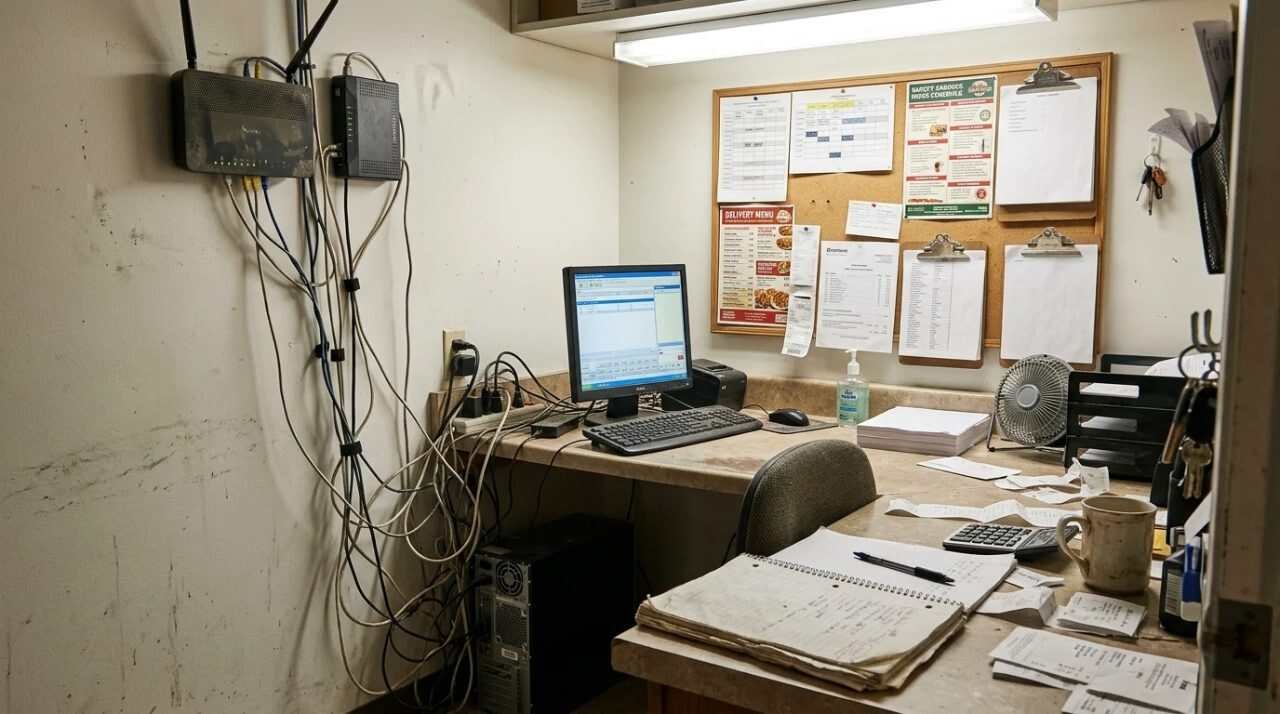
Server-based means the software and the data live on a computer inside the restaurant. The terminals at the counter and in the dining room talk to that machine over a closed network. According to a comparison from North, the data sits on on-premise hardware, and the system does not depend on the internet to keep working.
That is the upside, and it is real. The downside is that the building owns every problem. The same comparison says server-based setups carry large upfront costs for hardware, software and setup, plus ongoing maintenance, and that the company’s own staff do the updates, usually after closing, because terminals can’t be used while it happens. Security works the same way. You control your data, and you carry the responsibility if something goes wrong.
Our Aldelo years fit that description. The license was a low cost, paid once, good for life, with free upgrades. Support was something you bought on top. The server was ours, in our building, and keeping it on our own premises gave us more security than data held somewhere else would have.
What a cloud system asks instead
Cloud-based means the software and data are hosted on remote servers run by the vendor. The North comparison lists the trade plainly: it needs a stable internet connection, it is usually a recurring monthly subscription, setup is generally simple, and the vendor handles updates. Security moves too. The vendor manages encryption and backups, and, in the comparison’s words, “the degree of security that they offer is dependent on the third-party company providing the service.”
Read that last line twice. It is the honest edge of the whole argument. A cloud vendor can run security better than a restaurant with no IT department, and it can run it worse. You are trusting a company you can’t walk into.
Vendors who sell cloud systems answer the common worries one by one. A Toast article on cloud POS myths says cloud data is encrypted right away and stored on a separate secure network, and that many cloud systems have an offline mode that keeps taking orders and syncs when the connection returns. Toast sells a cloud system, so weigh that as a vendor’s case rather than a neutral test. It is still a useful list of what to ask any salesperson.
What the lifetime license did well
The old model has a real appeal, and I won’t pretend otherwise. A license you pay for once does not show up as a monthly line. Free upgrades meant the software kept improving without a new bill. A server in the building meant an internet outage did not take down the dining room, because the terminals were never asking the internet for permission to ring a check.
For a restaurant that mostly sells to people who sit down, order from a server and pay at the table or the register, that was a sound way to run. It served us for two decades. Nothing about the server-based design was a mistake. The world around it changed.
What changed after COVID
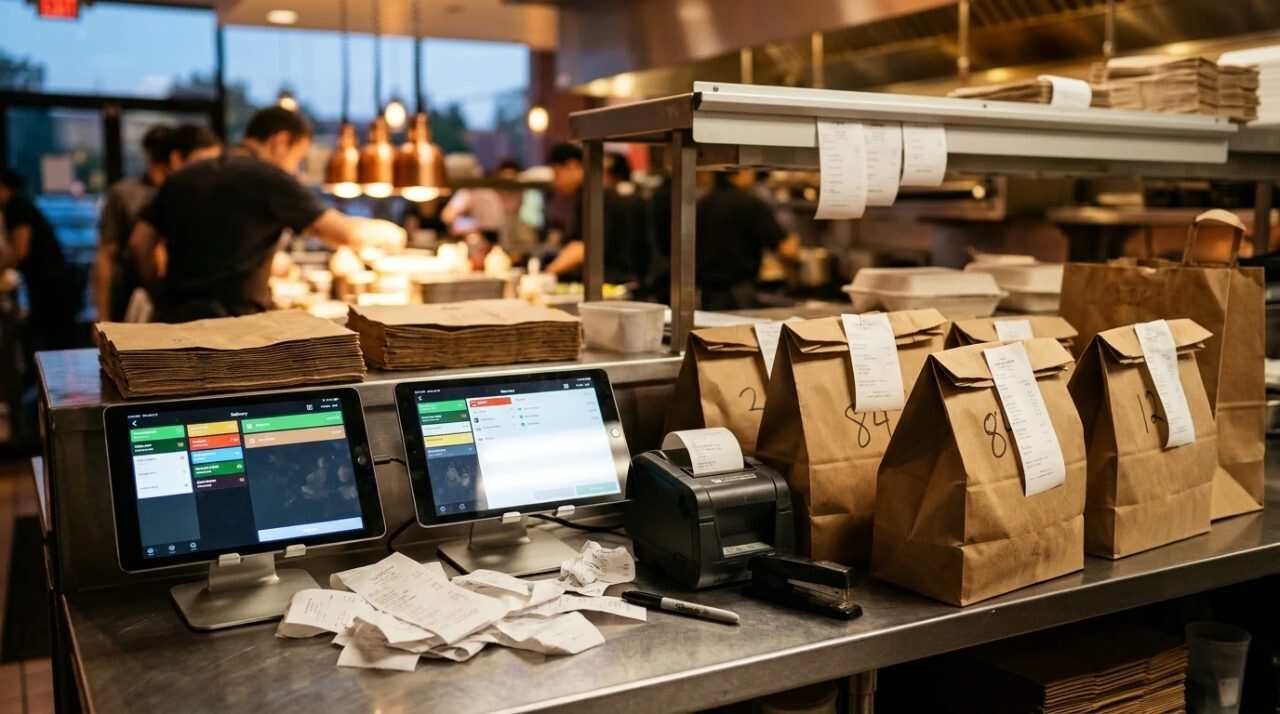
After COVID, DoorDash and Uber became a real share of what came through our door. That was the turning point. Orders no longer arrived only from a customer standing in front of someone. They arrived from apps, on the apps’ schedules, in the apps’ formats.
Aldelo was not good at that. I can’t tell you why in engineering terms, and I won’t guess at them. I can tell you what it looked like from the counter: delivery was becoming part of the business, and the system built for the old business could not take it in cleanly. That is when we moved to Square, a cloud system.
Square was the better option for us. It was not perfect. At that point we still needed tablets on the counter to receive the delivery orders, which meant extra screens, extra hands and one more thing to watch during a rush.
What the move fixed, and what it left behind
Today the picture is different. Square’s restaurant page says it can integrate delivery partners like Uber Eats and DoorDash directly with the POS, and that is how the diner works now. The tablets that existed only to catch delivery orders are no longer the way in. The orders come into the same system as everything else.
The move also changed where the work sits. Under the lifetime license, upgrades came as software we installed on our own machine, and the server was ours to look after. Under a subscription, the vendor handles that, and we pay for it every month instead. Neither is free. One shows up as a purchase and a person’s time, the other as a recurring bill.
What the move did not change is the question of who answers when something breaks. With a server in the building, the answer was us and whoever we paid to support it. With the cloud, the first call is to the vendor, and the internet connection becomes part of the system. A restaurant that moves to the cloud should treat its internet service as part of its kitchen equipment.
The cost side, compared
Money is where the two models look most different on paper and most alike in practice. North’s comparison puts it this way: server-based means a large upfront outlay for hardware, software and setup, plus ongoing maintenance, and the whole system eventually has to be replaced when it becomes outdated. Cloud means a recurring monthly subscription that varies with the size of the business and the services it needs.
Our own history shows both. The license was cheap and one-time, and the support and the server were separate purchases. The subscription is a steady bill that includes the vendor doing the updating. A restaurant comparing the two should line them up over several years, with the server, the support, the staff time for updates and the replacement cycle on one side, and twelve months of fees times the number of years on the other. Whichever comes out lower, the first-year invoice alone will mislead you.
Questions to ask before choosing
I put these to restaurants as a consultant, and I would put them to myself again.
- What share of orders arrives through delivery apps or online, and does the system take those orders directly or through a separate tablet?
- What happens to payments and orders when the internet goes down, and for how long?
- Who does the updates, and when do they happen?
- What is the full price over five years, counting hardware, support and the monthly fee, not only the first invoice?
- Where does the data live, who can reach it, and what does the vendor promise in writing about security?
- If I leave, can I take my menu, sales history and customer data with me?
That last one is the question nobody asks on day one and everybody asks in year six.
Where the diner stands now
The Heritage Diner runs on Square and has since the move after COVID. The lifetime license lost on one point, delivery, and that point was big enough to decide it.
If your restaurant sells almost entirely to people in the room, a server-based system can still make sense, and the North comparison treats it as a reasonable choice for businesses that want control of their own data. If delivery orders are part of your week, the question is how well each system takes them in. Ask for a demo that processes a delivery order from start to finish, and watch how many screens it touches.
For informational purposes only. Product descriptions come from the vendors’ and publishers’ own pages, and features and terms can change, so check them before you buy.
Sources
- North, Cloud-based vs server-based POS terminals: https://north.com/blog/cloud-based-vs-server-based-pos-terminals-what-s-the-difference
- Toast, Restaurant cloud POS myths: https://pos.toasttab.com/blog/restaurant-cloud-pos-myths
- Square, restaurant POS overview: https://squareup.com/us/en/point-of-sale/restaurants
- SalesPlay POS on YouTube, Why Small Businesses Need a Cloud-Based POS System: https://www.youtube.com/watch?v=tZInwOJ88-8