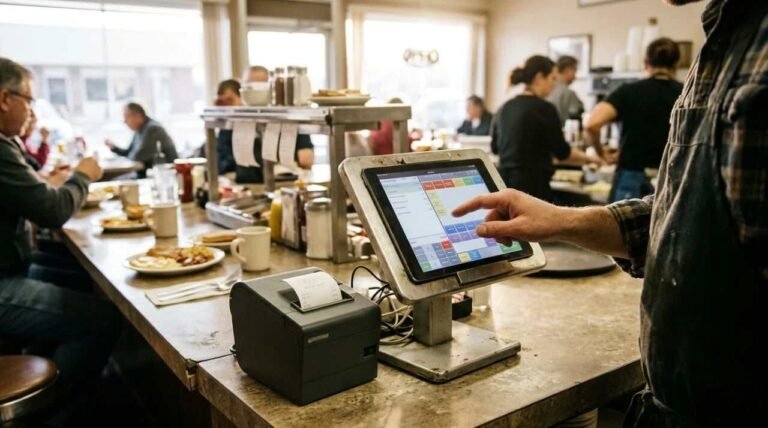
A sales report is a receipt for the whole day, and most people read only the line at the bottom. The Heritage Diner, the family restaurant where I work, runs on Square, and Square publishes what each of its reports contains. This post goes through that published documentation with a restaurant counter in mind. It is not a tour of my own weekly routine, and I am not listing which reports I open or when. Every definition below comes from a Square support page, linked where it is used.
Start with what the report is made of
Square describes its sales summary as a balance-sheet-style view of sales: product sales, discounts and comps, returns, taxes, tips, gift card sales, fees, and total payments collected. You can print it, export it or share it. That list is the whole job of the report. Money came in, some of it was never yours, some of it was given away, and what remains is what the kitchen and the dining room earned.
Three other reports sit beside it on the same Square page. Sales trends compares gross and net sales by day, week and year, along with average sale and order count. Payment methods breaks down what was collected by tender type and card type. Reconciliation, which lives under Accounting in the Dashboard, is described as the report that explains how the amount sent to your bank was calculated, with refunds, partial payments and split deposits taken into account.
That last one matters more than it sounds. If the deposit in the bank looks wrong, the sales summary will not tell you why, because it was never built to. The reconciliation report is the one Square points to for that question.
Gross sales and net sales are two different numbers

On the page about reviewing daily sales for a restaurant, Square defines gross sales as item sales including modifiers and service charges. Net sales is gross sales minus returns and minus discounts and comps. Square’s page on item, category and modifier reports says the same thing in other words: gross is total revenue before discounts and refunds, net is revenue after them.
Why bother with two? Because the gap between them is a number you control, and the number on top is the one that feels good. When a day looks soft, the first question is which of the two moved. If gross held steady and net dropped, the difference went out the door as discounts, comps or returns. If both fell together, fewer people bought. Those are different problems, and they have different people to talk to.
Square also warns that sales summary figures may differ from other reports, such as Payments or Team Sales, because the reports calculate differently and update at different times. The same page says data can take a few minutes to appear. So a mismatch between two reports at 11 p.m. is not automatically an error. Pull the same report for the same window before deciding something is wrong.
Discounts, comps and returns
Square defines discounts as pre-tax reductions applied to a sale. The documentation lumps discounts and comps together with returned sales and what it calls goodwill losses, such as incorrect sales. In plain terms, a comp is the dining room saying sorry in dollars. The register records it, and the report subtracts it from sales.
A single comp tells you almost nothing. A column of them, week after week, tells you where the plates are going wrong or who is generous with the register. The item report can help here, since Square says it can group by discount name and item name, and it exports to CSV or Excel.
One detail is easy to miss. On the sales summary, the returns line covers itemized refunds only. Partial refunds and dollar-amount refunds that are not applied to a specific item show up on their own line, which Square calls refunds by amount, as described on the reports overview page. Add up only the first line and you will undercount what went back to customers.
Items, categories and modifiers
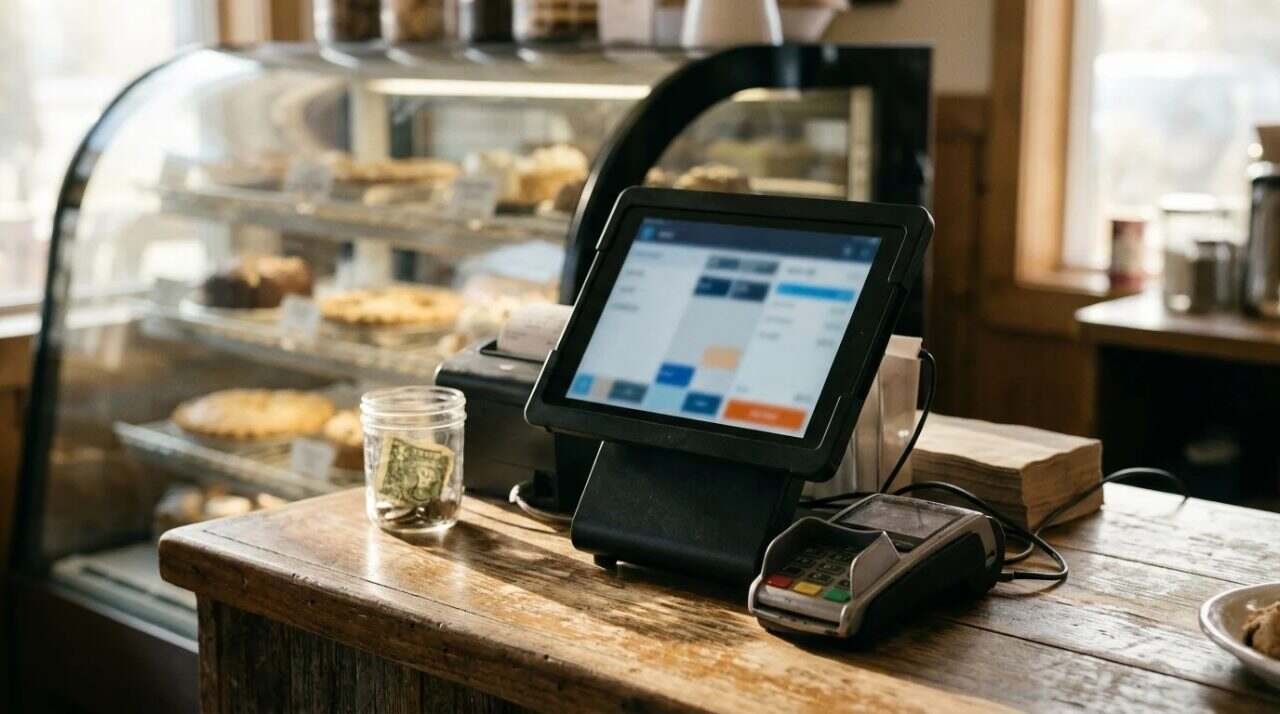
The item sales report lists every catalog item, including archived items and variations, with quantity sold, gross sales and net sales. Category sales shows the top-grossing categories and how many items sold in each. Modifier sales lists the most-used modifiers for the period. Square notes that all three are available only in the Dashboard, not the phone or register app.
Modifiers deserve a second look on a restaurant menu. An egg style, a side swap, an extra of anything: each one is a small decision that rings up a few cents and costs a few more in the kitchen. The report counts them. It does not judge them. Modifiers with negative prices show up as negative revenue in the report, and the total is the net of the positives and the negatives, so a “no cheese” credit will quietly pull the figure down.
The same page describes two more filters that matter once more than one register is ringing. Reports can be displayed by device or device nickname, and to include transactions that came in through the API, you filter by source and select eCommerce integrations. A restaurant that takes orders on a tablet at the counter and through an online ordering link can separate the two, and see which one the sales actually came from.
Both date and location can be set at the top. Square lets you pick a date range, choose all locations or specific ones, and compare by day, week or month. For a single-location restaurant that last option is mostly about comparing this Tuesday against the last four.
Tips, tax and payment methods are not your sales
Tips, per Square, are voluntary gratuities added by customers, and cash tips are excluded because the point-of-sale app does not record them. Taxes appear as the amounts applied at the time of the sale. Neither of those is revenue in the sense an owner means it, and a report that mixes them into one total can make a good day look better than it was.
The payment methods report shows the total collected and the fees by tender type, and splits debit from credit, domestic from international cards, and card brand. It shows the number of payments, the amount, refunds, total fees and the net total. Card fees are a cost of doing business, and this is the one report that lists them next to the money they came from. I wrote more about the payment side in Card payments with Square.
The daily email and the longer view

Square sends a Daily Sales Summary Email after business hours close, with week-over-week and year-over-year comparisons built in. Reading the same email every night builds a sense of what normal looks like, which is the only way an odd number stands out. A Tuesday in February will not look like a Saturday in July, and the comparison to the same week last year is there to say so.
There are limits to know about. The register app keeps limited reporting for the past 90 days, while the Dashboard holds the full history and the comparison charts. Open checks are included in the sales summary by default, and that can be switched off. Reports can also use a custom workweek, which matters if your week does not begin on Sunday or Monday the way the calendar assumes.
Food cost is not on the sales report
A sales report shows what came in. It does not show what the ingredients cost, and no amount of staring at net sales will produce a food cost percentage. That number needs purchases set against sales.
I can say this much from the family restaurant where I work. Before COVID, the Heritage Diner estimated food cost roughly, working from purchasing. Today it tracks food cost much better with Square. I am not going to describe how the diner does it, so nothing here should be read as a method.
For scale, Square’s own article on food cost percentage says average restaurant profit margins run between 10 and 12 percent, which it calls razor-thin. It also cites a National Restaurant Association and Deloitte report that full-service restaurants spend roughly 32 percent of each dollar on food and beverage costs. Those are published averages for the industry, and they say nothing about any one kitchen.
There is one more limit worth keeping in mind. A register report can only describe what the register saw. A plate handed across the counter and never rung in does not exist as far as the report is concerned, and no report setting will fix that.
For informational purposes only. Report names and definitions are taken from Square’s support pages as published and can change, so check them against your own Dashboard. Consult a licensed attorney or financial advisor before relying on any of these figures for tax or financial decisions.
Sources
- Square Support, View sales summary, sales trends and payment methods reports: https://squareup.com/help/us/en/article/5381-in-app-summaries-and-reports
- Square Support, Review daily sales for your restaurant: https://squareup.com/help/us/en/article/8579-review-daily-sales-for-your-restaurant
- Square Support, View item, category and modifiers sales reports: https://squareup.com/help/us/en/article/8363-view-item-category-and-modifiers-sales-reports
- Square, How to Calculate Your Food Cost Percentage: https://squareup.com/us/en/townsquare/food-cost-percentage
- Square on YouTube, Navigate Your Square Dashboard and Locate Reports: https://www.youtube.com/watch?v=aiN8GUxj4h0
- Till Post, Card payments with Square: https://tillpost.com/card-payments-with-square/